

How to Improve B2B Customer Account Onboarding Before It Blocks Online Ordering
A trade customer may be ready to place an order, but still be unable to buy because their account is waiting for approval, missing a required field or linked to the wrong branch. From the customer’s perspective, that is not an internal process issue. It is a blocked buying journey.
Effective B2B ecommerce customer onboarding gives a new account a clear route from application to approved ordering access. It should collect the information your team genuinely needs, route exceptions to the right person and make the customer’s next step obvious throughout the process.
This guide explains how UK trade portal owners and commercial operations managers can improve onboarding without removing sensible controls around account ownership, pricing, credit, delivery locations or delegated ordering.
Why B2B onboarding delays affect more than registration
In a consumer ecommerce journey, registration is often optional. In B2B ecommerce, the account may control pricing, payment terms, product visibility, delivery addresses, branch access and approval rights. That makes onboarding part of the commercial operating model rather than a simple sign-up form.
When the process is unclear or slow, the effects can include:
- Prospective customers abandoning an application before submitting it.
- Sales teams manually chasing information that could have been collected once.
- Approved customers waiting for a separate email before they can order.
- Accounts being created twice in the CRM and trade portal.
- Customers receiving the wrong price list, branch access or delivery options.
- Orders being placed by email because online access is not ready.
The aim is not to approve every account automatically. The aim is to make the route from application to appropriate access visible, proportionate and easier to operate.
Map the complete route to B2B online ordering access
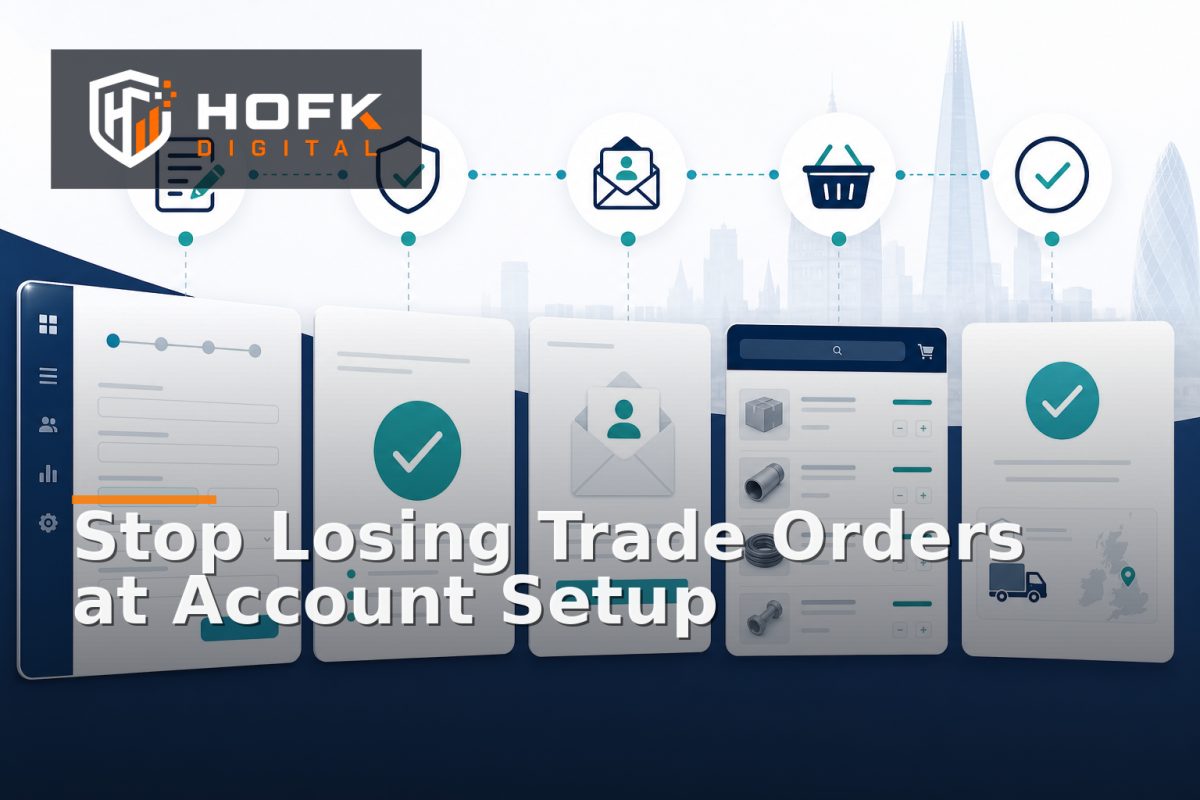
Before changing the form or portal screens, map what happens after a prospective customer submits an application. A typical journey may include:
- Application submitted through the website or trade portal.
- Required business and contact information checked.
- Duplicate account or existing customer record identified.
- Commercial, credit or operational review completed where needed.
- Customer account created or linked to an existing account.
- Pricing, payment terms and delivery settings assigned.
- Portal login or invitation issued.
- Customer signs in and places a first order.
For each stage, record the owner, expected decision, system involved and possible reason for delay. This often exposes a problem hidden behind the phrase “awaiting approval”. The account may actually be waiting for a missing company number, a sales owner, a duplicate check or an account-tier decision.
Separate customer-facing stages from internal statuses
Internal teams may need detailed statuses such as “awaiting credit review” or “duplicate suspected”. Customers usually need clearer messages, such as “We are checking your trade account details” and “We will contact you if we need more information”.
Keep the detailed operational status internally, but translate it into a small number of understandable customer-facing stages. This reduces support queries without hiding the real workflow from your team.
Design the trade portal account setup around useful information
A long application form is not automatically a thorough one. Every field should have a clear purpose in the approval or fulfilment process.
Common information may include:
- Registered business name and trading name.
- Company registration or equivalent business identifier, where relevant.
- Primary contact details and role.
- Billing and delivery locations.
- Requested product categories or services.
- Expected order method or approximate requirements.
- Existing customer, branch or account reference.
- Preferred payment or account terms, subject to review.
Review each field by asking: what decision does this information support? If the answer is unclear, the field may belong in a later sales conversation rather than the first application.
Use conditional fields where they genuinely reduce effort. For example, a branch address section may only be relevant when the applicant selects multi-site ordering. However, test conditional logic carefully so fields do not become unexpectedly required or disappear before submission.
Make customer account approval proportionate to risk
Not every applicant needs the same approval route. A small trade account requesting standard access may need basic verification. A customer requesting credit terms, restricted products or multiple branch users may need a more detailed review.
Create approval routes based on agreed conditions, such as:
- Request for credit or invoice terms.
- High expected order value or unusual commercial requirements.
- Multiple branches or users under one parent account.
- Restricted product categories or delivery locations.
- Existing customer record requiring account linking.
- Information that does not match the submitted business details.
Automation can help check required fields, detect duplicates, assign an owner and send reminders. It should not make unsupported decisions about creditworthiness, contractual terms or unusual commercial exceptions. Those decisions should remain with the appropriate business owners. VERIFY: approval thresholds, credit checks and account terms should be agreed with the relevant commercial and finance stakeholders.
Give applications a clear owner and next action
“Pending approval” is not an owner. Every application should show who is expected to act next and what they need to do.
A practical internal queue might include:
- New application requiring initial review.
- Waiting for applicant information.
- Existing account match required.
- Commercial review required.
- Approved and ready for portal setup.
- Invitation sent and awaiting activation.
- Rejected, declined or closed with a recorded reason.
Each status should have a next action, owner and ageing measure. If an application remains untouched for several working days, the system should make that visible rather than leaving the sales team to remember which inbox contains the request.
Track ageing without inventing universal targets
There is no single correct approval time for every trade business. Your target will depend on account complexity, working hours, credit processes and the information supplied. Start by measuring your current times:
- Application submitted to first review.
- First review to approval decision.
- Approval to portal invitation.
- Invitation to account activation.
- Activation to first online order.
Use this data to identify where the process actually slows down. A short approval decision followed by a two-day delay before login access is issued needs a different fix from an application that arrives incomplete.
Connect approval to the right account and pricing context
An approved login is not enough. The account must receive the correct commercial context when it enters the portal.
Before enabling ordering, confirm that the account is linked to:
- The correct parent company, branch or trading entity.
- The appropriate price list or account tier.
- Approved delivery locations and fulfilment rules.
- Payment terms or checkout restrictions.
- Relevant product visibility and ordering permissions.
- Named users and approval roles, where applicable.
This is where onboarding connects with wider B2B portal configuration. A customer may be technically approved but still unable to order if no price list is assigned or if the account has no permitted delivery address.
HOFK’s guide to checking customer-specific price cache drift covers a related go-live risk. Onboarding teams should make sure the approved account context is correct before testing displayed pricing and basket totals.
Separate approval from account activation
Approval and activation are related but different events. An account can be commercially approved while the user has not yet accepted an invitation or completed their first sign-in.
Keep these states separate so your team can answer clear questions:
- Has the business been approved?
- Has the customer user been invited?
- Has the invitation been accepted?
- Can the user see account pricing?
- Can the user place an order?
If these states are combined, support teams may tell a customer they are approved when their login is still inactive. A clear activation journey should explain what happens next, how long an invitation remains valid and who to contact if the link has expired. VERIFY: invitation expiry, password reset and account activation behaviour will depend on the portal and identity setup.
Test the first order, not only the registration form
The onboarding journey is not complete when the customer can log in. Test the first meaningful action: finding a product, seeing the correct price, adding it to the basket and submitting an order or quote request.
Use test accounts that represent realistic cases:
- New standard trade account.
- Account with customer-specific pricing.
- Parent account with a branch delivery location.
- Account requiring approval before ordering.
- Account that can request a quote but cannot place a direct order.
Compare what the customer sees with what the system stores. Check the product price, basket total, account reference, delivery details and order or quote status. HOFK’s article on testing account-tier pricing and trade-account ordering rules provides a useful related test approach.
Reduce avoidable onboarding support queries
Many support requests are caused by uncertainty rather than a genuine technical failure. Improve the customer-facing journey with clear messages at important points:
- What information is needed to apply.
- What happens after submission.
- Whether approval is required before ordering.
- How long the next review stage normally takes, if you publish a timeframe.
- What to do if the applicant already has an account.
- Who to contact if an invitation or login does not work.
Keep messages factual and avoid promising an approval time the operation cannot consistently meet. If the customer needs to provide more information, show the specific missing item rather than sending them back to start again.
A practical B2B ecommerce customer onboarding checklist
Before changing your onboarding flow, check that:
- The complete route from application to first order is documented.
- Every onboarding stage has an owner and next action.
- Required fields have a clear operational purpose.
- Duplicate account and existing-customer checks are included.
- Approval routes reflect commercial and operational risk.
- Customer-facing statuses are easier to understand than internal codes.
- Approved accounts receive the correct pricing and ordering context.
- Approval, invitation and activation are tracked separately.
- The first order is tested for price, basket, delivery and status accuracy.
- Ageing and unresolved applications are reviewed regularly.
Where HOFK can help
B2B ecommerce customer onboarding often crosses a trade portal, CRM, ERP, pricing service, email automation and internal approval process. HOFK can support with ecommerce, full stack development, automation and responsive portal improvements where those handoffs need to become clearer and more reliable.
The useful work may involve mapping the current onboarding journey, improving account application states, connecting approval data to portal access, validating pricing and ordering permissions, or adding monitoring around applications that stall. The aim is not to remove sensible review. It is to make the route to approved ordering access easier for customers and easier for internal teams to operate.
Conclusion
Strong B2B ecommerce customer onboarding does more than create a login. It connects the trade portal account setup, customer account approval, pricing context, permissions and first online order into one understandable journey.
Start by mapping the route, remove fields that do not support a decision, assign every application an owner, separate approval from activation and test the first order as carefully as the registration form. That gives trade customers a clearer path to B2B online ordering access without weakening the controls your business needs.
If applications are regularly delayed, duplicated or approved without the correct account context, HOFK can help review the workflow and the technical handoffs behind it.
Frequently asked questions
What is B2B ecommerce customer onboarding?
It is the process of collecting, reviewing and approving a business customer’s details before giving them the correct account, pricing and online ordering access.
What should a trade portal account setup include?
It should capture the information needed for account ownership, pricing, delivery, fulfilment and approval decisions, without asking for unnecessary detail at the first stage.
How can customer account approval be made faster?
Define clear approval routes, assign each application an owner, validate required fields early, identify duplicate accounts and automate reminders for stalled applications.
Should approval and portal activation be separate?
Usually, yes. Commercial approval confirms the account can be accepted, while activation confirms that the customer has an active login and the correct ability to order.
How do I test B2B online ordering access after onboarding?
Use representative test accounts and check login, account pricing, product visibility, basket totals, delivery options and the final order or quote status.