

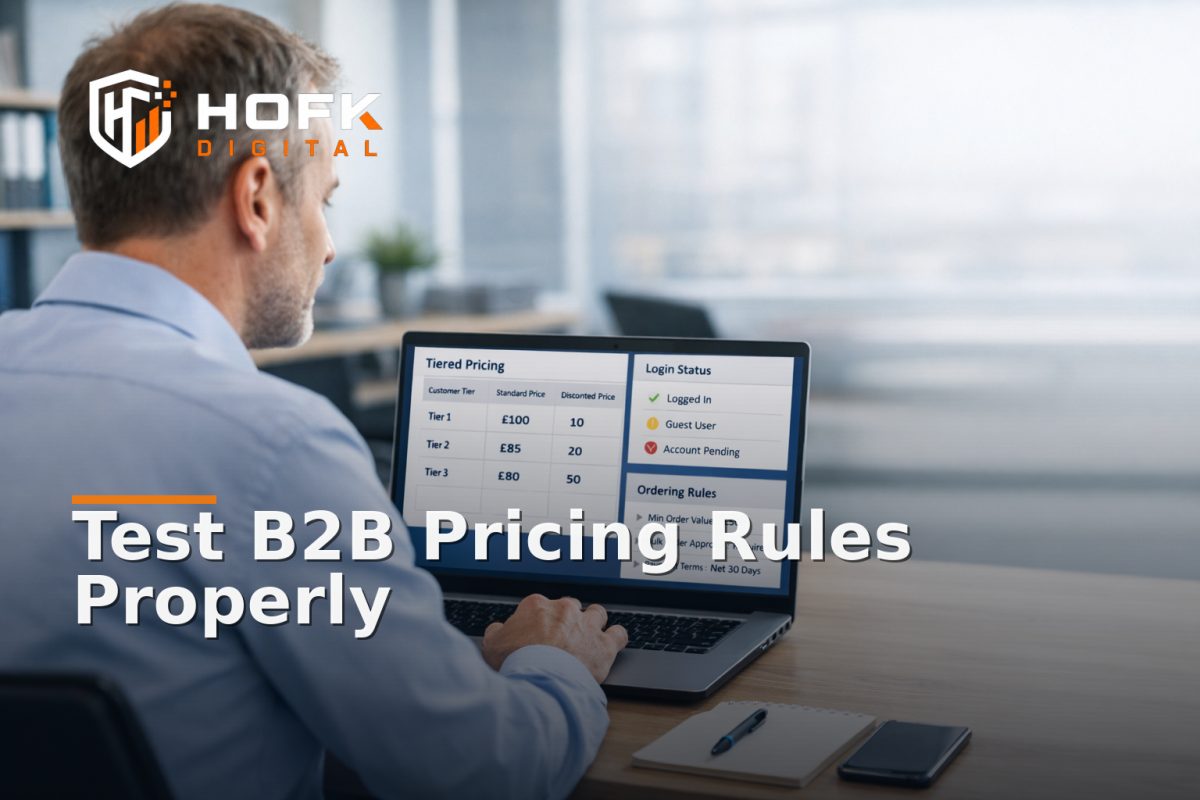
How to Test Account-Tier Pricing and Trade-Account Ordering Rules on a B2B Ecommerce Portal
When a B2B ecommerce portal goes live with the wrong pricing tier, the wrong visibility rules or the wrong ordering permissions, the failure is rarely obvious in one place. A guest may see public prices, a logged-in trade customer may see the wrong discount, and a manager may be able to place an order that should have required approval. By the time someone notices, the portal may already be affecting quotes, orders and customer trust.
That is why testing account-tier pricing and trade-account ordering rules needs to be more specific than a general QA pass. You are not just checking whether pages load. You are checking whether the portal behaves correctly for each account type, each login state and each commercial rule that controls what customers can see or buy.
This guide is for UK hire desk teams, rental operations managers, B2B ecommerce owners and trade portal managers who need a practical way to test customer-specific pricing, account-based visibility and approval-driven ordering before launch. It focuses on one operational problem: how to prove the portal is pricing and routing orders correctly for the right customers.
Start with the commercial rules, not the screens
Before testing any page, write down the rules the portal is supposed to enforce. If the business cannot explain the rule clearly, the portal cannot be tested clearly either.
For most B2B setups, the rules fall into a few groups:
- Account-tier pricing - different price bands for different customer types, such as standard trade, approved reseller, managed account or contract customer.
- Login-based visibility - products, stock messages, documents or price lists only appearing once the customer is authenticated.
- Ordering permissions - whether the account can place orders directly, request approval, order only certain lines, or submit quote requests instead.
- Commercial exceptions - items that require manual approval, minimum order quantities, or location-specific terms.
If those rules are spread across the CMS, ERP, ecommerce platform and middleware, the portal may appear fine while the logic is still inconsistent. Testing needs to follow the rule, not just the page.
Build a live test matrix for each account type
A single happy-path test is not enough. A useful portal test matrix compares how the same product, basket and checkout flow behaves across different accounts and login states.
At minimum, test these combinations:
- Logged out visitor
- New trade applicant awaiting approval
- Approved standard trade account
- High-tier or contract account
- Account with restricted ordering permissions
- Account that must request a quote rather than place an order
Then test the same core journey for each one:
- View product list or category page.
- Check the visible price.
- Open the product detail page.
- Add the item to basket or quote.
- Apply any account-specific terms.
- Attempt to proceed to order submission.
- Check the confirmation, approval or rejection state.
This approach is especially useful when the portal supports account-based ordering across multiple customer groups. The point is to verify that the same product behaves differently only where it should, and identically where it must.
Check customer-specific pricing at every visible layer
Pricing in a B2B portal can live in several places at once. You may have one price in the ERP, another in the feed, another on the product page and another in the basket. That is why pricing QA should compare every layer the customer can see.
1. Category and listing pages
First check whether the correct customer-specific pricing appears on category listings or trade catalogues. If a logged-in account sees the wrong tier here, the problem is already visible before they even reach the product page.
2. Product detail pages
Confirm the product page shows the correct tier, price unit, VAT presentation and any volume break information. If the portal supports tiered pricing, the display should clearly indicate whether the price changes by account, quantity or contract.
3. Basket and checkout or order review
Then check whether the basket preserves the same commercial view. This is where incorrect rounding, stale sessions or hidden overrides often show up. A basket that reverts to a default price band is a common failure mode.
4. Quote or approval path
If the account cannot order directly, test what happens when it submits a request. The quote or approval record should carry the same tier, price logic and product scope as the portal view.
Where price lists are managed separately for trade portal customers, be careful not to assume the display layer is enough. The portal may render the correct number while the downstream order still uses a default value. That is why the test needs to include both screen output and order record.
Test the login state, not just the login page
In a B2B ecommerce portal, login state is not just authentication. It is also a commercial context. The moment a customer signs in, the portal should know who they are, what they are allowed to see and which pricing rules apply.
For this reason, test the state transitions carefully:
- Logged out to logged in
- Logged in to session timeout
- Logged in on desktop, then re-opened on mobile
- Approved account after password reset
- Same account after browser refresh or back-button use
Each transition can expose a different failure. For example, the portal may cache the logged-out price, lose the trade tier after refresh, or retain a stale basket state when the user returns later. If pricing and permissions rely on session data, those transitions matter.
Test ordering permissions as a separate layer
Many teams check pricing and assume ordering is fine, but the rules are often different. A customer may be allowed to view a price and still be blocked from ordering the item. Another account may be able to place a direct order up to a threshold and then switch to quote-only mode.
When testing ordering permissions, ask:
- Can this account place a direct order?
- Can it order every product in the catalogue?
- Are some items quote-only or approval-only?
- Does the portal explain the restriction clearly?
- Does the basket block or reroute the order at the right point?
For hire desk teams and rental operations, this is often where the most important logic sits. A portal may need to allow account-based ordering for consumables, but route equipment, controlled items or high-value lines through approval. If the portal behaves inconsistently here, the risk is operational as well as commercial.
Use real test accounts with distinct permissions
Do not rely on one admin account that can see everything. A proper test matrix needs real or realistic accounts that match the commercial setup.
At minimum, create or use test accounts that represent:
- A standard trade customer
- A high-tier account with negotiated pricing
- A restricted account with ordering limits
- A quote-only or approval-only account
- A customer with multiple branches or users under one account
Then check whether each account is seeing the right prices, stock rules, order controls and account-specific terms. If the portal supports branch-level permissions, that should be tested too. One user may be allowed to view prices while another user on the same account is allowed to order.
Where the portal serves multiple internal approvers, also test manager overrides, delegated permissions and user-role changes. Those are common places for rule drift.
Test approval workflows before they matter in production
If an order needs approval, the approval flow should be tested like a real process, not a hypothetical one. This includes the full chain from submission to decision.
Check that the portal:
- Creates the correct request record
- Passes the account tier and pricing context through correctly
- Notifies the right approver or team
- Shows the right pending state to the customer
- Updates the order only when approval is granted
- Handles rejection or amendment cleanly
If a request is approved but the final order still uses the wrong price band, the commercial logic has broken somewhere between the approval screen and the order system. That is not a display issue; it is a handoff issue.
Test the edge cases that usually break trade portal logic
The failures that matter most are often the awkward ones. A portal can pass the happy path and still fail when the customer uses a less common route.
Useful edge cases include:
- Switching between logged-out and logged-in states mid-journey
- Adding items before login, then logging in later
- Changing quantity after a tiered price has been applied
- Using browser back after an approval step
- Opening the portal on mobile and desktop with the same account
- Refreshing the basket or order page after session expiry
These tests are important because trade portals often mix product data, session state and account permissions. If one layer resets while another layer stays cached, the customer can see one thing and the system can process another.
Compare what the user sees with what the system stores
For any B2B ecommerce portal, the test is not complete until the visible price and the stored order data are compared. A screen that looks correct but writes the wrong price to the back end is a commercial error, not a cosmetic one.
For each test account, record:
- Visible list price
- Visible product page price
- Basket price
- Order or quote total
- Approval status, if relevant
- Any account-specific reference or tier label
Then compare those values with the order export, admin view or ERP record. If they do not match, decide where the mismatch first appears. That tells you whether the problem sits in the pricing engine, the front end, the basket session or the workflow handoff.
Know when to test at the data layer, not just the UI
Some B2B portal issues are visible only on the screen. Others sit in the data path behind it. If the same customer-specific pricing issue keeps returning, you may need to test the feed, API or account rules directly.
Typical signs that you need a deeper check include:
- The UI shows the right tier, but the order export does not
- The price changes after refresh without a user action
- Two users on the same account see different price states unexpectedly
- Approval rules are applied in one route but not another
That is where practical full stack development support can help. If the portal logic spans multiple systems, the test has to follow the actual data flow rather than just the page flow.
A simple test sequence for launch or release day
If you need a repeatable method, use this sequence for each major account tier:
- Open the portal logged out and record the public view.
- Log in with the test account and check the price tier changes.
- Open a product page and confirm the correct account-specific price.
- Add the item to basket or request a quote.
- Check whether ordering is allowed, restricted or approval-based.
- Complete the order or approval route.
- Compare the visible totals with the stored records.
- Repeat the same journey on a second browser or device.
That sequence is deliberately narrow. It is not a broad QA checklist. It is a way to prove that the commercial rules behind the portal are actually working for each account type.
How HOFK fits
HOFK works across B2B ecommerce portals, full stack development, ecommerce support, responsive websites and operational workflows. In projects like this, the useful work is often not just styling or a simple bug fix. It is understanding where pricing, permissions and ordering rules intersect, then making the portal easier to test and easier to trust.
That can include checking the account logic, comparing front-end and back-end pricing states, validating approval flows, or building cleaner test routes for trade customers. For hire desk teams and rental operations, the same approach can apply where quote-to-order workflows need account-aware rules and controlled ordering behaviour. If the portal is supposed to behave differently for different customers, the test process has to be different too.
Conclusion
Testing a B2B ecommerce portal properly means checking more than whether pages load. You need to prove that customer-specific pricing, login-based visibility and account-based ordering all behave correctly for each tier, each session state and each approval path. A live test matrix is the safest way to do that because it exposes where the portal is correct, where it is inconsistent and where the logic needs technical review.
For UK trade portals, hire desks and rental teams, the goal is simple: make sure the right account sees the right price, can use the right ordering path and cannot bypass the rules that protect the business. If you need help making that flow easier to test or more reliable in production, HOFK can support with full stack development, ecommerce support and the operational detail behind more controlled portals.
Frequently asked questions
What should I test first in a B2B ecommerce portal?
Start with the logged-out view, then test each account tier in turn. Check the list price, product price, basket total and order result for each one.
Why is customer-specific pricing difficult to test?
Because the price can be generated in several places at once: the ERP, the feed, the product page, the basket and the order export. All of those need to match.
Should ordering permissions be tested separately from pricing?
Yes. An account may be allowed to see a price but still be blocked from ordering, or may need approval before a request becomes an order.
What is the best way to test account-based ordering?
Use real or realistic test accounts with different permissions and run the same journey for each one. Compare what the user sees with what the system stores.
When should a developer review the portal?
If the UI looks correct but the stored order, quote or approval data is wrong, the issue is likely in the underlying pricing or workflow logic and needs technical review.