

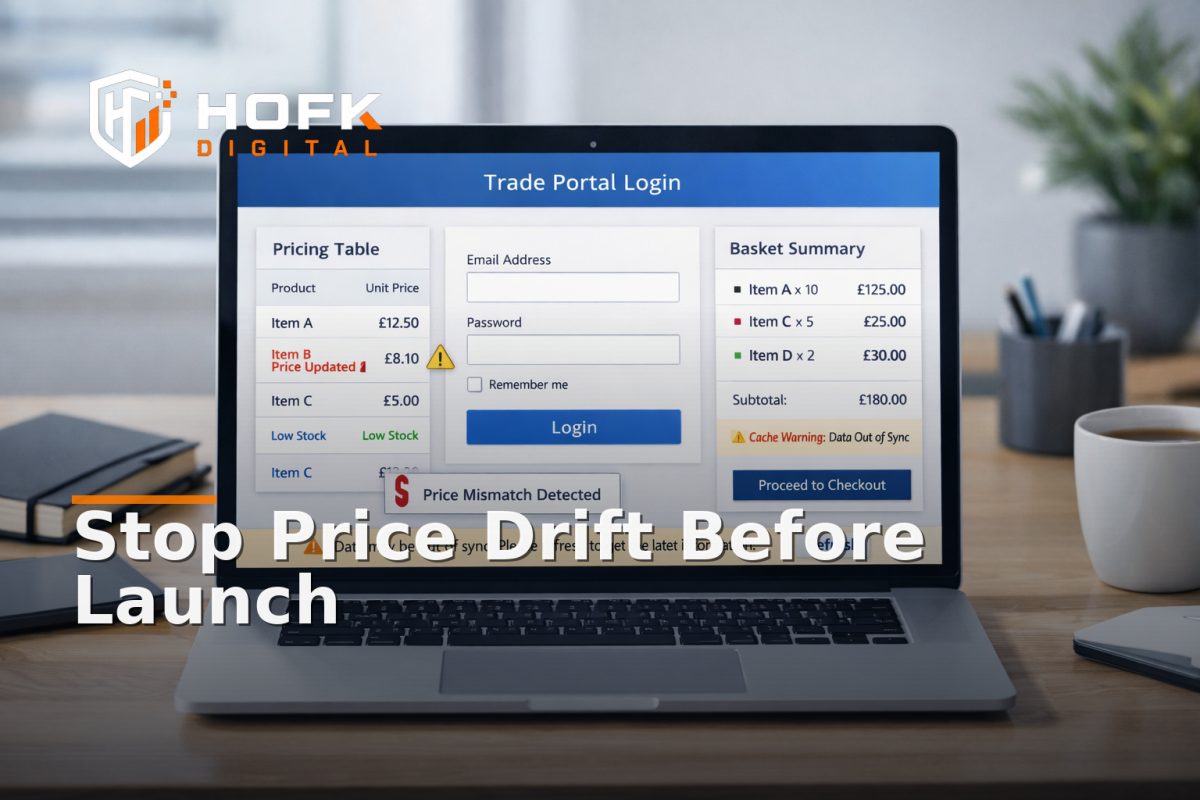
How to Check for Customer-Specific Price Cache Drift in a B2B Ecommerce Portal Before Go-Live
When a B2B ecommerce portal goes live, the most awkward pricing bugs are often the quiet ones. A logged-out visitor sees one price, a trade customer sees another, the basket flips after refresh, or the ERP sends a different value from the one on the screen. By the time anyone notices, the portal may already be showing the wrong price to the wrong account.
That is why checking for customer-specific price cache drift should be a separate pre-launch task, not part of a general QA sweep. You are not only asking whether the price is correct. You are asking whether that price stays correct after login, after a browser refresh, after adding to basket, and after the portal rehydrates its cached state.
This guide is for UK ecommerce managers, founders, trade portal owners and operations leads who need to validate account-based pricing before go-live. The focus is deliberately narrow: one failure mode, customer-specific price cache drift, and the checks that expose it before it affects trading.
What price cache drift looks like in a B2B portal
Price cache drift happens when the portal shows an out-of-date or wrong price because it is holding onto a previous state for too long. In a trade portal, that often means a price that belongs to one account tier, one product state or one session context appearing for another.
You might see:
- a logged-in customer still seeing guest pricing after authentication
- a customer-specific discount disappearing after browser refresh
- the basket showing a cached base price instead of the account rate
- a product page updating correctly, but the mini-basket lagging behind
- the ERP or price service sending the correct value, while the front end keeps an older one
That is why this problem is different from a generic pricing error. The number may be right in one place and wrong in another. The issue is the state layer, not just the number itself.
Start with one account tier and one product path
Do not try to test every rule at once. The safest approach is to pick one customer tier and one high-value product path, then prove that the price stays stable through the journey.
A useful starting point is:
- one guest view
- one approved trade account
- one negotiated-price account
- one product with a clear customer-specific price
Then test the same path from product page to basket to checkout or quote request. If the price changes unexpectedly at any point, you have found the drift layer. That is much easier to debug than trying to inspect every account rule in one pass.
How to check a B2B ecommerce portal for price drift
1. Compare logged-out and logged-in views
First, open the product page as a logged-out visitor and note the displayed price. Then log in using a test trade account and check whether the page updates cleanly to the correct account-based pricing.
Ask three questions:
- Does the visible price change after login?
- Does the page update immediately or only after a refresh?
- Does the price shown on the listing page match the product page?
If the portal needs a refresh to show the right number, that is already a warning sign. A B2B portal should not rely on the user to force the state to catch up.
2. Refresh the page and watch what survives
Browser refresh is one of the easiest ways to expose cache drift. After logging in and confirming the correct price, refresh the product page and then the basket if there is one.
Check whether:
- the account-specific pricing remains visible
- the portal briefly shows guest pricing before correcting itself
- the basket total changes without a user action
- the portal reverts to a stale cached value from the previous session
If the price only appears correct until the next refresh, the cache policy is too loose. That can be a front-end cache issue, a session issue or a data handoff issue depending on the implementation.
3. Test basket and mini-basket state separately
Many portals update the product page correctly but lag in the basket summary. That creates confusion because the user sees one value in the page and another in the basket drawer or header.
For account-based pricing, check both:
- the main basket or cart page
- the mini-basket or sticky basket summary
Do not assume they are using the same pricing source. In some builds, the mini-basket is rendered from cached session data while the product page pulls a fresh account price. If those two views disagree, the portal is not ready.
4. Compare the portal price with the ERP or pricing source
If your pricing comes from an ERP, PIM, pricing service or middleware, compare the live portal price with the source of truth. You are checking whether the portal has preserved the price that the commercial system intended.
This matters most when the customer-specific price is:
- tiered by account group
- overridden by negotiated contract
- conditioned by quantity or volume band
- limited to certain products or categories
If the source system and portal disagree, the bug could be in the sync, the cache, the API response or the way the front end stores state. That is why this is not just a display issue.
5. Test one price change and one quantity change
Customer-specific pricing can drift when the user changes quantity, variant or product option. A price that looks right at quantity one may fail at quantity two or at a different pack size.
Run two simple tests:
- Change the quantity and confirm the unit price and line total still follow the account rule.
- Change to a different variant or pack and confirm the pricing model updates as expected.
This is especially important where price breaks or login-based pricing depend on basket content. A portal may appear correct on a single SKU and still fail once the user builds a real order.
Why cache drift happens in trade portals
In most cases, price drift is not caused by one big fault. It is caused by several small decisions that made sense separately.
Common causes include:
- the portal caching a price before login state is resolved
- the browser keeping an old price after session renewal
- the mini-basket using a different pricing source from the product page
- the API returning the right number, but the front end not re-rendering it
- the ERP or middleware updating correctly, while the portal keeps a stale copy
That is why a login-based pricing test needs to be treated like a state test. The question is not only whether the number exists. It is whether the right account sees the right number at the right moment, every time.
Build a short pre-launch test sequence
If you need a repeatable method, use this sequence before go-live:
- Open the portal logged out and record the public price.
- Log in with a test trade account and check the price change.
- Refresh the page and confirm the account-specific price remains.
- Add the product to basket and confirm the basket total matches.
- Change quantity or variant and check the pricing logic again.
- Compare the portal, the basket and the ERP or pricing source.
- Repeat on a second browser or device if possible.
If any step produces a mismatch, note exactly where it first appears. That tells you whether the issue is in the login state, the cache layer, the basket rendering or the pricing source itself.
What to log when price drift appears
When you find a mismatch, capture enough detail for a developer or operations lead to reproduce it quickly.
Record:
- account tier
- product or SKU
- logged-out price
- logged-in price
- basket price
- source system price
- browser and device
- step where the mismatch first appeared
That makes it much easier to decide whether the portal needs a cache fix, a front-end update or a pricing sync review.
Common warning signs the portal is not ready
Some symptoms are strong indicators that customer-specific price cache drift is still present:
- prices update only after a manual refresh
- the basket uses a different source from the product page
- guest pricing flashes before the account rate appears
- different users on the same tier see different values
- the ERP and portal disagree after a sync cycle
If more than one of these is happening, do not treat it as a minor UI issue. It is a release risk. A trade account owner will not care whether the problem is in cache, session handling or the template. They will only care that the portal showed the wrong price.
How HOFK approaches this kind of check
HOFK works with ecommerce teams that need their portals, pricing rules and operational workflows to stay aligned. In practice, that often means checking where the pricing state begins to drift: the ERP, the API, the cache layer, the front end or the basket handoff.
That can sit alongside full stack development, ecommerce support and trade portal work, especially where account-based pricing, approvals or quote-to-order workflows need to behave predictably. The useful work is usually not just fixing one display problem. It is making the whole path from login to basket easier to trust.
Conclusion
If you are preparing a B2B ecommerce portal for launch, do not stop at checking whether the right customer-specific price exists somewhere in the stack. Check whether it survives login, refresh, basket changes and source-system comparison without drifting.
That is the practical way to catch customer-specific price cache drift before it reaches live users. For UK trade portals, the goal is simple: the right account should see the right price, and that price should stay right until the order is complete. If your portal needs a tighter technical review before go-live, HOFK can help with ecommerce, full stack development and the implementation detail behind cleaner account-based pricing.
Suggested next step: choose one account tier, one SKU and one basket path, then test the price across login, refresh and basket updates before the next release.
VERIFY: exact cache behaviour, sync timing and price-source precedence will vary by platform, middleware and ERP setup.
Frequently asked questions
What is customer-specific price cache drift?
It is when a B2B portal shows the wrong price because a cached value is not updating correctly for the logged-in account, basket or product state.
What should I test first in a B2B ecommerce portal?
Start with one guest view and one approved trade account. Compare the price before login, after login and after a browser refresh.
Why does the basket sometimes show a different price from the product page?
That usually means the basket and product page are pulling price data from different sources or at different times.
How do I know whether the issue is in the ERP or the portal?
Compare the portal price, basket price and source-system price for the same SKU. The first point where they differ usually shows where the drift begins.
Should I test pricing on mobile as well?
Yes. Responsive behaviour can expose different cache, session or rendering issues on mobile compared with desktop.