

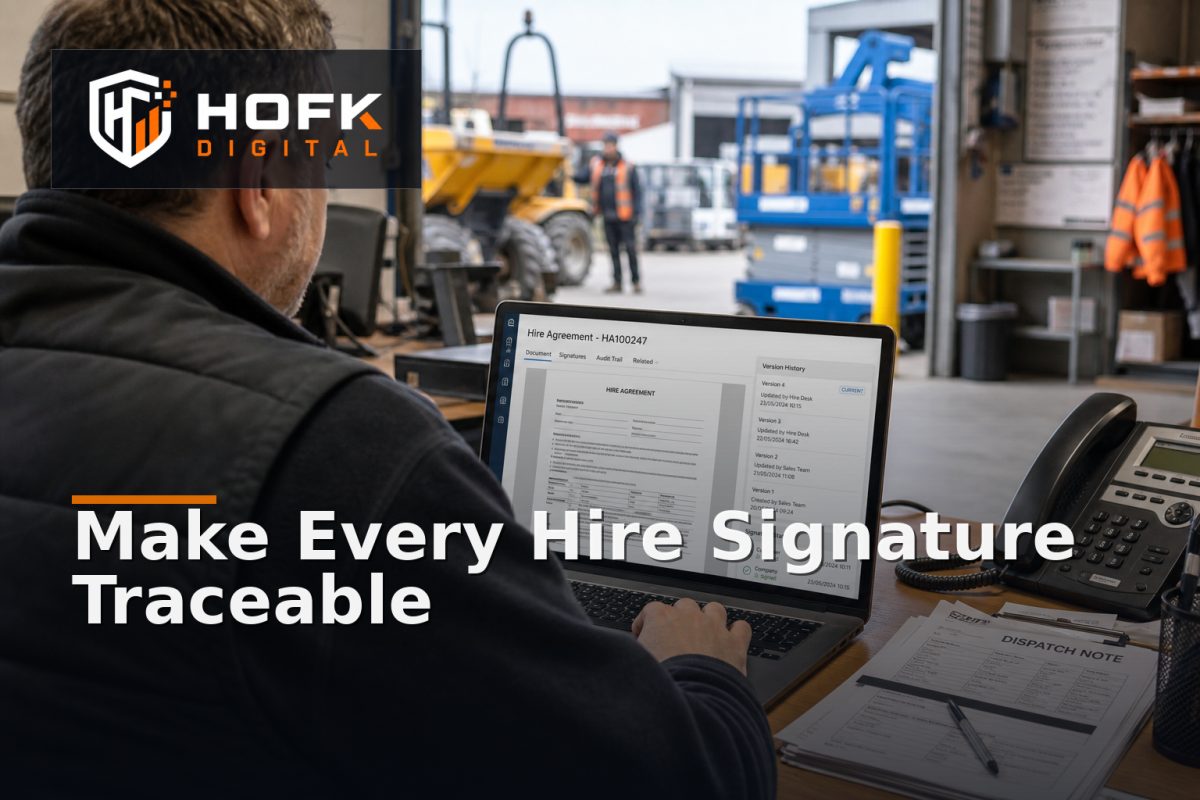
How to Build an Equipment Hire Contract Workflow That Protects the Audit Trail
A hire can be commercially agreed while the paperwork remains unclear. The customer may have accepted a quote by email, a revised PDF may have been sent later, and the depot may be working from a printed document that does not match the version stored in the hire system.
This is where an equipment hire contract workflow becomes important. It should connect the accepted commercial terms, the exact contract version, the customer’s signature, the people involved and the operational record used for dispatch. The objective is not simply to collect an electronic signature. It is to preserve enough evidence to explain what was agreed and which document the business relied on.
This guide is for UK hire desk managers and operations leads. It covers workflow design, document control, rental agreement e-signature, customer identity, audit events and the handoff from signed contract to booking and dispatch. It is not legal advice. VERIFY the appropriate contract wording, signature method, retention period and data-handling requirements with your legal and compliance advisers.
What an equipment hire contract workflow should prove
A completed hire record should allow the business to answer several practical questions:
- Which customer or account accepted the hire?
- Which equipment, dates, rates and conditions were included?
- Which version of the contract was presented?
- Who signed, in what role and when?
- Was the document changed after it was signed?
- Did the signed contract create or release the correct booking?
- Which document did the depot and finance teams rely on?
The workflow does not need to make every hire complicated. Routine hires can follow a short route. Higher-value, unusual or operationally sensitive hires may need additional approval. The important point is that the document state and the operational state should remain understandable.
Separate quote, contract and booking records
A quote, contract and booking are related, but they are not the same record.
- Quote: the commercial proposal, which may be revised before acceptance.
- Contract: the specific terms presented for customer acceptance.
- Booking: the operational record used to reserve, prepare and dispatch equipment.
Keeping these concepts separate prevents a later edit to the quote from changing the history of an already signed agreement. The booking should retain a reference to the accepted contract version rather than relying on the latest quote screen.
HOFK’s guidance on hire quotation revision control covers how to manage changing commercial proposals. The contract workflow should begin once the business has enough certainty to issue controlled terms for acceptance.
Create an immutable contract snapshot
When a contract is sent for signature, save the exact document or structured snapshot that the customer saw. Do not generate the historical version dynamically from current product, price or policy data.
A contract snapshot should preserve:
- Quote and contract reference
- Version number
- Customer and account details
- Equipment type, asset or asset-pool reference
- Hire start and expected return dates
- Rates, deposits, delivery and collection charges
- Additional conditions and exclusions
- Document creation and issue timestamps
- Template or terms version used
If the business later changes its standard terms, old signed contracts should remain connected to the version that was accepted. This is a core part of practical equipment hire document management.
Define contract states before choosing the signature tool
A signature platform may provide statuses, but the hire desk still needs business states that explain what happens next. A useful lifecycle might include:
- Draft contract
- Internal review required
- Ready for customer signature
- Sent
- Viewed
- Partially signed, where more than one signature is required
- Signed and awaiting operational checks
- Expired or withdrawn
- Rejected or queried
- Converted to booking
- Cancelled after acceptance
Keep signature status separate from booking status. A customer may sign successfully while the asset still needs an availability or compliance check. Conversely, a booking may exist internally while the contract is still awaiting customer acceptance.
HOFK’s article on connecting enquiry, approval and order provides related guidance on keeping commercial and operational states distinct.
Design a dependable rental agreement e-signature route
A rental agreement e-signature process should make the customer’s action clear without hiding the document context. The signing page should show the relevant contract reference, customer identity, key commercial details and what will happen after acceptance.
Before sending the agreement, confirm:
- The recipient is the intended customer contact.
- The email address or user account is linked to the correct customer record.
- The document is the approved version.
- Required internal approvals are complete.
- The hire dates and equipment details are still valid.
- The signing link has an appropriate expiry or withdrawal process.
Do not assume that sending an email proves that the right person accepted the terms. The level of identity assurance needed will depend on the hire value, customer relationship, contract wording and risk. VERIFY the suitable signing and authentication approach for your business.
Record signer identity and audit events
The signature image or tick box is only one part of the record. Preserve the events around it so the business can reconstruct the journey later.
Useful audit events include:
- Contract created and by whom
- Contract approved internally
- Contract issued to a named recipient
- Document viewed
- Signature completed
- Signature declined or queried
- Reminder sent
- Contract withdrawn or expired
- Signed document downloaded or archived
- Booking created from the accepted version
Where the signature provider supplies timestamps, recipient details, authentication information or a document integrity reference, retain those details in the appropriate system. Avoid storing unnecessary personal information in open notes. Access should be limited according to the sensitivity of the contract and customer data.
Prevent post-signature changes
Once a contract has been signed, editing the same record directly creates ambiguity. If a customer requests a change to dates, equipment, price or delivery, create a new contract version or amendment route.
The new version should show:
- What changed from the signed version
- Who requested the change
- Whether fresh internal approval is required
- Whether the customer must sign again
- Which previous version it replaces or supplements
The accepted booking should identify the final contract or amendment version used. This is different from simply attaching the latest PDF to an order, because the history should show how the agreement developed.
Connect signature completion to availability and dispatch
A signed contract should not automatically bypass operational checks. Before releasing a hire to dispatch, confirm that the signed terms still align with the operational record.
Check:
- The equipment or approved substitute is still available.
- The customer, site and delivery details are complete.
- The agreed dates fit the asset schedule and preparation window.
- Any required deposit or payment condition is satisfied.
- Relevant inspection or compliance records are current.
- The depot has access to the accepted contract version.
HOFK’s guide to preventing hire fleet reservation conflicts covers the importance of rechecking availability before commitment. The contract workflow should trigger or support that check, not replace it.
Make the hire paperwork process usable for the depot
Good document control is not achieved if depot staff cannot find the right paperwork quickly. The internal view should show the contract reference, customer, hire dates, equipment reference, signature state and the next action.
Decide how the team will access the document:
- Secure link from the booking record
- Downloadable PDF with a stable file reference
- Printed copy for a controlled handover where necessary
- Mobile-friendly access for delivery or collection teams
Do not rely on staff searching email for the signed document. The booking, dispatch record and contract should be connected through stable references.
Test realistic contract and signature scenarios
Before launch, test more than one successful signature. Include:
- Customer signs the correct contract version.
- Customer opens the link but does not sign.
- Customer rejects the terms and adds a query.
- Contract expires before signing.
- Customer requests a date or equipment change.
- Two internal users approve the same hire.
- Signed contract creates a booking once, not twice.
- Availability changes between issue and signature.
- Contract is signed on a mobile device.
- Signed document is available to the depot and finance teams.
For every test, compare the customer-facing journey with the contract record, signature provider, booking system and dispatch view. A technically successful signature is not enough if the wrong version reaches operations.
Use exception reporting after launch
Once live, monitor the exceptions that indicate the process is weakening. Useful measures include:
- Contracts awaiting signature beyond the expected period
- Expired or withdrawn contracts
- Bookings created without the required contract reference
- Contracts amended after signature
- Manual document uploads or overrides
- Signed contracts that cannot be matched to a booking
- Dispatches waiting for missing paperwork
These measures should lead to a decision. A high number of expired contracts may indicate unclear customer communication. Repeated manual uploads may show that the integration is incomplete. Contracts signed on mobile but not reaching the booking system may indicate a handoff problem.
Equipment hire contract workflow checklist
- Quotes, contracts and bookings are separate but linked records.
- Every issued contract has a stable reference and version.
- The signed document is preserved as an immutable snapshot.
- Signer identity and key audit events are recorded.
- Material changes create a new version or amendment.
- Signature completion does not bypass availability or operational checks.
- The depot can access the accepted contract quickly.
- Duplicate booking creation is prevented.
- Mobile signing and rejection scenarios have been tested.
- Unmatched, expired and manually overridden contracts are monitored.
Where HOFK can help
An equipment hire contract workflow can cross hire software, customer accounts, document storage, e-signature services, asset availability, payment records, dispatch and finance. HOFK can help map those handoffs, improve the responsive customer journey or build the full stack logic behind clearer contract and booking states.
Relevant support may include full stack development, ecommerce support, automation and monitoring. The aim is not to add signatures for their own sake. It is to give the hire desk and operations team a dependable record of what was agreed, by whom and what happened next.
Conclusion
A strong equipment hire contract workflow protects the audit trail before the asset leaves the depot. Separate quotes, contracts and bookings; preserve the exact signed version; record signer and document events; prevent silent post-signature edits; and connect acceptance to availability and dispatch checks.
The best hire paperwork process is not necessarily the one with the most stages. It is the one that makes the accepted terms, customer signature and operational handoff easy to trace. If contracts are still spread across email, PDFs and booking notes, a focused review of your rental agreement e-signature and equipment hire document management process can identify the highest-value improvements.
Frequently asked questions
What is an equipment hire contract workflow?
It is the controlled process for creating, approving, issuing, signing, storing and linking a hire contract to the booking and dispatch records that follow.
What should an equipment hire contract workflow record?
It should record the contract reference, version, customer, equipment and dates, approved terms, signer details, timestamps, signature status and the booking created from the accepted version.
Should a signed hire contract be editable?
A signed version should normally be preserved as a snapshot. Material changes should create a new version or amendment route, with fresh approval or signature where appropriate. VERIFY the correct process for your contract and legal requirements.
How can a rental agreement e-signature process protect the audit trail?
Use a controlled document version, record who received and signed it, preserve relevant signature events, and link the completed agreement to the exact booking and dispatch record.
What should happen if availability changes after signing?
Route the hire to a defined operational exception process. Recheck the asset, agree any approved substitute or date change, record the decision and avoid silently changing the accepted commercial terms.