

How to Reduce Lead Form Spam Without Adding Conversion-Damaging Friction
A noisy enquiry inbox can make a marketing campaign look more successful than it really is. Your form may be receiving plenty of submissions, but some are bot-generated, duplicated, irrelevant or designed to test whether an address is active. The sales team spends time sorting the noise while genuine enquiries wait for a response.
The obvious reaction is often to add a CAPTCHA, more required fields or an email verification step to every submission. Those controls can reduce some spam, but they can also make the form harder for legitimate prospects to complete, particularly on mobile.
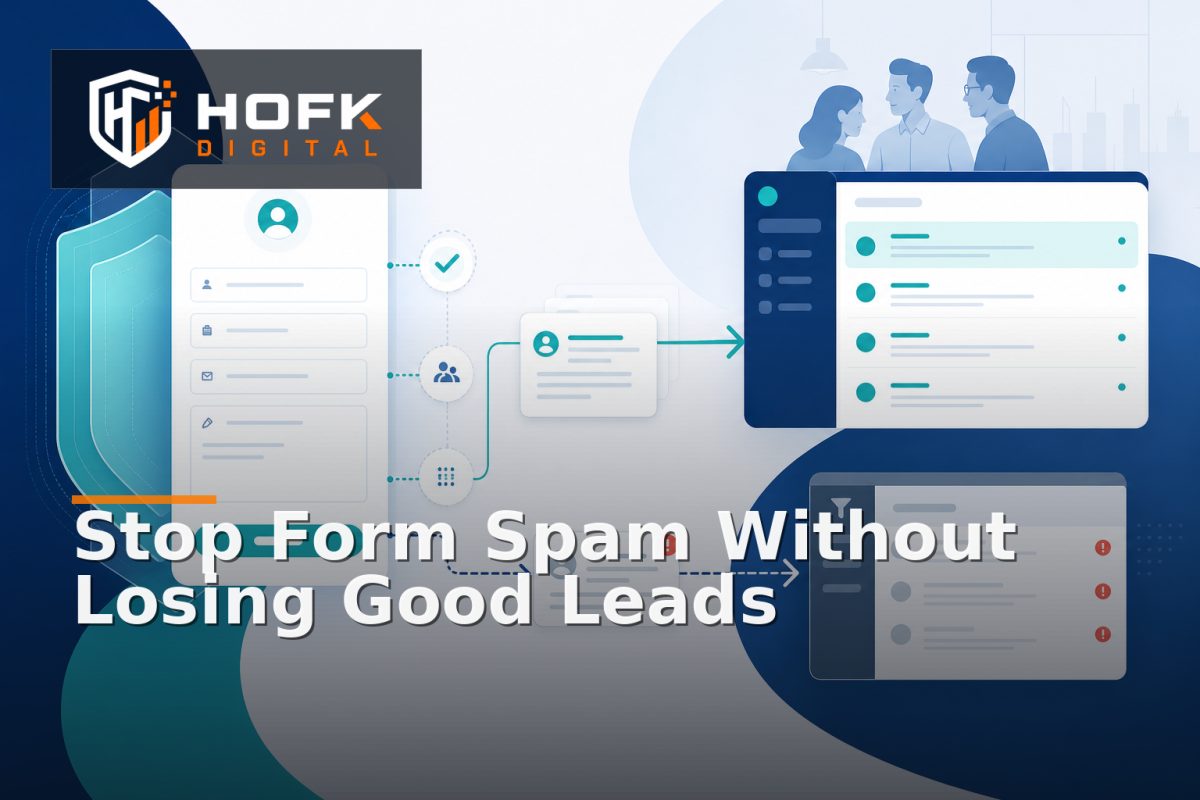
Effective lead form spam prevention is usually better approached as a layered system. Start with controls that work invisibly, validate submissions on the server, score risk before creating a sales task and send uncertain enquiries to a review queue. This gives your business stronger protection without assuming every visitor is suspicious.
Separate spam volume from lead quality
Before changing the form, define what problem you are trying to solve. “Spam” can describe several different issues, and each needs a different response.
- Automated bot submissions: repeated or scripted attempts that do not represent a real person.
- Duplicate submissions: the same enquiry sent several times because of retries, refreshes or integration errors.
- Irrelevant enquiries: genuine people asking for something outside your service, location or commercial model.
- Low-quality or deceptive submissions: incomplete details, fake contact information or messages intended to test an email address.
These categories should not all be blocked in the same way. A bot may be rejected silently. A genuine but out-of-area enquiry may need a polite response. A suspicious submission may be stored for review rather than passed immediately to sales.
Start with invisible form spam protection
The first layer should not ask a genuine visitor to do anything extra. It should work in the background and remove obvious automated behaviour before it reaches your CRM or shared inbox.
Use a honeypot carefully
A honeypot is an extra field that is hidden from normal users but visible to many basic bots. If the field is completed, the submission can be rejected or quarantined.
Do not rely on a honeypot as your complete anti-spam strategy. More advanced bots may ignore it, and an incorrectly implemented hidden field can create accessibility or browser issues. Treat it as one low-friction signal alongside server-side validation and rate controls.
Check how quickly the form is completed
A submission that arrives almost immediately after the page loads may be suspicious, particularly if the form normally requires several fields. Timing should be treated as a risk signal rather than automatic proof of abuse. Some users have saved information, assistive technology or fast connections.
Record the timing server-side where appropriate, then combine it with other signals such as repeated attempts, missing fields and unusual request patterns. Avoid blocking a visitor because of one data point alone.
Use a meaningful field structure
Use clear labels, appropriate input types and sensible validation. This helps genuine visitors complete the form while making automated submissions less likely to pass basic checks. For example, validate email structure, phone formatting where relevant and the relationship between dependent fields.
Do not add fields simply to make the form harder for bots. Every field should support routing, response or qualification. HOFK’s guidance on mobile form UX design covers the wider balance between form clarity, autofill, keyboards, validation and assistive input.
Validate submissions on the server
Client-side checks improve the immediate experience, but they do not protect a form on their own. A bot can bypass browser JavaScript and send a request directly to your endpoint.
Server-side validation should confirm that:
- Required values are present and within expected limits.
- Fields contain the expected data type and format.
- URLs, messages and free-text fields do not contain excessive or unsafe content.
- Consent and privacy fields are handled according to your current implementation.
- The request uses the expected form, route and submission method.
- The same request has not already been processed.
Keep the user-facing response helpful. A suspicious or invalid request does not always need to produce a detailed explanation that helps an attacker improve the next attempt. Show genuine users a clear recovery message while retaining technical detail in protected logs.
Add rate limits without punishing busy prospects
Rate limiting can prevent one source from submitting hundreds of enquiries in a short period. It is particularly useful when combined with duplicate detection and monitoring.
Possible controls include limits by IP address, session, account, form or short time window. Each has limitations. Shared office networks, mobile connections and VPNs can mean that several genuine people appear to come from the same address.
For that reason, avoid a blunt rule such as “one submission per IP address per day” unless your service model genuinely supports it. A better approach may be to apply increasing scrutiny after repeated attempts, while allowing a normal visitor to continue.
Rate limits should also have a clear response. The system might temporarily slow or reject repeated requests, store the event for review and alert the technical owner if activity is unusually high.
Use risk scoring instead of a single pass-or-fail rule
A risk score lets your system combine several weak signals without treating any one of them as conclusive. You could score factors such as:
- Repeated submissions from the same source in a short period.
- A completed honeypot field.
- Unusually fast completion.
- Disposable or clearly invalid email patterns.
- Mismatch between location, phone and selected service area.
- Known abusive request patterns.
- Duplicate contact details or message content.
The exact scoring model should reflect your form, traffic sources and tolerance for review. Avoid presenting an illustrative score as a universal benchmark. The useful design question is what happens at each risk band:
- Low risk: create the lead and route it normally.
- Medium risk: create the record but send it to a monitored review queue.
- High risk: reject, quarantine or require an additional challenge.
This is often more effective than placing a visible CAPTCHA in front of every visitor. It protects the normal path while adding friction only when the evidence justifies it.
Use CAPTCHA conditionally, not automatically
CAPTCHA can be useful when a form is experiencing sustained automated abuse, but it should not be the first or only control. It can interrupt the user journey, create accessibility concerns and behave differently across browsers or consent states.
A risk-based implementation may show a challenge only when several signals indicate suspicious activity. Keep a non-CAPTCHA route available where appropriate, such as a monitored telephone number or alternative contact method. VERIFY the current provider behaviour, accessibility options, consent requirements and data-handling implications before implementation.
Protect the CRM and sales routing process
Preventing spam is not only about blocking a request. It is also about stopping poor-quality records from consuming sales capacity. If every form submission creates a high-priority task, a spam burst can bury genuine enquiries.
Use separate states such as:
- New enquiry.
- Pending automated checks.
- Needs review.
- Accepted for sales follow-up.
- Rejected or closed with a reason.
Do not silently delete suspicious submissions if they may be useful for investigation or abuse monitoring. Store a limited, controlled record with the reason for quarantine and access appropriate to the information involved.
HOFK’s article on lead routing optimisation covers assignment, fallback queues, working hours and response-time monitoring. The same principles apply here: make ownership and next action visible without forcing every uncertain enquiry into the main sales queue.
Measure service enquiry spam reduction properly
Do not judge the new controls only by the number of submissions. A lower submission count could mean less spam, but it could also mean that genuine visitors are being blocked.
Track a balanced set of measures:
- Form starts and completed submissions.
- Submissions quarantined by risk band.
- Accepted enquiries by source and service.
- Duplicate and rejected records.
- Sales-accepted lead rate.
- Time spent reviewing suspicious submissions.
- Customer complaints or support contacts about form access.
Compare these measures before and after the change, using a suitable period for your sales cycle. If qualified enquiries fall while the spam rate improves, the controls may be too aggressive or the form may be creating unnecessary friction.
Build monitoring around the form journey
A form can return a success message while the CRM integration is failing. Add monitoring that checks the complete journey rather than only whether the page loads.
Useful checks include:
- Submissions without a CRM record.
- CRM records without an owner.
- High-risk submissions bypassing quarantine.
- Unexpected growth in blocked or rejected requests.
- Duplicate records created from one submission.
- Notification failures or unusually old review items.
For larger changes, create an analytics tracking impact assessment before modifying form events, consent settings or CRM mappings. HOFK’s related analytics tracking change impact assessment provides a useful framework for reviewing dependencies, acceptance criteria and rollback before changing measurement.
Lead form spam prevention checklist
- Define the different types of spam and low-quality enquiry.
- Use honeypots and server-side validation as low-friction first layers.
- Apply rate limits with care around shared networks and mobile users.
- Score risk using several signals rather than one automatic rule.
- Use visible challenges only when suspicious activity justifies them.
- Quarantine uncertain submissions instead of sending everything to sales.
- Monitor CRM handoff, duplicate records and review queues.
- Measure qualified enquiries as well as blocked submissions.
- Review consent, accessibility and data-handling implications before launch.
Where HOFK can help
Lead form spam prevention can involve responsive form design, server-side validation, CRM integration, analytics, monitoring and operational workflow. HOFK can help review the complete route, improve the implementation or build practical automation around quarantine, routing and exception handling.
Relevant support may include full stack development, mobile-ready design, SEO & Google Ads and website monitoring. The objective is not to add more barriers for their own sake. It is to protect the quality of the sales queue while keeping the normal enquiry journey straightforward.
Conclusion
Effective lead form spam prevention starts with invisible controls, not a wall of friction. Use honeypots, server-side validation, careful rate limits and risk scoring before adding a visible challenge. Then protect the CRM and sales process by quarantining uncertain submissions, assigning clear review ownership and monitoring the complete handoff.
This layered approach supports service enquiry spam reduction without assuming that every visitor is a bot. It also creates better lead generation form UX: genuine prospects can submit a focused enquiry, while suspicious activity receives proportionate scrutiny. Start with one high-volume form, review the last three spam patterns it created and use that evidence to decide which control belongs first.
Frequently asked questions
What is lead form spam prevention?
Lead form spam prevention is the use of technical controls, validation, risk scoring and review workflows to reduce automated or low-quality submissions without blocking genuine enquiries unnecessarily.
Should every lead form use CAPTCHA?
Not necessarily. Start with invisible controls and server-side validation, then use a challenge conditionally when several signals suggest suspicious activity. VERIFY the provider, accessibility and data-handling implications before implementation.
How can I reduce service enquiry spam without losing good leads?
Keep the normal form short, use structured fields that support routing, score risk in the background and send uncertain submissions to a monitored review queue rather than blocking everyone.
What should happen to suspicious form submissions?
Depending on the risk, they can be rejected, quarantined or routed for review. Retain only the information needed for investigation and apply appropriate access and retention controls.
How do I measure whether form spam protection is working?
Compare blocked and quarantined submissions with form completion, qualified enquiry rate, duplicate records, sales acceptance and customer complaints about form access.