

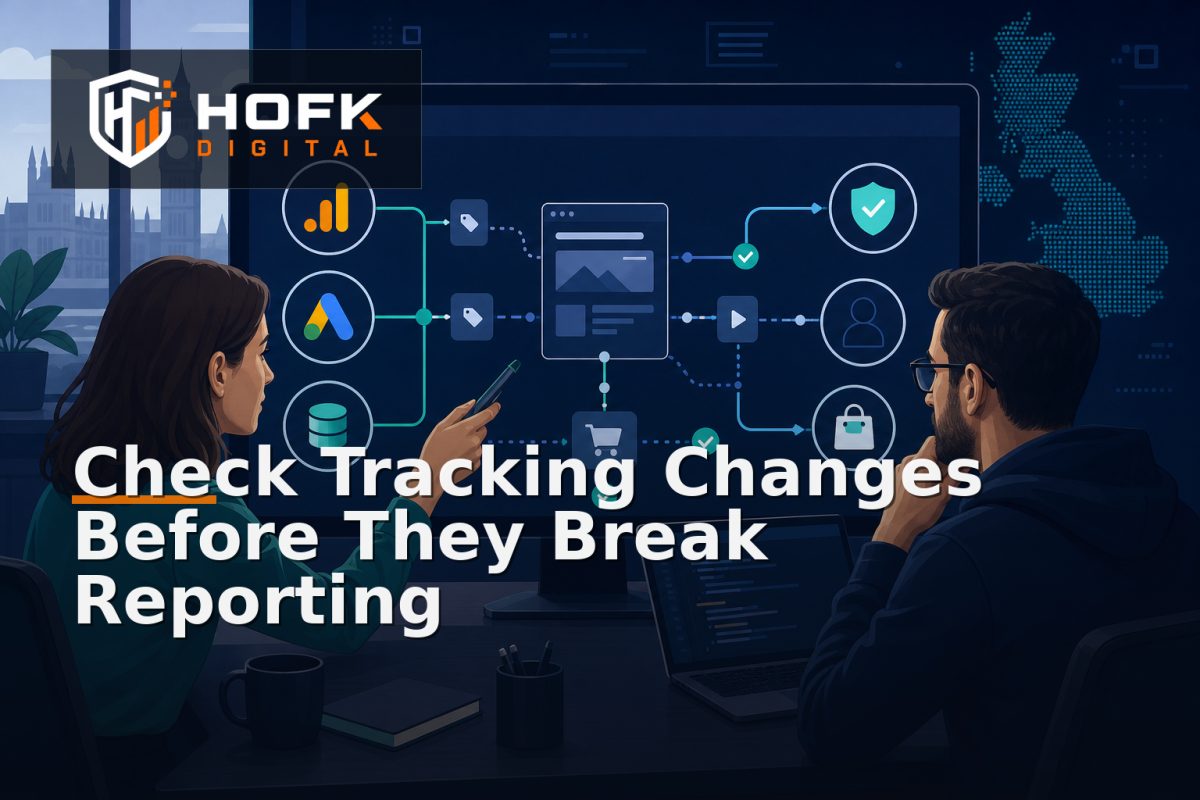
How to Create an Analytics Tracking Change Impact Assessment Before Editing Website Tracking
A developer is asked to rename one GA4 event. A marketing manager wants a new Google Ads conversion. An agency changes a form trigger. The request sounds small, but the change may affect dashboards, consent behaviour, CRM fields, attribution, ecommerce reporting and automated bidding.
This is why an analytics tracking change impact assessment is useful. It creates a short, shared review before anyone edits the tag, data layer, event name, consent rule or reporting definition. The aim is not to slow down normal website work. It is to identify what could change, who depends on the data and how the team will prove that the result is safe.
What an analytics tracking change impact assessment should decide
A useful assessment should help the team answer five questions:
- What measurement behaviour is changing?
- Which pages, journeys, platforms and reports could be affected?
- What is the likely tagging change risk?
- What testing and approval are required?
- How will the team roll back or correct the change if the result is wrong?
This is different from documenting a completed implementation. It is a pre-change decision record. It should be created before editing production tags, event mappings, consent settings or data-layer logic.
Start with the requested outcome, not the proposed tag
Requests often arrive as technical instructions: “add a purchase tag”, “rename this event” or “track the new form”. Those instructions may not explain the business outcome.
Rewrite the request in plain English. For example:
- Marketing needs to distinguish qualified quote requests from general contact submissions.
- The ecommerce team needs variant-level purchase data for product reporting.
- Google Ads needs a reliable conversion signal after the CRM confirms lead quality.
- Operations needs to identify orders that reached payment but not fulfilment.
This distinction matters because the proposed implementation may not be the safest way to achieve the outcome. A new client-side tag could be unnecessary if the required event already exists in a backend or CRM workflow.
Map the measurement surface before making a change
The first stage of website tracking governance is understanding where the proposed change could appear. Record the affected parts of the website and connected systems.
Pages and templates
List the relevant page types, such as product pages, category pages, landing pages, forms, basket, checkout, account areas or confirmation pages. A change to a shared template may affect hundreds of URLs, while a campaign-specific page may have a much narrower impact.
User journeys
Describe the journey that creates the event. For example:
- A visitor arrives through a paid campaign.
- The visitor selects a product variant.
- The item is added to basket.
- The visitor completes checkout.
- The order is confirmed in the ecommerce platform.
- Revenue and product data are sent to analytics and advertising platforms.
Include alternative paths where they matter, such as mobile form submission, guest checkout, consent refusal, cross-domain payment or a failed validation attempt.
Data destinations
Record every destination that uses the affected event or parameter. This may include GA4, Google Ads, Meta, a CRM, a CDP, a data warehouse, internal dashboards or operational software.
A change can be technically successful in Google Tag Manager and still damage a CRM mapping or a management report. The assessment should make those dependencies visible.
Assess the tagging change risk
Do not use a single generic label such as low risk for every small edit. Score the change against a few practical dimensions.
- Reach: how many pages, users, campaigns or transactions are affected?
- Commercial importance: does the change affect leads, orders, revenue, advertising or fulfilment?
- Data sensitivity: could the change expose or transmit personal or commercially sensitive information?
- Dependency count: how many platforms, reports or integrations use the data?
- Reversibility: can the change be rolled back quickly and safely?
- Confidence: how well is the current implementation understood?
A change to a non-essential content interaction may be low risk. A change to the purchase event, lead qualification event or consent trigger should normally receive a higher review level, even if it involves only a few lines of configuration.
Check whether the event meaning is changing
Renaming or reusing an event can create more risk than adding a new event. Before changing an existing item, record its current business definition and where it is used.
Ask:
- Does the current event fire once or multiple times?
- Which reports use it?
- Is it marked as a key event or conversion?
- Does Google Ads optimise towards it?
- Is it mapped into the CRM?
- Does another system rely on its parameters?
If the meaning is changing, treat the work as a measurement definition change rather than a simple naming update. Consider creating a new event during a transition period, documenting the difference and retiring the old event only after reports and campaigns have been updated.
Review consent and privacy implications
Tracking changes can alter when data is collected, which platforms receive it and what happens when a visitor does not consent. Include consent in the assessment whenever a change affects analytics, advertising, personalisation, form data or cross-domain measurement.
Check:
- Which consent category applies?
- Does the tag wait for the required consent state?
- What happens when consent is refused or delayed?
- Could personal data enter event parameters or URLs?
- Does the change behave consistently on mobile and desktop?
VERIFY the implementation against your current consent management setup, data policies and relevant platform guidance before publishing. Do not add email addresses, telephone numbers or other personal information to analytics simply because it makes matching easier.
Define GA4 implementation change control
A practical GA4 implementation change control process should record the proposed change, its owner, affected events, testing evidence and approval. Use a simple status model:
- Proposed: the business requirement is being clarified.
- Impact assessed: dependencies and risks have been reviewed.
- Ready for build: acceptance criteria and test cases are agreed.
- In testing: the change is being checked in a safe environment.
- Approved for release: business and technical owners have signed off.
- Live monitoring: post-release checks are in progress.
- Closed or rolled back: the result has been accepted or reversed.
This avoids a common problem where a ticket is marked complete because the tag was published, even though no one has checked the resulting reports or downstream records.
Write acceptance criteria before implementation
Acceptance criteria should describe observable behaviour. Avoid criteria such as “tracking works”. Instead, define what should happen.
Examples include:
- The purchase event fires once after a confirmed order, not when the payment button is clicked.
- The event includes the final SKU, variant, quantity, value and currency.
- The CRM receives one lead record with the approved campaign fields.
- The event does not fire when a form fails validation.
- The consent state is respected on mobile and desktop.
- Existing reports continue to work, or approved replacements are documented.
These criteria give developers and QA teams a shared test target and make the final decision easier to defend.
Plan rollback and post-release monitoring
Every material measurement change should have a rollback plan. Record which version was live before the change, who can reverse it and what evidence would trigger a rollback.
After release, monitor the measures most likely to reveal a problem:
- Event volume compared with the previous baseline
- Duplicate or missing conversions
- GA4 and order-system differences
- CRM records without source data
- Google Ads conversions accepted or rejected
- Unexpected changes by device, browser or consent state
Do not interpret one short-term fluctuation as proof that the change failed. Compare an appropriate period and reconcile a sample of real orders or leads. If the event is commercially important, use both platform reports and operational records.
Analytics tracking change impact assessment checklist
- The business outcome is stated in plain English.
- Affected templates, journeys and destinations are listed.
- The current event meaning and implementation are documented.
- Tagging change risk has been assessed.
- Consent and sensitive-data considerations are recorded.
- Acceptance criteria are specific and testable.
- Business and technical owners are named.
- Rollback conditions and responsibilities are clear.
- Post-release monitoring has an owner.
- Existing reports, CRM mappings and advertising conversions have been reviewed.
Where HOFK can help
Tracking changes often cross responsive websites, ecommerce journeys, Google Ads, GA4, CRM handoffs and custom software. HOFK can help review the measurement path, clarify ownership, improve the data layer or support the full stack implementation behind more dependable reporting.
Relevant support may include full stack development, ecommerce, SEO & Adwords and practical monitoring. The objective is not to add more tags for their own sake. It is to make measurement changes safer, easier to test and easier to explain.
Conclusion
An analytics tracking change impact assessment gives marketing operations managers and developers a shared method for reviewing measurement edits before they affect reporting. Start with the business outcome, map the affected journeys and destinations, assess tagging change risk, review consent, define acceptance criteria and plan rollback.
When this process becomes part of website tracking governance, small requests are less likely to create large reporting problems. The team can make changes with clearer ownership and better evidence, while protecting GA4, Google Ads, CRM and ecommerce data from avoidable drift.
Frequently asked questions
What is an analytics tracking change impact assessment?
It is a pre-change review that identifies which website journeys, events, platforms, reports and operational processes could be affected by a tracking edit.
When should I complete an assessment?
Use one before changing important GA4 events, Google Tag Manager triggers, data-layer fields, consent rules, conversion actions or CRM tracking mappings.
What is tagging change risk?
Tagging change risk is the likelihood that an analytics or advertising implementation change will create missing data, duplicates, incorrect attribution, privacy issues or broken downstream reporting.
Should every tracking change need formal approval?
No. Use proportionate control. A contained low-risk change may need a short review, while purchase, lead, consent and cross-system changes should receive stronger testing and approval.
How can I test a tracking change safely?
Define acceptance criteria, test representative journeys in a controlled environment, reconcile sample events with CRM or order records, and monitor the live implementation after release.