

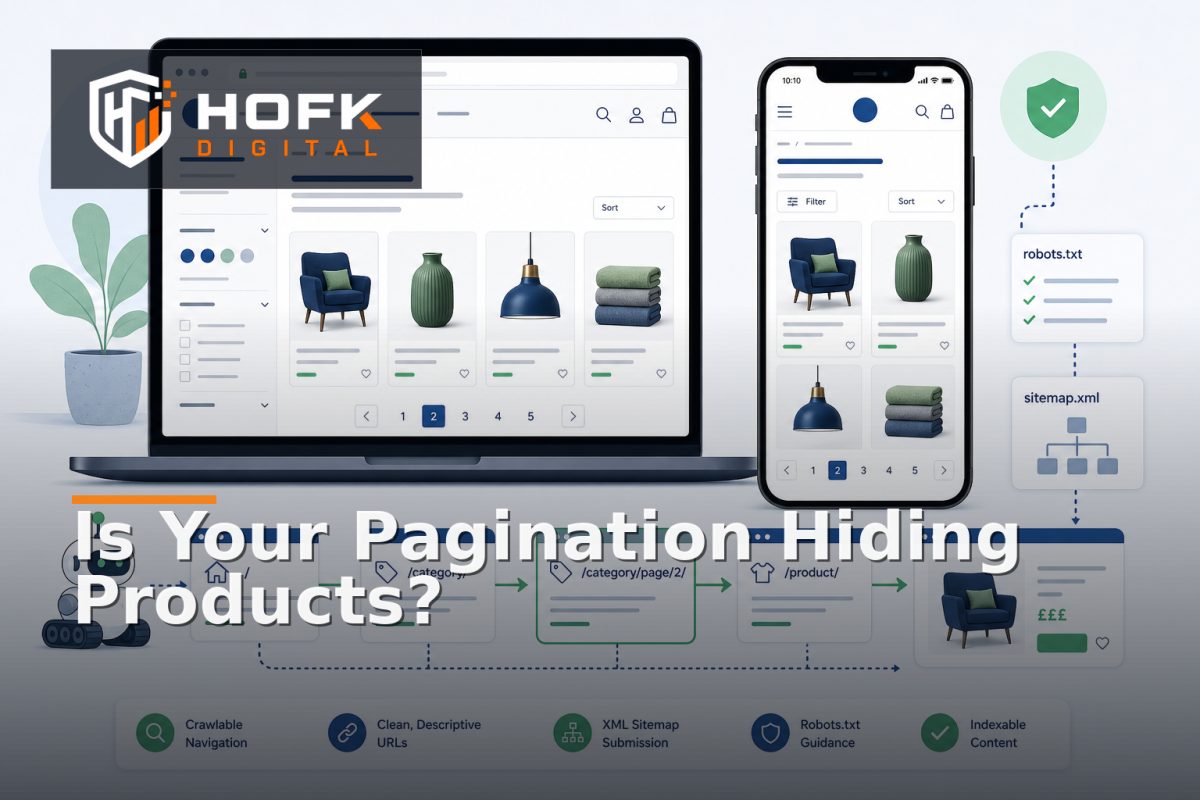
Ecommerce Pagination SEO: How to Audit Crawlability and Product Discovery
A category page can look healthy while quietly hiding a large part of your catalogue. Products may appear only after a JavaScript interaction, deeper pages may not have crawlable links, or every paginated URL may point search engines back to page one.
This is why ecommerce pagination SEO deserves a specific audit. Pagination affects two connected questions: can search engines discover the products beyond the first page, and can shoppers reach those products without fighting the interface?
For UK ecommerce SEO managers and frontend teams, the aim is not to index every possible listing state. It is to make the intended category and product relationships clear, crawlable and maintainable.
What ecommerce pagination SEO should achieve
A sound pagination setup should help search engines and users understand the structure of a category or search results set. It should make important products discoverable without creating thousands of low-value URLs.
At a minimum, your implementation should provide:
- Reachable category or collection pages beyond the first page.
- Ordinary crawlable links with meaningful destinations.
- Consistent product links across listing pages and templates.
- Clear handling for filters, sorting and other URL parameters.
- Canonical signals that reflect the purpose of each page.
- A usable experience on mobile and desktop.
Pagination does not need to make every page a search landing page. The important distinction is between crawlability, indexability and user experience. These should be planned together, but they are not the same decision.
Start with a pagination and URL inventory
Before inspecting tags or changing frontend code, list how your website currently generates listing pages. Do not assume that one category template uses one consistent URL pattern across the whole catalogue.
Record representative examples for:
- Category and collection pages.
- Brand or supplier landing pages.
- Search results pages.
- Paginated URLs using query parameters.
- Paginated URLs using path segments.
- Filtered and sorted combinations.
- Mobile-specific or JavaScript-generated listing states.
For each pattern, record the starting URL, the next-page link, the final page, HTTP status, canonical URL, robots directive and whether the product links are present in the initial HTML or only after interaction.
This inventory helps separate a genuine pagination problem from a wider faceted navigation or template issue.
Check whether deeper pages are crawlable
The first technical question is simple: can a crawler reach page two, page three and beyond using normal links?
A reliable pagination sequence should use links that include a real destination URL. The link should not depend solely on a click handler, an API call or a browser session. JavaScript can enhance the experience, but the underlying route should remain understandable and accessible where the page is intended to be discoverable.
Check the rendered page and the raw HTML where relevant. A button labelled “Load more” may appear to work for users while exposing no crawlable route to the next set of products. Similarly, a frontend component may update the visible grid without creating a stable URL that can be revisited or tested.
Useful crawlability checks
- Page one links to page two.
- Page two links to page three where another page exists.
- Previous and next links do not create loops.
- Links return a successful, indexable response where intended.
- Product links remain available without requiring a form submission or login.
- Pagination works when JavaScript is delayed or unavailable, where that fallback is part of the intended architecture.
Do not rely on a crawler discovering every product from the XML sitemap alone. Sitemaps can support discovery, but they do not replace a clear internal linking structure between categories, listing pages and products.
Review product discovery beyond page one
Category pagination SEO is not only about whether a search engine can request page two. It is also about whether the products shown there are genuinely reachable and useful.
Choose a representative category and inspect its deeper pages. Check whether:
- Products are still active and available for purchase.
- Product links use the preferred URL format.
- Variants do not create confusing duplicate links.
- Products are not hidden behind an additional filter or sort state.
- Important products are not several clicks deeper than necessary.
Look for pagination that creates a poor product discovery path. For example, a product may exist on page six but be absent from internal search, related categories and merchandising links. It may technically be crawlable but commercially difficult to find.
Use analytics, Search Console and server evidence where available to compare which category pages receive visits, which product URLs are discovered and whether deeper pages are contributing useful traffic. HOFK's related guidance on SEO log file analysis can help when you need to understand what search engine bots actually request.
Audit canonical signals carefully
Canonical handling is one of the most common sources of pagination confusion. A paginated category page is not automatically a duplicate of page one. It may contain a different set of products and provide a useful continuation of the category.
Review the canonical URL on each paginated page. Avoid assuming that every page should canonicalise to the first page. That can weaken the relationship between deeper listing pages and the products they contain.
Instead, decide deliberately:
- Which category pages are intended to be available to search engines.
- Which filtered or sorted states are user-only variations.
- Which URLs should consolidate to a preferred equivalent.
- Which pages should remain crawlable but not be actively promoted for indexing.
Do not treat a canonical tag as an absolute command. It is one signal among several, alongside internal links, page content, sitemaps and other technical controls. VERIFY the current search-engine guidance and your platform behaviour before publishing a blanket canonical rule.
Separate pagination from filters and sorting
Pagination often interacts with faceted navigation. A category may generate URLs such as page two of a brand filter, a sorted view of a material filter or a combination of several attributes.
These combinations need their own policy. A useful approach is to classify the URL states:
- Curated category pages: stable pages with a clear search or commercial purpose.
- Useful filtered pages: selected combinations that have enough products and distinct intent to justify a managed landing page.
- User-only refinements: filters and sorts that help shoppers but do not need independent search visibility.
- Low-value combinations: empty, thin or highly repetitive states that require tighter control.
HOFK's guide to ecommerce faceted navigation SEO covers this classification in more detail. For pagination, the key point is that page two of a valuable category is not automatically equivalent to page two of every possible filter combination.
Test infinite scroll ecommerce SEO implementations
Infinite scroll can create a smooth browsing experience, particularly on mobile, but it should not make product discovery dependent on one browser interaction.
A stronger implementation usually combines progressive loading with crawlable, shareable states. As users load more products, the interface may update the visible content and, where appropriate, the URL or browser history. The exact behaviour depends on the platform and design, but the following should be tested:
- Products loaded after the first view have stable links.
- Users can share or revisit a meaningful listing state.
- Back-button behaviour does not lose the current product position.
- Analytics does not count the same product impression repeatedly.
- A crawler can discover the intended product URLs through an accessible path.
Do not simply hide conventional pagination behind CSS and assume the SEO problem is solved. If infinite scroll is used, retain a clear underlying structure that supports discovery and testing. The best infinite scroll ecommerce SEO setup serves both browsing convenience and dependable URL architecture.
Use a focused technical SEO for product listings test set
You do not need to test every category before finding the main issues. Start with a sample that represents the catalogue's complexity.
- Choose a small category with two or three pages.
- Choose a large category with many pages.
- Choose a category with variants and filters.
- Choose a category affected by seasonal or low-stock rules.
- Choose a mobile landing route if infinite scroll is used.
For each sample, record the expected result and actual result for page links, HTTP status, canonical, robots directives, product links, analytics and mobile interaction. Classify differences as blocking, acceptable, intentional or requiring follow-up.
Monitor after releases and catalogue changes
Pagination can break after a platform release, search-tool update, catalogue import or template change. Add monitoring to the changes most likely to affect URL generation and product discovery.
Useful checks include:
- Unexpected growth in paginated or parameter URLs.
- New 404s or redirect chains on listing pages.
- Categories where page two suddenly contains no products.
- Important product URLs disappearing from internal links.
- Canonical changes after a template release.
- Search-engine bot activity concentrating on low-value combinations.
HOFK's website content change QA process provides a useful framework for adding proportionate checks to content and configuration releases.
Ecommerce pagination SEO audit checklist
- Paginated category URLs have a documented format.
- Deeper pages are reachable through crawlable links.
- Product links work without relying solely on JavaScript.
- Canonical rules distinguish pagination from low-value filters.
- Internal links and sitemaps support the intended page set.
- Infinite scroll has a usable underlying URL structure where required.
- Mobile back-button and filter behaviour have been tested.
- Product discovery beyond page one has been reviewed.
- Release monitoring covers pagination and URL-generation changes.
Where HOFK can help
Pagination audits can cross ecommerce templates, search services, catalogue data, responsive interfaces, analytics and technical SEO. HOFK can help review the URL model, improve the frontend implementation, connect product data more reliably or add monitoring around changes that affect crawlability and discovery.
Relevant support may include ecommerce development, full stack development, mobile-ready design and SEO & Google Ads support. The objective is not to create more pagination rules for their own sake. It is to make the category structure easier to crawl, easier to browse and easier to maintain.
Conclusion
Ecommerce pagination SEO works best when pagination is treated as part of the wider product discovery system. Audit whether deeper category pages are crawlable, whether their product links are useful, whether canonical signals reflect the page purpose and whether infinite scroll preserves a dependable underlying structure.
Start with a representative sample, document the expected behaviour and test the complete journey on real mobile devices. If category pagination SEO and product discovery are still unclear after that review, the cause may sit in the platform, template, catalogue data or integration rather than in one isolated tag.
Frequently asked questions
What is ecommerce pagination SEO?
Ecommerce pagination SEO is the process of making category and product-listing pages easy for search engines to crawl while helping shoppers discover products beyond the first page.
Should every paginated category page be indexed?
Not necessarily. Decide based on the page's purpose, product value and uniqueness. Pagination, filtering and sorting should not all receive the same indexation treatment.
Is infinite scroll bad for ecommerce SEO?
No. Infinite scroll can work when it has a crawlable underlying structure, stable product links and sensible handling for browser history, loading states and analytics.
What should I check in category pagination SEO?
Check page links, HTTP status, canonical signals, robots directives, internal links, product discovery beyond page one and the behaviour of filters and sorting.
Can pagination affect product discovery?
Yes. Products hidden behind inaccessible pagination, broken filters or JavaScript-only loading may be harder for shoppers and search engines to find, even when the products are active in the catalogue.