

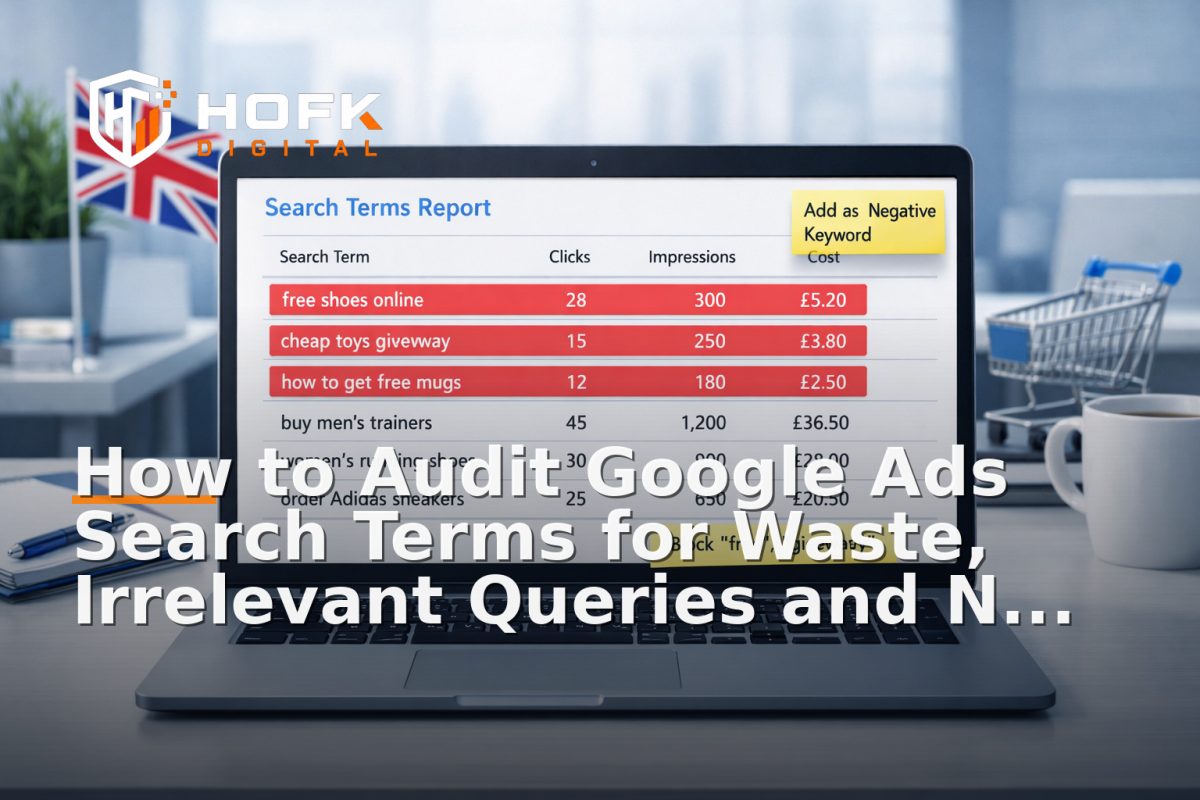
How to Audit Google Ads Search Terms for Waste, Irrelevant Queries and Negative Keyword Gaps
If you are running Google Ads, the fastest way to find wasted spend is usually not in the campaign settings. It is in the search term report. A proper Google Ads search terms audit shows you what people actually typed before clicking, which queries should never have matched, and where your negative keyword strategy is leaking budget.
That matters because search campaigns tend to drift over time. Broad match can widen. Phrase match can pick up awkward variants. Exact match is not always as exact as teams expect. New products, new landing pages and new budget changes can all create query patterns that look harmless at first, then quietly drain spend.
This article is written for UK business owners, ecommerce managers, PPC leads and marketers who want a practical search term report audit they can run every week. The goal is not just to block bad queries. It is to build a repeatable account hygiene process that keeps Google Ads wasted spend under control.
Start with the actual search terms, not the keywords you think you bought
The first mistake in search term analysis is assuming that keyword targeting tells the full story. It does not. Keywords are the signals you send into Google Ads. Search terms are the real queries that triggered your ads.
That difference matters because a campaign can look well structured at keyword level while still attracting irrelevant traffic. For example, a keyword for commercial cleaning services may pull in searches for jobs, training, DIY products or domestic cleaning if the match logic is too loose. The campaign may still spend, but the spend may not be commercially useful.
A good search term report audit should answer three questions:
- Which search terms are producing clicks or conversions?
- Which terms are clearly irrelevant and should be excluded?
- Which patterns suggest match-type leakage or a missing negative keyword theme?
How to audit Google Ads search terms in a useful way
Do not begin by skimming the report for obvious nonsense and stopping there. A useful audit is about patterns, not one-off oddities. One irrelevant query may be a fluke. Ten versions of the same irrelevant intent are a problem.
1. Pull a meaningful date range
Weekly is usually a sensible rhythm for active accounts, especially if spend is meaningful or search volume is high. For slower accounts, two weeks or a month may be easier to review without overreacting to tiny data sets.
Use a range long enough to show repeat behaviour, but short enough that you can still act quickly. If you leave it too long, waste keeps compounding.
2. Segment by campaign or intent theme
Do not review every search term in one flat list if the account is sizeable. Group by campaign theme, brand versus non-brand, product line, service type or location. That makes it easier to see where leakage is coming from.
For ecommerce accounts, you might separate:
- brand campaigns
- generic product campaigns
- category campaigns
- competitor campaigns
- remarketing or audience-led search activity
For lead generation, the grouping may be based on service type, geography or use case.
3. Sort by spend first, then by volume
A query with one click is less important than a query with repeated clicks and no commercial value. Start with the terms that have already consumed budget. Then look for frequency patterns in the lower-spend terms.
This helps you identify Google Ads wasted spend that is genuinely worth acting on, rather than getting distracted by rare edge cases.
What counts as waste, and what does not
Not every non-converting query is a problem. Sometimes the search term is informational, sometimes it is upper-funnel, and sometimes the conversion simply happened elsewhere. The point of the audit is to identify waste that is persistent and avoidable.
Useful categories to review include:
- Clearly irrelevant queries - searches that have nothing to do with your product or service
- Wrong intent - searches from people looking for jobs, training, DIY, free resources or unrelated support
- Wrong audience - searches from consumers when you sell B2B, or vice versa
- Wrong location - queries outside your service area, where location is a problem
- Wrong price point - bargain or discount-led searches where the intent is not commercially useful
For example, if you sell commercial software and you keep seeing searches for free templates, student projects or login support, that is not a conversion problem. That is a query control problem.
Spot match-type leakage before it becomes normal
Match-type leakage is one of the most common reasons a campaign starts spending on the wrong traffic. It happens when a keyword or match setting pulls in terms that are technically related but commercially off-target.
Common leakage patterns include:
- broad match capturing adjacent intent
- phrase match picking up irrelevant qualifiers
- exact match showing on close variants that change the meaning
- brand terms absorbing unrelated searches with a similar name
- product keywords pulling in troubleshooting, instruction or repair intent
The audit question is simple: is this keyword matching the right kind of search, or only a vaguely related one?
If you keep seeing the same off-target pattern, do not rely on bid changes alone. Add negatives, tighten match coverage, or separate the theme into a more controlled campaign structure.
Build negative keyword themes, not just one-off exclusions
A strong negative keyword strategy is about structure. One-off negatives can help, but they do not scale well if the account keeps attracting the same type of bad traffic.
Instead of adding random negatives as you spot them, build themes such as:
- Jobs and careers - job, careers, salary, apprenticeship, vacancies, course
- Free and low-intent - free, template, example, pdf, download, sample
- Consumer intent - home, domestic, DIY, personal use, cheap if you only sell premium or commercial
- Support and repair - manual, troubleshooting, fix, not working, replacement if you do not offer that service
- Research only - definition, meaning, what is, guide if the campaign is meant to convert now
This approach makes your negative keyword strategy easier to maintain. It also helps you spot gaps faster because you can see which themes are already covered and which are still leaking.
Use the search term report audit to find theme gaps
When you see several related irrelevant queries, ask whether they belong to a larger theme you have not blocked yet. For example, if the report shows free quote template, quote template pdf and estimate form download, the issue is not three separate queries. The issue is a missing free-template theme.
That is the point where a search term report audit becomes operational rather than reactive.
Look for terms that are relevant but wrong for the campaign
Not every excluded query is irrelevant to the business. Sometimes it is relevant, but not right for that campaign.
Examples include:
- an informational query on a campaign built for direct lead capture
- a product comparison query on a high-margin direct response campaign
- a location query outside the service area
- a cheaper alternative query when the campaign is targeting premium buyers
These terms do not always need to be blocked from the account entirely. In some cases, they simply need to be moved into a more appropriate campaign or excluded from the current one.
That distinction matters. If you block too aggressively, you may cut useful traffic. If you are too relaxed, you keep paying for intent that your current landing page or offer cannot support.
Prioritise negatives by commercial impact
You do not need to negate everything at once. Start with the waste that is expensive, frequent and obviously off-target.
A practical prioritisation order is:
- High spend, clearly irrelevant
- Repeated wrong-intent queries
- High-volume theme leakage
- Low-volume edge cases
- One-off oddities
This keeps the work focused on the biggest return. It also helps when you need to explain the changes to a wider team or client.
Use query quality notes, not just lists
One of the most useful habits in a search term audit is to add a short note next to each theme. The note should say why the term is being excluded or kept.
For example:
- Exclude: job-seeking intent, not a customer
- Exclude: free-download intent, poor commercial fit
- Keep: relevant research term, low conversions but useful assist value
- Keep: high-intent comparison term, testing landing page fit
This simple habit stops the account from becoming a pile of unexplained negatives. It also makes future reviews faster because the reasoning is already recorded.
Decide whether the problem is the query or the campaign structure
Sometimes the search term report is not exposing a keyword issue. It is exposing a structure issue.
If the same irrelevant theme keeps appearing across multiple ad groups or campaigns, ask whether the account is too broad. Possible fixes include:
- splitting brand and non-brand more clearly
- separating product and category intent
- creating tighter service-specific campaigns
- moving broad match into a more controlled structure
- adding audience or location filters where appropriate
If the issue is structural, a negative list alone may only patch the symptom. The underlying account architecture still needs attention.
Turn the search term report into a weekly hygiene process
A one-off audit is useful. A weekly process is better. Search behaviour changes, new queries appear, and old negatives can miss new variants. Treat the search term review like account maintenance, not a special project.
A simple weekly routine might look like this:
- Review search terms by spend and campaign
- Mark irrelevant queries by theme
- Add negatives to the right level: ad group, campaign or shared list
- Check whether any new theme indicates match leakage
- Note relevant but underperforming terms for landing page or ad copy review
- Record what changed and why
If you do this consistently, your account becomes easier to manage. The goal is not perfection. The goal is fewer surprises and less wasted spend.
Where to add negatives: ad group, campaign or shared list?
Placement matters. A negative keyword strategy works best when exclusions are applied at the right level.
- Ad group level - use for highly specific exclusions that only affect one theme
- Campaign level - use for broader irrelevant intent within that campaign
- Shared negative list - use for recurring themes that should stay out of several campaigns
For example, if you never want job-related traffic, that is usually a strong candidate for a shared list. If one campaign is pulling in a narrow but irrelevant sub-intent, campaign-level negatives may be better.
Watch for false confidence in conversion data
A query that does not convert immediately is not always useless. Some searches assist later conversions, especially in longer B2B or considered purchase journeys. Be careful not to over-react to thin data.
That said, a search term audit is still useful even when the account has few conversions. In that case, focus on the intent fit and the obvious waste signals rather than expecting statistical certainty.
If the account is small, look for:
- repeated irrelevant themes
- obvious business misfit
- high click costs without meaningful engagement
- queries that should have been blocked long before
A practical audit checklist
Use this as a quick weekly check:
- Are there any high-spend irrelevant queries?
- Are there repeated themes that need a negative keyword group?
- Is match-type leakage appearing in one campaign more than others?
- Are there relevant queries that belong in a different campaign?
- Are negatives recorded clearly and applied at the right level?
- Did any new search theme emerge this week?
If you can answer those questions quickly, you are doing more than tidying a report. You are actively reducing Google Ads wasted spend.
When the issue points to a deeper fix
Sometimes a poor search term pattern is a sign that the account, landing page setup or tracking architecture needs more than an extra negative list. If query themes keep drifting, if campaign rules are hard to maintain, or if reporting does not clearly show which themes are profitable, the operational setup may need work.
That is where HOFK can help. With practical experience across SEO & Adwords, ecommerce, full stack development and operational software, the focus is often on making the system easier to run rather than just adding another layer of manual checks. If your Google Ads search terms audit keeps exposing the same problems, the account may need cleaner structure, better data handling or a more maintainable workflow behind it. VERIFY: service availability should be confirmed for each project.
Conclusion
A useful Google Ads search terms audit is not just a reporting exercise. It is a weekly process for cutting waste, finding irrelevant queries, identifying match-type leakage and tightening your negative keyword strategy before problems compound.
If you build the habit of reviewing search terms by theme, recording why you exclude or keep them, and turning those findings into structured negatives, you will reduce waste and improve account control. More importantly, you will create a routine that supports better decisions week after week.
If you want help turning search term data into a cleaner PPC operations process, HOFK can support with Google Ads, ecommerce, tracking, technical fixes and commercially practical account improvements.
Frequently asked question: if you only change one thing this week, start with the biggest irrelevant theme that is already spending money. That is usually where the fastest Google Ads wasted spend reduction sits.
Related internal reading
If you are also reviewing how ads connect to landing pages and site performance, these HOFK articles may help:
- How to QA Google Ads Landing Pages Before Launch: Relevance, Intent Match and Conversion Signals
- How to QA Mobile Ecommerce Campaign Landing Pages Before You Spend on Ads
- How to QA Ecommerce Product Feeds Before They Break Google Shopping and Marketplace Listings
Frequently asked questions
How often should I run a Google Ads search terms audit?
Weekly is a sensible default for active accounts. If spend is lower or search volume is limited, a fortnightly or monthly review may be enough, but weekly is usually better for spotting waste early.
What is the difference between a search term report audit and a keyword review?
A keyword review looks at the terms you target. A search term report audit looks at the actual queries that triggered ads. That is where wasted spend and match-type leakage usually show up.
Should I negative exact irrelevant queries only, or whole themes?
Whole themes are usually better when the same intent appears repeatedly. One-off exclusions can help, but a themed negative keyword strategy is easier to maintain and less likely to miss variants.
Can negatives hurt performance if I add too many?
Yes, if they are too broad or too aggressive. The key is to exclude clearly irrelevant or commercially poor intent without blocking useful research or comparison traffic that supports conversion later.
What is match-type leakage?
Match-type leakage is when a keyword match setting pulls in search terms that are technically related but commercially wrong. It is one of the most common causes of Google Ads wasted spend.