

Ecommerce Bundle Product Data Governance: How to Govern Product and Kit Relationships
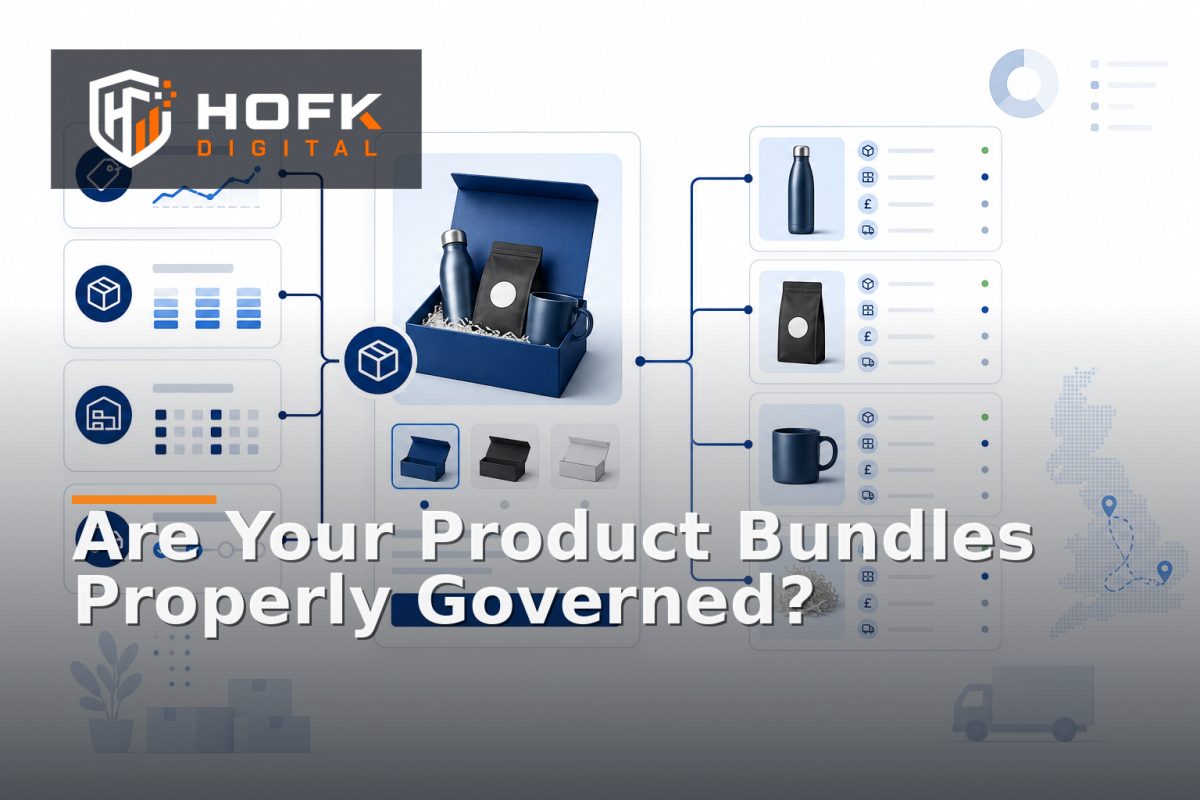
A bundle can look like one product to a customer while behaving like several products behind the scenes. A kit may have its own name, image and price, but fulfilment still needs to pick three component items. A promotional bundle may share stock with individual products. A replacement component may be compatible with one kit but not another.
When these relationships are stored in spreadsheets, free-text notes or inconsistent product records, problems spread quickly. Prices can become difficult to explain, stock availability can be misleading, search can return confusing results and fulfilment teams may not know what an order actually requires.
This is the practical challenge behind ecommerce bundle product data governance. The goal is not simply to create attractive bundle pages. It is to define how products, kits, bundles, components, quantities, prices and stock relate to one another, then keep those relationships accurate as the catalogue changes.
What bundle product data governance needs to control
Bundle governance should answer a straightforward question: what is this sellable item, what does it contain and how should every connected system treat it?
Depending on the catalogue, a bundle record may need to define:
- The customer-facing bundle or kit identity.
- The component products or variants included.
- The quantity of each component.
- Whether components are mandatory, optional or interchangeable.
- Whether the bundle has its own SKU or uses a parent reference.
- How the bundle is priced and discounted.
- How stock and availability are calculated.
- How the order is passed to fulfilment, finance and reporting.
- Whether the relationship has an effective date or expiry date.
These decisions should be documented before the bundle reaches the live store. Otherwise, different teams may interpret the same relationship in different ways.
Define the relationship types before building rules
The word “bundle” can describe several different commercial and operational models. Treating them as one relationship creates ambiguity.
Fixed kit
A fixed kit contains a defined set of components in fixed quantities. For example, one kit may always contain one main product, two accessories and one consumable. The customer buys the kit as a single offer, while the warehouse fulfils the component lines.
Configurable bundle
A configurable bundle allows the customer to choose from approved options. The relationship must define which choices are valid and whether changing one component changes the price, stock requirement or delivery route.
Multipack
A multipack is usually one product sold in a defined quantity, such as a pack of six. It may need a separate sellable SKU and should not automatically be treated as six independently selectable products.
Promotional bundle
A promotional bundle combines products for a temporary offer. It may have a campaign start and end date, a special price and specific exclusions. These bundles need expiry controls so an old offer does not remain active after the campaign.
Product relationship only
Some products are related for merchandising but are not sold together. “Recommended with”, “compatible with” and “replacement for” are different from “contains”. Keeping these relationships separate prevents a cross-sell from being mistaken for a fulfilment bundle.
Use a relationship model rather than free-text notes
Product relationship data should be structured. A note such as “usually supplied with charger and cable” may help a colleague temporarily, but it cannot reliably drive pricing, stock, fulfilment or reporting.
A bundle-component relationship should normally include:
- Bundle or kit ID.
- Component product or variant ID.
- Relationship type.
- Required quantity.
- Optional or mandatory status.
- Effective start and end dates, where relevant.
- Component substitution rules.
- Source and approval reference.
Use stable identifiers rather than product names alone. Product names can change for merchandising or SEO reasons, while identifiers should continue to connect the bundle with stock, orders and fulfilment records.
Keep catalogue identity separate from fulfilment structure
A bundle can have one customer-facing identity but several operational lines. The catalogue should explain what the customer is buying, while the fulfilment model should explain what the business needs to pick, pack or reserve.
For example, a customer may buy “Home Office Starter Kit”. The order may need to contain:
- One desk.
- One desk lamp.
- One cable management pack.
- One chair mat.
Do not assume that the bundle itself has physical stock unless the business genuinely stores pre-packed kits. There is a difference between:
- Virtual bundle: components are picked separately from shared stock.
- Pre-packed kit: the complete kit is stocked as one physical unit.
- Hybrid bundle: some components are pre-packed while others are added at fulfilment.
This distinction is central to practical kit product catalogue management. If the ecommerce platform, ERP and warehouse use different assumptions, availability and order processing can drift.
Define how availability is calculated
A bundle should not appear available simply because its parent record is active. Availability may depend on the least available required component.
For a fixed virtual bundle, a simplified rule might be:
Available bundles = the lowest available component quantity after applying the required component quantity.
This is only an illustrative model. Some businesses may also need to consider reserved stock, warehouse location, supplier lead time, assembly capacity or account-specific availability. VERIFY the correct availability calculation with the relevant ecommerce, stock and fulfilment owners.
Make the result clear to customers. “Available” may be misleading if one component is subject to a longer lead time. Consider whether the message should say:
- Available to despatch.
- Available to order; estimated despatch in five working days.
- Available subject to component confirmation.
- Partially available; contact us for alternatives.
HOFK’s guidance on B2B product availability messages is particularly relevant where account, location and lead-time rules affect the promise shown to the customer.
Separate bundle pricing from component pricing
Pricing a bundle is not always a matter of adding component prices together. The bundle may include a discount, a fixed commercial rate, a customer-specific offer or a price that changes when the customer selects different components.
Document whether the bundle price is:
- Calculated from current component prices.
- Stored as a fixed bundle price.
- Controlled by a promotion with an expiry date.
- Different for customer groups or markets.
- Recalculated when optional components change.
Keep the original component values available for reporting and customer-service investigation, even when the customer sees one bundle price. This makes it easier to explain discounts, returns, partial fulfilment and amendments.
For B2B portals, also test account-specific pricing, quantity breaks and approval thresholds. A bundle that is correct for a standard customer may require a quote or approval for a trade account.
Plan component changes and bundle lifecycle
Bundles change over time. A supplier may discontinue a component, a product may be replaced, or a promotion may end. Without lifecycle controls, the bundle may remain live with an unavailable or incorrect relationship.
Use explicit statuses such as:
- Draft.
- Awaiting component review.
- Approved for publication.
- Active.
- Temporarily unavailable.
- Superseded.
- Expired.
- Retired.
When a component changes, decide whether to update the existing bundle, create a new bundle version or retire the offer. Do not silently replace a component if the change affects what the customer receives, the price or the compatibility of the kit.
A short change record should show what changed, who approved it, when it takes effect and which systems were updated.
Test bundles across the complete order journey
Bundle content governance is not complete when the product page looks correct. Test the relationship through listing, product page, basket, checkout, order export and fulfilment instruction.
Include scenarios such as:
- A fixed kit with all components available.
- A kit where one required component is out of stock.
- A configurable bundle with an optional component.
- A bundle containing product variants.
- A promotional bundle after its expiry date.
- A customer-specific or trade-account price.
- A partial return of one component.
- A component replaced after the bundle was added to basket.
For each test, compare the expected and actual bundle identity, component lines, quantities, price, stock message, order record and fulfilment instruction.
HOFK’s existing guidance on modelling product variants can help where kits contain variant-level items. The key principle is to keep the customer-facing product, sellable variant, offer and stock record distinct.
Create a governance checklist for every bundle
Before publishing a bundle or kit, confirm that:
- The relationship type is defined.
- Every component has a stable product or variant ID.
- Quantities and optional choices are recorded.
- Availability rules are documented.
- Pricing and discount logic are approved.
- Customer-facing content reflects the actual contents.
- Component changes have an owner and review route.
- Order and fulfilment records can be reconciled.
- Expiry or retirement rules are configured.
- Representative scenarios have passed testing.
Where HOFK can help
Bundle governance often crosses ecommerce platforms, PIM or ERP data, search, pricing, stock, feeds, fulfilment and internal operations. HOFK can help review the relationships, improve the data model, build validation or connect bundle logic more reliably across systems.
Relevant support may include ecommerce development, full stack development, automation and monitoring. The objective is not to add more catalogue rules for their own sake. It is to make bundles easier to understand, sell, fulfil and maintain.
Conclusion
Ecommerce bundle product data governance is about more than naming a kit and adding a discount. It requires clear product relationships, component quantities, availability rules, pricing decisions, lifecycle controls and a reliable handoff into orders and fulfilment.
Start by separating fixed kits, configurable bundles, multipacks, promotions and merchandising relationships. Use stable identifiers, define the source of truth, test component changes and reconcile the complete journey before launch. That creates stronger kit product catalogue management and more dependable bundle content governance as the range grows.
If bundles are currently maintained through spreadsheets, manual overrides or unclear supplier relationships, begin with one important kit and map the last three problems it caused. Those examples will usually show which rules, owners and system changes deserve attention first.
Frequently asked questions
What is ecommerce bundle product data governance?
It is the process of defining, approving and maintaining the relationships between bundles, kits, components, variants, prices, stock records and fulfilment instructions.
What is the difference between a bundle and a product relationship?
A bundle or kit contains components that are sold together. A product relationship such as “recommended with” or “compatible with” supports discovery but does not necessarily affect fulfilment or stock.
How should stock availability work for a virtual bundle?
Availability should normally consider the required components, reservations and relevant fulfilment rules. The exact calculation should be verified against the ecommerce, ERP and warehouse setup.
Should bundle components have separate SKUs?
Where components are independently stocked, picked or fulfilled, stable component or variant identifiers are usually important. The exact SKU model depends on the catalogue and operational system.
What should be tested before launching a kit?
Test the product page, component selection, price, stock message, basket, checkout, order export, fulfilment instruction, returns and any bundle expiry or replacement rules.