

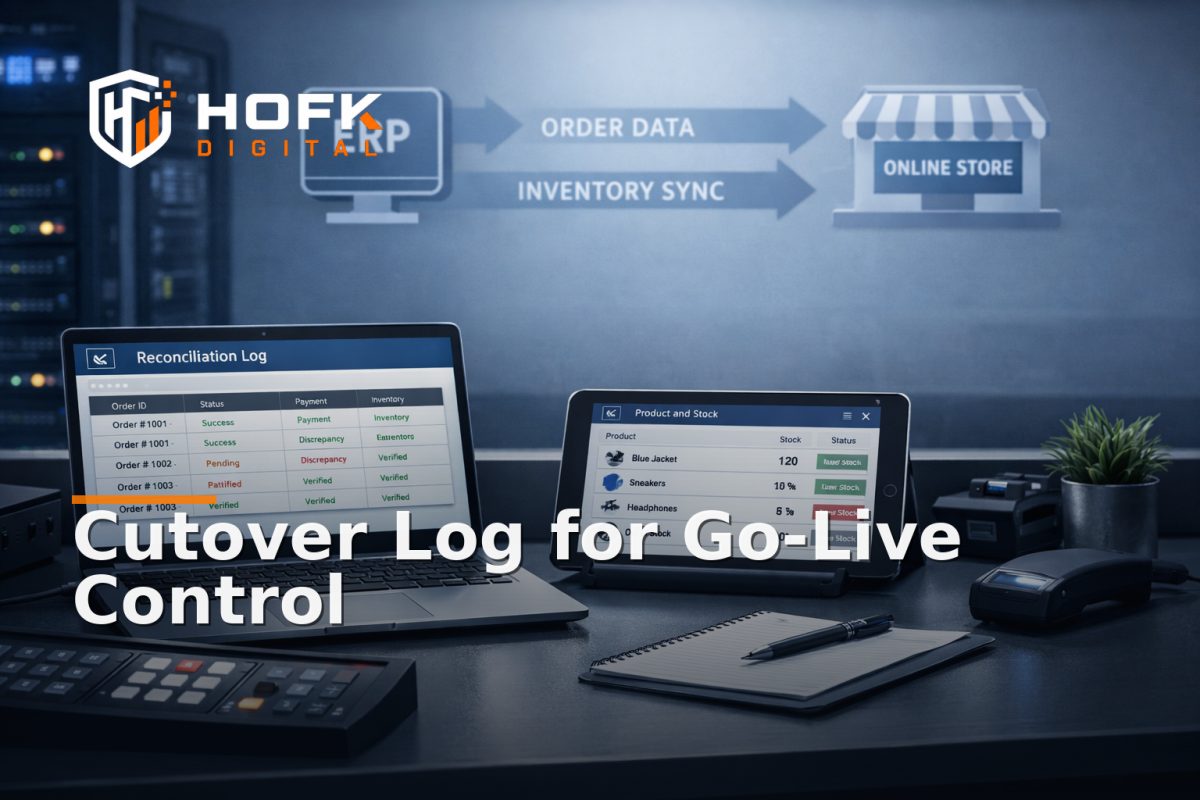
How to Run a Live Cutover Reconciliation Log During ERP-Connected Replatform Go-Live
When an ERP-connected replatform goes live, the risky part is often not the deploy itself. It is the first live hour afterwards, when product data, stock, pricing and order handoffs start moving across the new stack at the same time. That is why a cutover reconciliation log is useful: it gives the team one shared record of what was checked, what matched, what did not, and who owns the next step.
This is not a general migration checklist. It is a live go-live control template for the day itself. The aim is to keep a clean audit trail during the cutover window, separate blocking issues from watch items, and make sure discrepancies are recorded in real time rather than discussed from memory later.
For UK ecommerce teams, founders, delivery managers and technical owners, that distinction matters. A replatform can look healthy in staging and still drift once live ERP updates, order writes and pricing syncs begin to settle. A good log keeps the team focused on the actual trading truth, not the assumption that the deploy is automatically fine.
What the cutover reconciliation log is for
The log has three jobs on go-live day.
- Track the critical ERP-connected checks in one place.
- Assign an owner to each check so nothing is left floating between teams.
- Triage issues as block, watch or post-go-live follow-up.
That makes the log different from a QA checklist. A checklist says what should be checked. The log captures what actually happened during cutover, including timestamps, evidence and decisions.
In practice, that means the log should be open on the day, editable by the right people and simple enough to update while the team is under pressure. If it is too long or too clever, it will not be used properly.
What to capture in the log
A useful live log needs enough detail to prove what happened without becoming a second project. The fields below are usually enough for an ERP connected ecommerce migration.
1. Check name
Give each item a short, recognisable name. Examples:
- Product price sync
- Stock availability sync
- Order write-back
- Promotion rule check
- Search index refresh
Keep the wording consistent so the team can scan the log quickly.
2. Owner
Each check should have one named owner. Not a team. One person. That person may not fix the issue alone, but they should know who is responsible for the decision.
Typical owners during cutover may include:
- Technical owner
- Ecommerce owner
- Operations owner
- ERP or integration owner
If there is no single owner, the same issue can end up being reported twice or not at all.
3. Expected result
Describe the expected live behaviour in plain English. For example:
- ERP price matches storefront price within the agreed sync window
- Low stock item appears as limited availability on the product page
- Paid order writes back to ERP with the correct status and reference
This prevents the log becoming a vague yes/no sheet. The expectation needs to be specific enough for someone else to verify it later.
4. Actual result
Record what the team actually saw. If it matched, say so. If it did not, note the exact difference. For example:
- Price matched on product page but lagged on category card
- Stock showed unavailable on mobile but available on desktop
- Order created in storefront but write-back to ERP delayed
It helps to be precise. The more exact the mismatch, the easier it is to route to the right fix.
5. Timestamp
Record the time the check was run, not just the time the issue was noticed. During go-live, timing tells you whether the mismatch was a transient sync delay or a deeper problem.
6. Evidence
Keep a short reference to the proof. That might be a screenshot, order number, export line, log entry, feed file or admin view. You do not need a full documentation pack in the log itself. You do need enough evidence to reopen the issue later without guessing.
7. Decision
Every line should end with one of three outcomes:
- Block - stop the launch or pause further rollout
- Watch - acceptable for now, but needs close monitoring
- Follow up - not blocking, but needs post-go-live investigation
This is the most important field in the whole log. Without it, the team has a list of differences but no operational decision.
How to classify issues during live cutover
A live cutover log only works if the team uses the same language for urgency. The simplest model is block, watch or follow up.
Block
A block is anything that affects trading truth, order integrity or customer promise enough that the team should stop or pause progression. In an ERP-connected ecommerce migration, examples may include:
- Wrong product price on the live site
- Missing stock availability across a live category
- Orders failing to write back to ERP
- Critical product data missing from the storefront
Blocks should be logged immediately with owner, timestamp and decision. If a block is being discussed for too long, it is probably not being treated as a block.
Watch
A watch item is a mismatch that is not ideal but does not currently stop trading. For example, a sync may be slightly behind, or a non-critical page may show a temporary inconsistency while caches settle. The key is that the team has acknowledged the issue and is actively watching it.
Watch items should still be time-stamped and owned. The difference is that they do not pause the cutover unless they start to drift.
Follow up
Some issues are real but not operationally urgent. These are the ones to record for later review after go-live. Examples may include non-critical copy differences, minor template inconsistencies or analytics quirks that do not affect orders.
Do not use follow up as a place to hide uncertainty. If the team is unsure whether the issue matters, that is a watch item at minimum.
How to run the log on cutover day
The log should sit alongside the cutover plan, not replace it. A practical live sequence looks like this.
Before go-live
- Open the log and confirm every critical check has an owner.
- Agree the decision thresholds for block, watch and follow up.
- Confirm where evidence will be stored.
- Make sure the log is visible to the technical owner and ecommerce owner.
During go-live
- Run checks in the agreed order.
- Record results immediately, not at the end of the hour.
- Flag discrepancies in the log as soon as they are seen.
- Update the decision if the issue changes from watch to block.
First live hour
The first live hour is where the log earns its keep. This is the window where ERP sync timing, pricing updates, order write-back and cache behaviour are most likely to show whether the replatform is stable enough to continue. A clean first live hour does not prove everything is perfect, but it does give the team a clearer basis for moving from cutover to normal monitoring.
What should be in the migration reconciliation checklist
The cutover reconciliation log works best when it is paired with a small migration reconciliation checklist. The checklist should stay short and commercial, not turn into a second QA pack.
A practical checklist for ERP-connected ecommerce migration might include:
- Product titles and core attributes match
- Prices match across ERP and storefront
- Stock and availability rules behave as expected
- Promotions are visible and valid
- Orders write back to ERP correctly
- Critical landing pages and category pages load as expected
The checklist tells the team what to inspect. The log records what happened, who saw it and what decision was made.
How to keep the log usable under pressure
On go-live day, clarity beats cleverness. A log only works if people can update it quickly while concentrating on the site itself.
- Use short field names.
- Avoid long paragraphs in the table.
- Keep one row per check.
- Use a shared version so the team is not working in separate files.
- Set one person to maintain the log if the cutover becomes busy.
It also helps to keep the log on the same screen as the key monitoring tools. That makes it easier to compare the storefront, ERP and integration state at the same moment.
Common mistakes to avoid
Some cutover logs fail because they are too broad, too vague or too passive.
- Too broad: trying to log every page rather than the trading-critical checks.
- Too vague: writing “looks fine” instead of recording the actual result.
- Too passive: noting discrepancies without deciding whether they are blocks, watches or follow ups.
- Too late: filling in the log after the fact instead of during the live window.
If the team only updates the log when someone has time, it is no longer a live governance tool. It is just a notes file.
How HOFK fits
HOFK works across ecommerce support, full stack development, automation and operational software, so this kind of cutover work is usually approached as a control problem as well as a technical one. In practice, that may mean making the ERP-connected handoff easier to inspect, aligning the log with the actual state changes, or building the live checks into a more practical workflow.
For teams dealing with an ecommerce replatform cutover, the useful work is often not more documentation. It is better live governance: a log that the team can actually use, an owner model that is clear, and a decision route that is simple enough to trust under pressure.
Conclusion
A cutover reconciliation log is most useful when it stays focused on the live day itself. Capture the check name, owner, expected result, actual result, timestamp, evidence and decision. Then use the same language across the team to classify issues as block, watch or follow up.
That is the practical way to reduce migration risk on an ERP-connected replatform. It gives the team a shared record for the first live hour, makes discrepancy handling clearer and helps you decide whether the new site is stable enough to proceed. If you need support shaping the log, the checks or the technical handoff behind the migration, HOFK can help with full stack development, ecommerce support and the implementation detail behind cleaner live cutovers.
Suggested next step: create the log before go-live, test it with one rehearsal check and make sure every critical line has a named owner before the cutover window opens.
VERIFY: exact ERP sync windows, order-status names and monitoring thresholds will vary by platform, middleware and operating setup.
Frequently asked questions
What is a cutover reconciliation log?
It is a live record used during go-live to track critical ERP-connected checks, note discrepancies and assign each issue as a block, watch item or follow-up.
How is this different from a migration checklist?
A checklist says what should be checked. A cutover reconciliation log records what actually happened during the live window, including evidence, timestamps and decisions.
What should be logged during ERP-connected go-live?
Log the check name, owner, expected result, actual result, timestamp, evidence and decision. Keep the wording short enough to update in real time.
What counts as a block versus a watch item?
A block is a mismatch that risks trading truth or order integrity enough to pause the rollout. A watch item is acceptable for now but needs close monitoring.
Why is the first live hour so important?
Because it is when the new ERP-connected flow starts proving itself against real traffic, real stock updates and real order write-backs.