

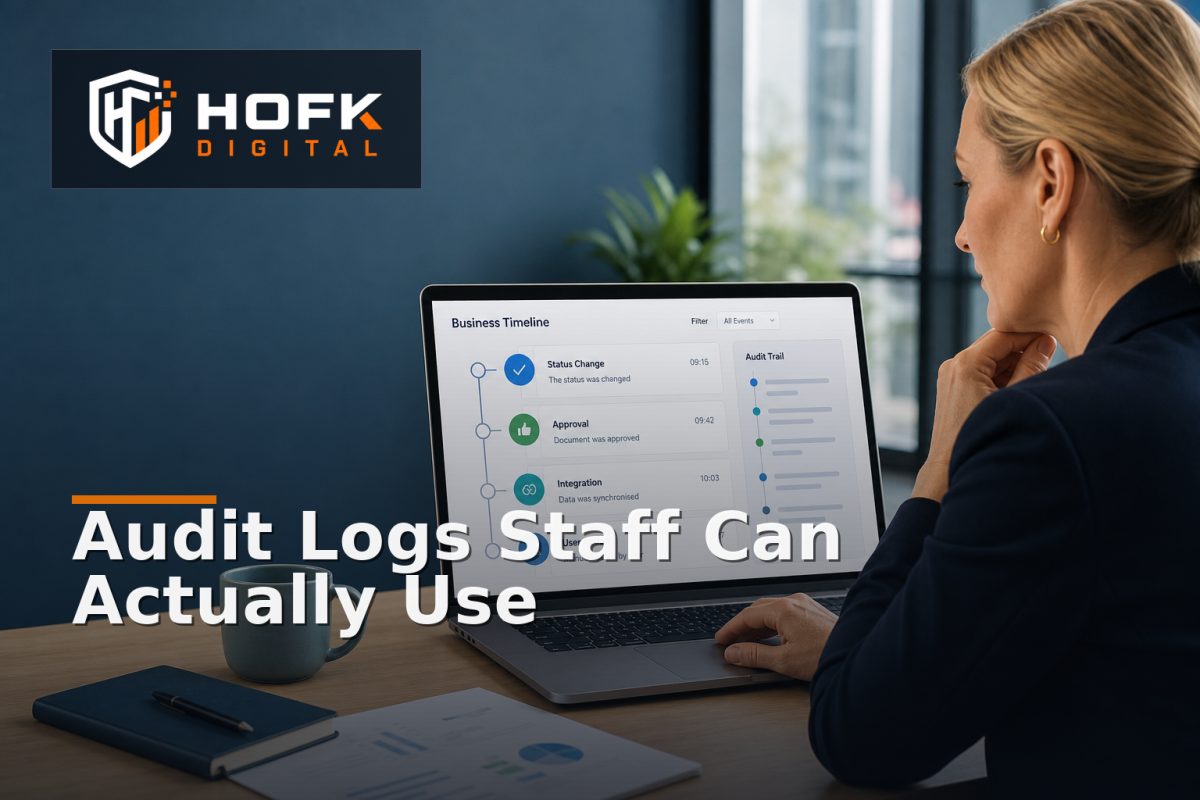
How to Design Audit Logs for Custom Business Software That Staff Can Actually Investigate
An order has changed status, a customer price no longer looks right, or an approval appears to have been completed by someone who cannot remember doing it. The software contains an audit log, but staff still have to ask a developer to search database records before they can understand what happened.
This is a common failure in custom business software. The application technically records activity, but the record is not useful to the people investigating a customer query, fulfilment problem or internal discrepancy.
Well-designed custom software audit logs should help a member of staff answer four practical questions: what changed, who changed it, when did it change, and what should happen next? This guide explains how UK technical leads and operations managers can design audit logs that support real investigation rather than simply creating a long list of technical events.
What makes an audit log useful to staff?
An audit log is useful when it provides enough context to reconstruct a business event without requiring specialist knowledge of the application code.
For example, “Order updated” is a weak event. It does not explain whether the delivery address, price, payment state or fulfilment status changed. A more useful record might say:
- Order ORD-10482 changed from awaiting payment to paid.
- The change was received from the payment service callback.
- The event was processed at 14:32 by the integration worker.
- The resulting fulfilment action was created successfully.
The second version is easier for operations, finance and customer service teams to understand. It also gives a technical team more useful evidence if the handoff later fails.
Start with business events, not database actions
One of the most important design choices is deciding what should be logged. Recording every database update can create a large volume of information without explaining the business meaning behind it.
Start by listing the business events that staff may need to investigate. These could include:
- An order was created, amended, cancelled or released to fulfilment.
- A price, discount or customer-specific term changed.
- An approval was requested, granted, rejected or overridden.
- A product, stock state or delivery rule changed.
- A user account, permission or assigned owner changed.
- An integration event was received, retried, rejected or reconciled.
- A refund, credit, return or adjustment was created.
Technical events still matter, but they should support the business event rather than replace it. A useful model may store both: a readable operational description and the technical event type, request ID or job reference behind it.
Capture the context needed for investigation
Internal tool activity logging is most valuable when each event contains enough context to explain its significance. At minimum, consider recording:
- Event type: what happened in a controlled vocabulary.
- Business record: the order, customer, product, case or task affected.
- Previous state: the relevant value before the change.
- New state: the value after the change.
- Actor: the user, integration, scheduled job or system process responsible.
- Timestamp: when the event occurred and, where useful, when it was recorded.
- Reason: the explanation supplied by the user or system.
- Source: the interface, API, import or automation route that caused the event.
- Reference: a ticket, request, webhook, batch or release identifier.
Do not collect every possible field by default. Capture the information that helps staff decide whether the change was expected, authorised, accidental or unresolved.
Make changes readable without losing technical detail
A business software audit trail often needs two views. The first is an operational view for staff. The second is a technical view for developers or support specialists.
The operational view might say:
Delivery method changed from Standard to Next-day by Alex Morgan on 16 November 2026 at 10:14.
The technical view could also show the request ID, API endpoint, application version, job name and source-system reference. Keeping both views connected avoids a common compromise where the log is either too technical for staff or too vague for engineers.
Use clear labels rather than exposing internal field names. “Customer account pricing” is more useful to an operations manager than “account_price_override”. Internal codes can remain available through an expandable detail view or technical export.
Design an investigation interface, not just a timeline
A chronological timeline is useful, but it should not be the only way staff can investigate activity. Once an application has thousands of events, scrolling becomes inefficient.
A practical audit interface should support filters such as:
- Date and time range.
- Business record or reference number.
- Event type or category.
- User, team or automated process.
- Previous and new status.
- Source system or integration.
- Reason, exception or approval state.
Search should accept the references staff actually use, such as an order number, customer account, SKU or case ID. Do not make users search by an internal database primary key unless that is genuinely how the operation works.
Where an event relates to a wider case, show the surrounding context. A price change may need to be viewed alongside the quote approval, customer account update and resulting order. This creates a more useful application change history than a disconnected list of individual field edits.
Show the difference between user action and automation
Staff need to know whether a change was made by a colleague, an integration or an automated rule. These causes often require different follow-up.
For example:
- User action: an operations user changed the delivery date after speaking to the customer.
- Integration action: an ERP update changed the stock status.
- Automation: a scheduled rule closed an expired approval.
- Retry action: an integration worker replayed a previously failed event.
Use distinct actor types and display them clearly. A system process should not appear as an anonymous user, and a user should not be blamed for an automated change triggered by a rule.
Record reasons for material changes
Some changes can be understood from the before-and-after values. Others need an explanation. If a user overrides a price, waives a charge or reassigns an exception, require a reason where the decision is commercially or operationally significant.
Keep reasons structured where possible. A controlled list such as “customer agreement”, “data correction”, “manager approval” or “integration exception” is easier to report than unrestricted notes alone. Allow a short explanation alongside the selected reason for unusual cases.
This helps distinguish a legitimate exception from a recurring process weakness. If the same manual override appears repeatedly, the underlying rule or workflow may need improvement.
Protect sensitive information in the audit record
Audit logs can contain customer details, pricing, internal notes and operational information. Do not treat them as harmless technical output.
Decide deliberately:
- Which roles can view audit events.
- Which fields should be masked or excluded.
- How long different event types should be retained.
- Whether exports are allowed and who can create them.
- How audit records are protected from ordinary editing.
Do not store passwords, payment credentials or unnecessary personal information in event descriptions. Retention periods, access controls and data-handling requirements should be reviewed against your current policies and technical environment. VERIFY the appropriate retention and access approach with the relevant technical, compliance and business owners before implementation.
Make the audit trail trustworthy
A business software audit trail loses value if users can edit or delete historical events without a clear record. The underlying event history should normally be append-only, with corrections represented as new events rather than silent edits.
Also consider clock differences and delayed processing. An event may occur in one system at 14:30, arrive at the application at 14:32 and be displayed later in a local timezone. Where timing matters, retain both the source timestamp and the received or processed timestamp.
Stable identifiers are important too. Link audit events to the business record, integration event, job attempt or request that caused them. This makes investigation easier when several systems are involved.
Test whether staff can actually investigate
Do not approve custom software audit logs because the event table is populated. Test the investigation task with realistic scenarios.
Ask a staff member who was not involved in the build to answer questions such as:
- Why was this order moved to a different fulfilment route?
- Who approved the price change?
- Was the update made by a user or an integration?
- What happened after the payment callback failed?
- Which action should the team take next?
Measure whether the person can find the answer without developer assistance. If they need to interpret internal codes, search several unrelated screens or ask for database access, the audit interface needs improvement.
Also test difficult cases: duplicate events, out-of-order updates, failed retries, manual overrides, amended orders and changes made by a deactivated user. The aim is to prove that the log remains useful when the workflow is not clean.
Custom software audit logs checklist
- Business events are defined before technical events.
- Each material event records the affected business record.
- Before-and-after values are available where relevant.
- Users, integrations, jobs and retries are clearly distinguished.
- Reasons are required for important overrides and adjustments.
- Staff can filter and search using operational references.
- Technical details remain available without cluttering the main view.
- Access, masking and retention rules are documented.
- Historical events cannot be silently edited or removed.
- Representative staff can investigate real scenarios without developer help.
Where HOFK can help
Audit logging often sits across ecommerce, internal operations, fulfilment, CRM, ERP integrations, approvals and monitoring. HOFK can help map the events that matter, design a more usable investigation interface, improve the full stack implementation or connect application history to practical exception workflows.
Relevant support may include full stack development, ecommerce, automation and operational software. The objective is not to create more technical records for their own sake. It is to help staff understand what happened and act on it with better evidence.
Conclusion
Custom software audit logs should be designed around investigation, not storage. Start with the business questions staff need to answer, record the context behind important changes, distinguish human actions from automation and provide filters that match real operational references.
Then test the log with genuine exceptions, overrides and integration failures. If staff can identify what changed, who caused it, why it happened and what to do next without asking a developer to search the database, the audit trail is doing its job.
A clear business software audit trail and usable application change history can reduce repeated investigation, make exceptions easier to resolve and give technical teams better evidence when a deeper fix is needed.
Frequently asked questions
What are custom software audit logs?
Custom software audit logs are records of important application and business events, including what changed, who or what caused the change, when it happened and any relevant reason or reference.
What should an internal tool activity log include?
It should normally include the affected record, event type, previous and new values, actor, timestamp, source, reason and any related request, job or integration reference.
Should audit logs record every database change?
Not necessarily. Start with business events and material changes that staff may need to investigate. Technical details can be retained alongside a clearer operational description.
How can staff investigate a business software audit trail?
Provide searchable timelines and filters for record reference, event type, user, integration, status and date. Test the interface using realistic operational questions rather than only technical test cases.
Can audit logs contain sensitive information?
They can, so access, masking, retention and export rules should be designed deliberately. Avoid recording passwords, payment credentials or unnecessary personal data, and VERIFY the appropriate controls for your environment.