

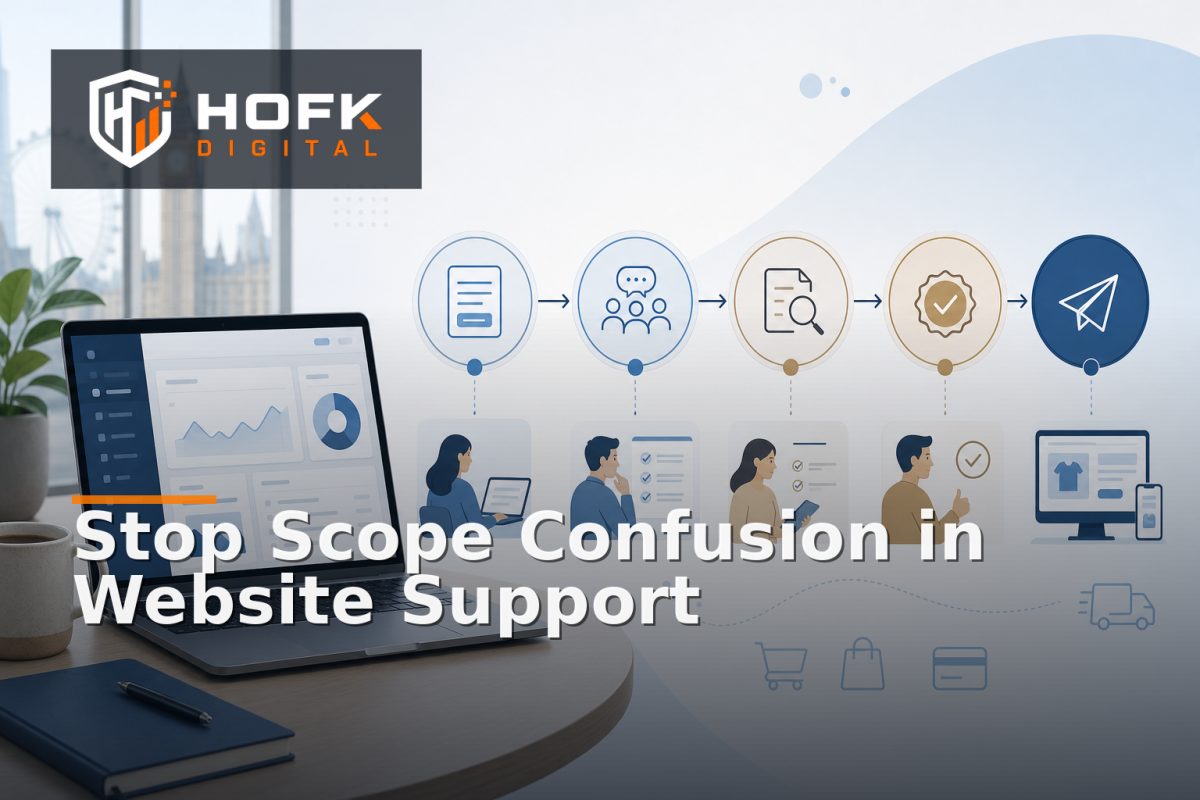
How to Create a Website Support Change Request Process That Prevents Scope Confusion
A marketing lead sends an email asking for a small website change. It sounds simple: update a banner, adjust a form, add a product field or change a delivery message. A few replies later, the request has become part content edit, part development task and part urgent support issue.
This is how scope confusion starts. The business thinks the change is included in its support arrangement. The development partner sees new requirements, testing and risk. Work begins before anyone has agreed what is being requested, how much it may involve or who approves the next step.
A clear website support change request process prevents that uncertainty. It gives marketing teams and external developers a shared way to describe, classify, estimate, approve and close website work without turning every request into a lengthy project.
Why website maintenance requests become unclear
Scope confusion rarely comes from bad intentions. It usually happens because different types of work enter the same inbox or ticket queue.
A request may be described as a “quick change” even though it requires a new integration. A genuine defect may be treated as a content request because the visible symptom is a wrong message. A new feature may be added to a retainer backlog without anyone confirming whether the available capacity or support agreement covers it.
Common sources of confusion include:
- Unclear descriptions such as “make checkout better”.
- Requests that combine several unrelated changes.
- No distinction between a defect and a new requirement.
- Missing acceptance criteria or examples.
- Urgent wording without evidence of business impact.
- Work starting before an estimate or approval is recorded.
The solution is not necessarily a more complicated project management tool. It is a consistent decision process.
Define the purpose of the change request process
Before choosing a form or ticket template, agree what the process must achieve. A useful process should help both sides answer:
- What is changing?
- Why is it needed?
- Which website, user journey or system is affected?
- Is this support, maintenance, a defect, an investigation or new development?
- What information is still missing?
- Who decides whether the work proceeds?
- What proves that the work is complete?
This makes retained development change control practical. It does not prevent useful requests from being raised. It makes the decision about each request visible before development time is committed.
Use one request form with the right minimum information
A request form should be detailed enough to reduce back-and-forth, but short enough that marketing and operations teams will actually use it. Start with a minimum information standard.
1. Describe the requested outcome
Ask the requester to describe what should be different, not only what they want a developer to do.
“Change the button” is incomplete. “Make the quote button visible above the fold on mobile service pages and keep the existing form route” is more useful because it describes the intended outcome and boundary.
2. Identify the affected area
Capture the relevant URL, template, product, campaign, form, integration or internal workflow. Include screenshots or examples where helpful. A developer should not need to search the whole website to find the problem.
3. Explain the business reason
Ask why the change matters. Useful reasons might include an active campaign, a customer-service issue, a trading requirement, a compliance review, a performance concern or a planned improvement.
4. Add timing and dependencies
Record the preferred launch date, campaign dates, supplier dependencies, content approvals and any required access. A deadline without its reason is difficult to prioritise responsibly.
Classify every request before estimating it
Classification is the most important part of support retainer scope management. It prevents a new feature from being treated like a routine maintenance task and stops a genuine incident being buried in a planned backlog.
Use a small number of categories:
- Incident: A critical website or operational journey is unavailable or seriously incorrect.
- Defect: The website does not behave according to an agreed existing requirement.
- Content or configuration change: A controlled edit to copy, imagery, links, settings or approved catalogue data.
- Maintenance: Work that keeps the platform secure, supportable or reliable.
- Investigation: Time needed to establish the cause, impact or suitable solution.
- New development: A new feature, workflow, integration, template or behaviour.
The categories do not need to match your contract wording exactly. They need to create a shared understanding of what happens next. A request can be reclassified after technical review, but the change should be recorded.
Separate included support from additional work
Many scope disputes happen because “included support” is not defined in practical terms. Avoid relying only on broad phrases such as “ongoing website support”. Document how typical requests are treated.
For example, an arrangement might include routine content assistance, minor configuration changes, defect investigation and agreed maintenance within available capacity. A new customer portal, complex API integration, checkout redesign or substantial template build may require separate estimation.
The exact boundary depends on the support agreement. VERIFY the wording of the relevant contract, retainer hours, response commitments and approval rules before publishing a process based on them.
A useful request status may be “scope confirmation required”. This is better than allowing work to begin while the commercial treatment remains uncertain.
Require acceptance criteria before work starts
Acceptance criteria define what “done” means. They also expose uncertainty early, when it is cheaper to resolve.
Good acceptance criteria are observable and specific:
- The new campaign banner links to the approved landing page on mobile and desktop.
- The revised product field appears on the product page, feed and relevant admin view.
- The form preserves campaign source data and creates one CRM record.
- The delivery message changes only for the approved postcode or product rule.
A request that cannot yet have acceptance criteria may need discovery or investigation first. That is not a failure of the process. It is a useful signal that the work is not ready to estimate as a straightforward change.
Make estimate and approval stages explicit
Do not make the development partner infer whether an estimate is approved from a casual email response. Use clear stages:
- Submitted: The request has been logged.
- Needs information: The request cannot yet be assessed.
- Triaged: The work type, priority and likely owner have been identified.
- Estimate required: Technical investigation or effort assessment is needed.
- Awaiting approval: The requester or budget owner must approve the scope.
- Ready for delivery: Requirements, access and approval are complete.
- In progress: Work has started within the agreed scope.
- Ready for review: The change is available for business checking.
- Closed: Acceptance, evidence and any follow-up are recorded.
This creates a clear form of retained development change control without requiring every request to become a formal project.
Control changes to the request after approval
Scope confusion often returns after approval. A requester adds “one more small thing”, the developer discovers a dependency or the business changes the acceptance criteria halfway through delivery.
Use a change-to-change rule. If the new information affects effort, risk, deadline, systems or acceptance criteria, pause and record the impact before continuing. The options may be:
- Keep the existing scope and log the extra item separately.
- Update the estimate and request approval again.
- Reduce another part of the request to stay within capacity.
- Move the new requirement into a later delivery window.
This protects both the client and the development partner. It also prevents an approved request from quietly becoming a different project.
Use priority rules based on business impact
“Urgent” should not mean “requested loudly”. Define priority using the effect on customers, trading, data and operational continuity.
A practical model may include:
- Critical: Checkout, payment, lead capture, customer access or a major integration is failing.
- High: An important customer segment, campaign route or operational process is materially impaired.
- Standard: A contained defect or support issue with limited immediate impact.
- Planned: An improvement, content change, investigation or new feature that can be scheduled.
Set response expectations separately from delivery dates. A support partner may acknowledge a request quickly but need time to investigate, estimate and safely release the work.
Close the request with evidence, not a message saying “done”
Closure should confirm that the agreed outcome was delivered. Depending on the change, evidence might include a preview URL, screenshot, test order, CRM record, monitoring result or deployment reference.
Record:
- What changed.
- What was tested.
- Who reviewed it.
- Any accepted limitation.
- Whether follow-up work remains.
This creates a useful history for future website maintenance requests. It also helps identify repeated issues that may deserve a deeper technical fix rather than another individual ticket.
Website support change request process checklist
Before introducing the process, confirm that:
- Requests are submitted through one agreed route.
- The affected page, journey or system is identified.
- Every request has a business reason and preferred timing.
- Defects, incidents, maintenance and new development are separated.
- Included support and additional work have clear treatment.
- Acceptance criteria are recorded before delivery.
- Estimates and approvals have visible statuses.
- Scope changes trigger a documented review.
- Priority is based on customer, trading and operational impact.
- Completed work has evidence and a named reviewer.
Where HOFK can help
HOFK can help businesses review and improve the process behind website support, retained development, ecommerce changes and connected operational workflows. That may include clarifying request categories, designing a lightweight intake workflow, improving technical triage, adding monitoring or delivering the approved development work.
Relevant support may include full stack development, ecommerce support, responsive website improvements and practical automation. HOFK's existing guidance on retained development capacity planning is useful when the request process also needs to protect time for incidents, maintenance and planned improvements.
Conclusion
A clear website support change request process prevents scope confusion by making the work type, business impact, estimate, approval and acceptance criteria visible before delivery begins.
Start with one request route, classify work consistently, separate included support from additional development, define what “done” means and record the impact of any scope change. That creates practical control without adding unnecessary bureaucracy.
For UK marketing leads and founders, the goal is simple: your external development partner should understand what you need, your team should know what is included, and both sides should be able to see why work is being prioritised. That is the foundation of clearer website maintenance requests and more dependable support retainer scope management.
Frequently asked questions
What is a website support change request process?
It is a structured way to submit, classify, estimate, approve, deliver and close website changes so the client and development partner share the same understanding of scope.
How can the process prevent scope confusion?
It separates incidents, defects, maintenance, content changes, investigations and new development before work begins. It also records acceptance criteria, estimates and approval decisions.
Should every website maintenance request require an estimate?
Not necessarily. Routine, clearly defined work may use an agreed support route, while uncertain, cross-system or new development work should normally be assessed before approval.
What should be included in a change request?
Include the requested outcome, affected URL or system, business reason, preferred timing, dependencies, examples, priority and acceptance criteria where known.
What is retained development change control?
It is the process of managing changes to planned development work, including scope, estimates, approvals, priorities, dependencies and the impact of new requirements.