

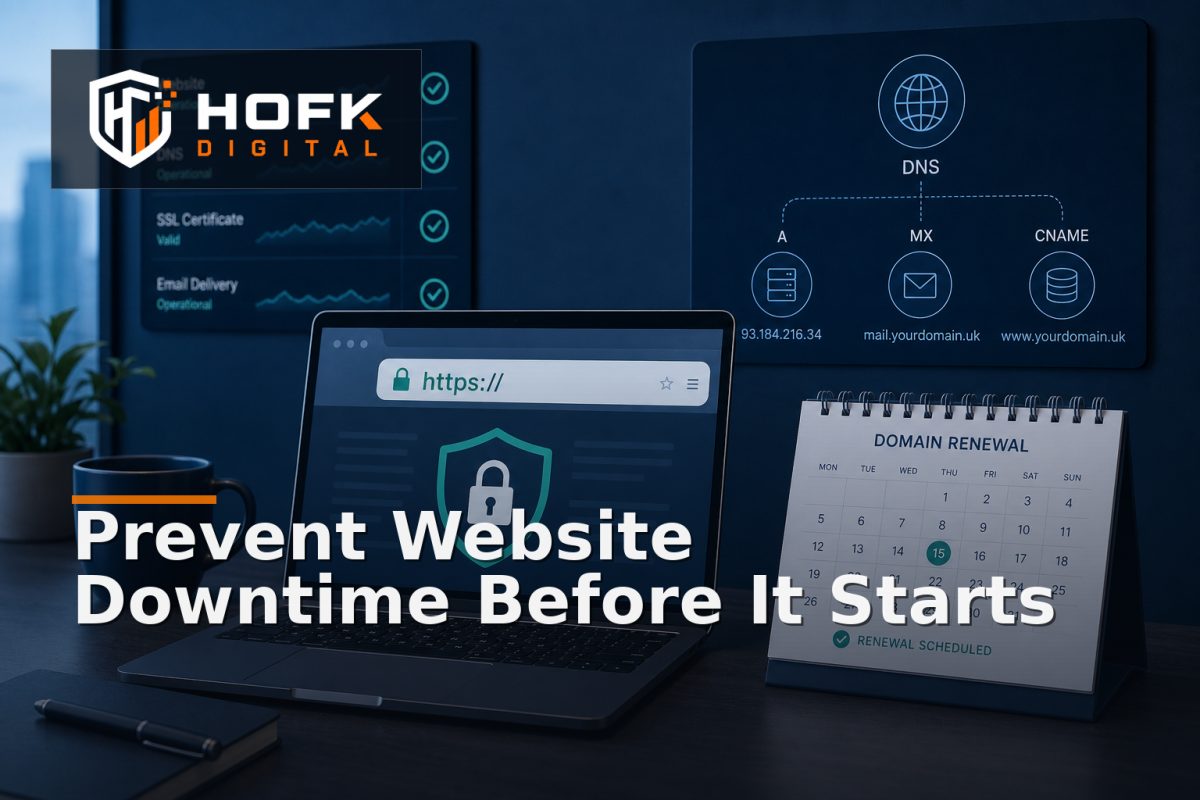
How to Monitor SSL Certificates, Domains and DNS Before They Cause Website Downtime
A website can be fully operational one day and inaccessible the next because an SSL certificate expired, a domain renewal was missed or a DNS record was changed without anyone realising its wider effect.
These incidents are particularly costly because the underlying website may not have changed at all. Your ecommerce platform, CMS or application can be healthy while browsers display security warnings, email stops routing or visitors are sent to the wrong service. By the time someone notices, paid traffic, customer enquiries and internal workflows may already be affected.
SSL certificate expiry monitoring, domain expiry alerts and DNS monitoring should therefore be treated as part of website continuity, not as occasional technical administration. This guide explains what to monitor, how to assign responsibility and how to create useful warnings before an external dependency becomes a live outage.
Why certificates, domains and DNS deserve separate monitoring
These three areas are connected, but they fail in different ways.
- SSL certificates establish encrypted connections and help browsers recognise that a website is using a valid certificate for its hostname.
- Domains control the registration and ownership of the address customers use to reach your website, email and other services.
- DNS directs that domain to services such as hosting, ecommerce platforms, email providers, APIs and verification systems.
A basic availability check may detect the result of a failure, but it may not explain the cause. For example, a website monitor could report that a page is unavailable, while the underlying issue is an expired certificate or a DNS record pointing to an old host.
Monitoring each dependency directly gives your team more time and better evidence to act.
Start with an inventory of public-facing dependencies
Before choosing alert thresholds, list the domains, subdomains and services that matter to the business. Do not monitor only the main homepage domain.
Your inventory may include:
- Primary website and regional or language domains.
- www and non-www versions of the site.
- Checkout, customer portal and account subdomains.
- Campaign landing-page domains.
- API endpoints used by the website or mobile application.
- Mail-related domains and subdomains.
- Staging or preview domains that should not be publicly accessible.
For each hostname, record the service it supports, the hosting or platform owner, the certificate provider, the domain registrar, the DNS provider and an internal business owner. If these details are unknown, mark the record as requiring review rather than assuming the developer or agency has responsibility.
Build SSL certificate expiry monitoring around action time
A certificate expiry date is useful, but an alert only helps if it arrives early enough for someone to renew, test and resolve any problem. Alerting on the expiry date itself is usually too late.
A staged approach is more practical:
- Long-range reminder: identify certificates approaching a planned review window so ownership and renewal access can be checked.
- Action alert: notify the technical owner when renewal or replacement work needs to be scheduled.
- Escalation alert: notify a second owner if the certificate remains unresolved as the deadline approaches.
- Failure alert: report an invalid, expired or hostname-mismatched certificate immediately.
The exact warning periods should reflect your certificate provider, renewal process, support coverage and the consequences of an interruption. VERIFY: certificate renewal and notification behaviour varies by provider and hosting platform.
Monitoring should check more than the date. It should also confirm that:
- The certificate is valid for the hostname visitors use.
- The certificate chain can be trusted by normal browsers.
- The served certificate matches the intended environment.
- HTTPS redirects behave as expected.
- Important subdomains are not using an overlooked or separate certificate.
A certificate can have a future expiry date and still be wrong for the requested hostname. That is why an expiry check should be combined with a live TLS or HTTPS validation check.
Set up domain expiry alerts with clear registrar ownership
Domain expiry is a business continuity risk because registration is often managed outside the website platform. A website team may maintain the code while a director, marketing agency or previous supplier controls the registrar account.
For every important domain, record:
- Registrar and registrar account owner.
- Registered business or account details.
- Renewal date and renewal method.
- Payment method or billing contact, without storing sensitive payment data in an open document.
- Who can approve a transfer, renewal or nameserver change.
- Backup contact if the usual owner is unavailable.
Domain expiry alerts should reach more than one responsible person. An alert sent only to an individual mailbox can be missed when that person changes role, leaves the business or loses access to the address.
Also distinguish between a domain being set to auto-renew and the renewal process being dependable. Auto-renewal can fail because of payment problems, account restrictions, registrar notices or a domain being configured differently from the team’s assumptions. VERIFY: confirm renewal status and registrar contact details directly in the current registrar account.
Monitor related domain changes, not only expiry
Domain continuity can be affected by more than non-renewal. Changes to registration details, nameservers, transfer locks or account access may indicate an administrative or security issue. Depending on the registrar and monitoring service, record changes may be available for review or alerting.
Any unexpected domain or nameserver change should have an owner, an explanation and a route for urgent investigation. Do not treat an unfamiliar change as harmless until it has been checked.
Use DNS monitoring to detect unexpected changes
DNS monitoring should focus on the records that support real business services. Monitoring every possible record can create noise, while monitoring only the homepage A record can miss a critical mail, API or verification change.
Important record types may include:
- A and AAAA records: where the hostname points for IPv4 and IPv6 traffic.
- CNAME records: aliases used by hosting platforms, content delivery services and third-party tools.
- MX records: where business email is routed.
- TXT records: commonly used for email authentication, domain verification and service configuration.
- CAA records: where used to control which certificate authorities may issue certificates for a domain.
- NS records: the authoritative nameservers for the domain.
Not every change is a problem. A planned migration, campaign launch or email-provider change may require DNS updates. The purpose of monitoring is not to prevent legitimate change. It is to make unexpected change visible and provide enough context to distinguish approved work from an incident.
For each monitored record, document the expected value, the service it supports and the person who approves changes. If a record legitimately has several values, such as MX or TXT records, record the expected set rather than comparing against one value only.
Connect DNS checks with website availability monitoring
DNS monitoring and website availability monitoring answer different questions. DNS monitoring asks whether the domain configuration is as expected. Availability monitoring asks whether a visitor can reach the service and complete an important action.
Use both layers:
- Check that critical hostnames resolve successfully.
- Check that the response reaches the intended service.
- Check that HTTPS is valid for the hostname.
- Check that key pages or journeys respond normally.
- Check that redirects do not send visitors to an unexpected domain.
This layered approach helps identify whether an outage is caused by DNS resolution, certificate validation, hosting, application behaviour or a downstream dependency. HOFK’s guide to synthetic uptime monitoring for critical website journeys covers the customer-journey layer in more detail.
Design alerts that explain what needs to happen next
An alert should help the recipient make a decision quickly. “DNS changed” or “certificate warning” is not enough on its own.
A useful notification should include:
- The affected domain or hostname.
- The check that failed and the previous expected state.
- The new observed value or certificate condition.
- The time first detected and whether the issue is recurring.
- The service or business journey potentially affected.
- The named owner and escalation route.
- A link to the relevant registrar, DNS, hosting or monitoring record.
For example, “Checkout hostname certificate does not match the expected domain; detected from two UK monitoring locations; technical owner to investigate” is much more actionable than “SSL error”.
Keep an approved change log
DNS, domain and certificate changes are often made during migrations, supplier changes or urgent fixes. A small change log helps the team distinguish expected activity from unexplained drift.
Record:
- Change requested and business reason.
- Hostnames or domains affected.
- Previous and new values where appropriate.
- Requester, approver and implementer.
- Planned start and end time.
- Validation checks required after the change.
- Rollback or restoration route.
This is particularly useful when several agencies, hosting providers or internal teams can make changes. HOFK’s article on creating a Google Tag Manager governance register discusses a similar ownership and change-control principle for tracking implementations.
Test renewal and recovery, not just alert delivery
An alerting system is not proven because a notification was created. The business should know what happens after the alert arrives.
Test the operating process by confirming:
- The alert reaches the intended primary and secondary owners.
- The recipient can access the relevant registrar, DNS or certificate account.
- The team knows who can approve an urgent change.
- A renewal or DNS change can be tested safely before affecting the live service.
- Website, email and key customer journeys are checked after the change.
- The incident or maintenance record is closed only after recovery is confirmed.
Avoid deliberately expiring a live certificate or changing production nameservers as a casual test. Use a suitable staging hostname, provider test facility or documented tabletop exercise instead. VERIFY: safe test options depend on the provider, hosting platform and operational setup.
Assign responsibility across technical and business teams
Continuity work often fails when ownership is shared but not assigned. A developer may maintain the website, while a business owner controls the domain and an external provider manages DNS. All three roles may be needed.
A practical model is:
- Business owner: confirms which domains and services are critical.
- Technical owner: investigates certificate, DNS and hosting conditions.
- Registrar or provider owner: manages account access, renewal and supplier escalation.
- Incident owner: coordinates communication and confirms recovery.
One person may hold several roles in a smaller business. The important point is that the responsibility is written down, with a backup route.
Preventative monitoring checklist
- List every important domain, subdomain and public hostname.
- Record registrar, DNS, hosting and certificate ownership.
- Set staged SSL certificate expiry monitoring.
- Send domain expiry alerts to at least two responsible contacts.
- Monitor critical DNS records and expected record sets.
- Check HTTPS validity and hostname matching.
- Connect dependency checks with website availability monitoring.
- Keep an approved change log for DNS and certificate changes.
- Test alert routing and recovery responsibilities.
- Review the inventory after migrations, supplier changes and major releases.
Where HOFK can help
Website continuity can cross responsive websites, ecommerce platforms, hosting, DNS, analytics, campaign landing pages and operational software. HOFK can help review the dependencies, improve monitoring coverage and connect alerts to a clearer support or incident process.
Relevant support may include website monitoring, full stack development, ecommerce support, responsive website improvements and practical automation. HOFK’s website incident response runbook guide is also useful when the business needs a clearer route from alert to investigation and recovery.
Conclusion
SSL certificate expiry monitoring, domain expiry alerts and DNS monitoring provide early warning for problems that can otherwise make a healthy website unreachable. Start with a complete dependency inventory, assign owners, monitor the conditions that matter and give each alert a clear action.
Then connect those checks with website availability monitoring and a practical incident response process. The aim is not to create more notifications. It is to give your team enough time and context to renew, investigate or reverse a change before customers encounter a security warning, failed page or broken service.
If your website, ecommerce platform or connected services need a more dependable monitoring structure, HOFK can help review the technical handoffs and operational process behind it.
Frequently asked questions
What is SSL certificate expiry monitoring?
SSL certificate expiry monitoring checks certificates used by your domains and alerts the responsible team before they expire or become invalid. Good checks can also identify hostname or trust-chain problems.
Why are domain expiry alerts important?
They give a business time to renew important domains before registration lapses. Alerts should be sent to more than one responsible contact and supported by a clear registrar ownership record.
What should DNS monitoring check?
DNS monitoring should check critical records such as A, AAAA, CNAME, MX, TXT and NS records where they support website hosting, email, APIs or verification services. Monitor expected values or record sets rather than every record without context.
Is DNS monitoring the same as website availability monitoring?
No. DNS monitoring checks whether domain configuration is correct, while website availability monitoring checks whether a service or customer journey can be reached and used. The two checks complement each other.
How often should certificates, domains and DNS be reviewed?
Automated checks should run regularly, while the wider inventory should be reviewed after migrations, supplier changes, domain transfers and major releases. The appropriate frequency depends on the business and provider setup.