

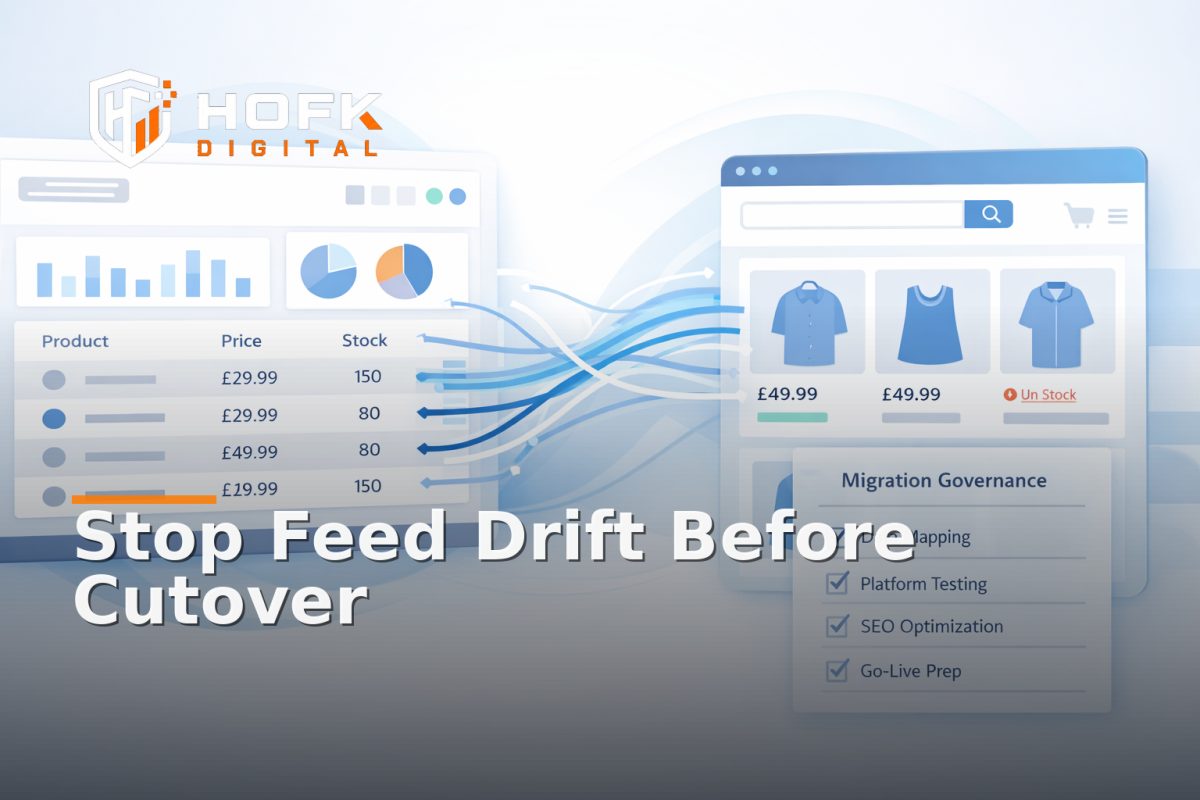
How to Protect ERP-to-Ecommerce Product Data During Replatforms Before Feed Drift Hits Sales
If you are planning a replatform, the biggest risk is often not the new design, the checkout, or even the migration script. It is the product data that looks fine in the ERP, appears mostly right in staging, and then starts drifting after go-live. That is where ecommerce feed drift becomes a trading problem rather than a technical one.
When ERP-connected product data slips out of alignment, the symptoms are usually familiar: prices do not match, variants go missing, stock looks wrong, or a category page on the new site starts showing an item that the ERP has already retired. In a live migration, those gaps can affect paid traffic, organic listings, marketplace feeds and customer trust at the same time.
This article is for UK ecommerce managers, merchandisers, operations leads and developers who are working through an ERP connected ecommerce migration. The focus is not on generic feed troubleshooting. It is on how to protect product data integrity during replatforms, with pre-cutover mapping checks, sync timing validation, rollback-safe reconciliation and the first go-live monitoring window.
Why feed drift gets worse during a replatform
A normal feed issue usually starts with one broken field or a stale sync. A migration adds more moving parts. You are changing the storefront, the template logic, often the APIs, sometimes the ERP integration, and frequently the rules that decide which source wins when data conflicts.
That means the same product can exist in several places at once:
- the ERP, which may be the commercial source of truth
- the PIM or middleware layer, if one exists
- the staging site or preview environment
- the live ecommerce platform
- Google Shopping, marketplaces or other downstream channels
If those layers are not checked in order, the migration can appear successful while the product data has already drifted.
Start by defining the source of truth for each field
Before any migration work begins, decide which system owns each important field. Do not assume the ERP owns everything. In practice, different fields often come from different places.
Typical ownership questions
- Does the ERP own title, description and item code, or only stock and price?
- Does the ecommerce platform own category placement or variant presentation?
- Are image URLs stored in the ERP, PIM or storefront CMS?
- Which system wins when price is updated in two places?
- What happens if a field is blank in the ERP but populated on the old site?
This is the first governance decision in an ERP connected ecommerce migration. If the team cannot answer it cleanly, feed drift is almost guaranteed after cutover.
Build a pre-cutover mapping matrix, not just a migration checklist
A migration checklist tells you what to move. A mapping matrix tells you how each field should travel and where it should land. That difference matters because feed drift usually starts with a mapping assumption rather than a missing file.
Your matrix should include:
- source field name
- source system
- target field name
- target system
- transformations or formatting rules
- fallback behaviour if the field is blank
- owner for sign-off
For example, a size value in the ERP might need to become a variant option on the new storefront. A stock status might need to convert from an internal code into a customer-facing message. A product family field might need to become a Google Shopping product type or category mapping.
That mapping work is tedious, but it is where you prevent the data mismatch between ERP and website that causes problems later.
Check the fields that are most likely to drift
Not every attribute carries the same migration risk. Start with the ones most likely to affect trading, visibility or customer trust.
1. Price and sale price
Price drift is one of the fastest ways to create a support issue. Check whether the ERP, storefront and feed output all agree on:
- base price
- sale price
- tax presentation
- currency
- rounding behaviour
If the new platform recalculates or formats prices differently, make that explicit before cutover. Do not wait for the feed to expose the mismatch.
2. Stock and availability
Availability logic often changes during a replatform because the new site may interpret stock states differently. A simple ERP code such as in stock, low stock, back order or discontinued may not map cleanly into storefront language.
Check whether the new site can represent:
- available
- limited stock
- preorder
- backorder
- discontinued
If these states collapse into one generic label, the site may be live but commercially misleading.
3. Variant structure
Variant-heavy catalogues are a common migration risk. Sizes, colours, pack sizes and bundles can flatten or split incorrectly if the new template handles variant logic differently from the old one.
Test whether parent-child relationships survive the move. If the ERP feeds one structure but the storefront expects another, variant-level product feed audit checks should be part of pre-launch QA.
4. Identifiers
SKU, GTIN, MPN and item codes are the join keys that hold the whole migration together. If those change, downstream channels can lose the ability to reconcile products cleanly. That is especially important when Google Shopping or marketplaces are receiving the same catalogue.
Validate sync timing before you go live
One of the most common causes of ecommerce feed drift during a migration is not the field mapping itself. It is the timing between systems.
For example, the ERP may update at 6am, the new storefront may pull at 6:05am, and the feed generator may not refresh until 7am. In that gap, one channel can show the wrong price or stock while another shows the right one.
During a replatform, test the following:
- how often the ERP exports data
- how quickly the middleware or API receives it
- when the storefront refreshes cached values
- when feeds regenerate for Google Shopping or marketplaces
- what happens if a sync fails midway
If your business trades on short promotions, live stock, or frequent repricing, sync timing can be just as important as mapping quality.
Run a rollback-safe reconciliation test
Before cutover, you need one reliable way to compare the same product across all systems. Do not rely on screenshots alone. Use a test set and a reconciliation sheet.
A practical reconciliation method
- Pick a small sample of real products: simple, variant-heavy, low stock, sale item and discontinued item.
- Record the ERP values for each field.
- Record the staging site values for the same products.
- Pull the exported feed or API response.
- Compare the same fields side by side.
- Note any mismatch and decide whether it is intentional or a defect.
This test should be repeatable quickly. If it is too complex to run twice, it is too fragile for a migration.
Rollback-safe means you can compare the old system and the new system without losing the ability to return to the previous state. Keep the old export path live long enough to compare outputs after cutover, and document exactly what will happen if the new sync produces bad data.
Protect the live site with a migration control window
The first 24 to 72 hours after go-live matter more than most teams expect. That is when hidden drift appears: cached pricing, stale images, one missing variant, a category label that no longer matches the ERP, or a feed that is technically complete but commercially wrong.
A migration control window should include:
- an owner who can pause feeds or revert mappings quickly
- pre-agreed thresholds for what counts as a failure
- a clear route for reporting mismatches
- daily monitoring of the most important categories and products
- scheduled comparison of ERP, site and feed outputs
This is where ecommerce support and practical monitoring are useful. You are not just checking whether the site is up. You are checking whether the product data still tells the same story everywhere it appears.
What to monitor once the site is live
During the go-live period, focus on symptoms that point to drift rather than raw technical errors.
Monitor for these signals
- price mismatches between ERP and site
- variant values missing on the storefront
- feed exclusions that were not expected
- stock states that do not reflect the ERP
- image or category mismatches
- Google Shopping warnings or marketplace disapprovals
Use a short daily review at first, then move to weekly checks once the new platform has stabilised. If a mismatch appears, classify it by layer: source data, mapping, sync timing or storefront rendering.
Agree who owns drift fixes after cutover
Replatforms often fail operationally because nobody owns the next step when a mismatch is found. Marketing sees the feed issue, operations sees the ERP issue, development sees the template issue, and everyone waits.
Before go-live, name the owner for each type of problem:
- source data correction
- mapping or transformation fix
- API or sync timing issue
- front-end or template correction
- channel feed repair
That ownership model is part of governance. Without it, the same mismatch can drift for days while the team debates where it belongs.
Keep the migration narrow enough to inspect
The safest ERP connected ecommerce migration is the one you can actually inspect. If the scope is too broad, it becomes hard to tell whether a mismatch is caused by the new platform, the feed logic, or an unrelated process change.
Where possible, cut over in a way that isolates risk:
- migrate a sample catalogue first
- test one pricing rule set before all promotions
- validate one fulfilment route before every region
- compare one channel feed before all marketplaces
This is not always possible, but when it is, it reduces the chance that feed drift becomes a site-wide trading issue.
What good migration governance looks like
Good governance is boring in the best way. Everyone knows which system owns each field, the mapping matrix has been signed off, the sync timings have been tested, the rollback route is documented, and the first go-live checks are owned by specific people.
When that is in place, ecommerce feed drift becomes easier to prevent and easier to spot. You are not relying on a lucky feed export or a manual spreadsheet check. You are using a controlled process for preserving product data integrity through the migration.
Where HOFK fits
HOFK works across platform migration and replatforming work, full stack development, ecommerce support, feeds, APIs and integrations. In a project like this, the useful work is often not a single fix. It is making the ERP-to-storefront data path easier to understand, test and monitor before and after cutover.
That may involve mapping fields, checking sync logic, validating the live data flow, or building a cleaner reconciliation process for the first go-live window. For teams that need a practical migration partner rather than just a visual storefront launch, that technical detail matters.
Conclusion
If you are planning a replatform, do not wait for ecommerce feed drift to show up in sales data. Protect the migration before cutover by defining source of truth, building a mapping matrix, validating sync timing, running rollback-safe reconciliation and monitoring the live site closely after launch.
That is what keeps an ERP connected ecommerce migration commercially safe. The aim is not just to move the site. It is to preserve product data integrity so the new storefront, ERP and feeds continue to agree when trading goes live. If you need support with migration governance, feeds, APIs or integration work, HOFK can help with the practical side of full stack development and ecommerce support.
Frequently asked questions
What is ecommerce feed drift during a replatform?
It is when product data stops matching between the ERP, the new storefront and downstream feeds after a migration. The mismatch can affect price, stock, variants, images or identifiers.
What should be in a pre-cutover mapping matrix?
At minimum, include the source field, target field, system owner, transformation rule, fallback behaviour and sign-off owner for each important product field.
Why does sync timing matter so much in an ERP connected ecommerce migration?
Because even a correct mapping can drift if the ERP, storefront cache and feed export refresh at different times. Short timing gaps can create visible mismatches.
How do I reconcile product data safely during cutover?
Use a sample of real products and compare ERP values, staging site values and feed output side by side. Keep the old export path available long enough to compare results after go-live.
When should I involve a developer?
If the issue sits in API timing, template rendering, sync logic or data transformation, it usually needs technical review rather than manual feed edits.