

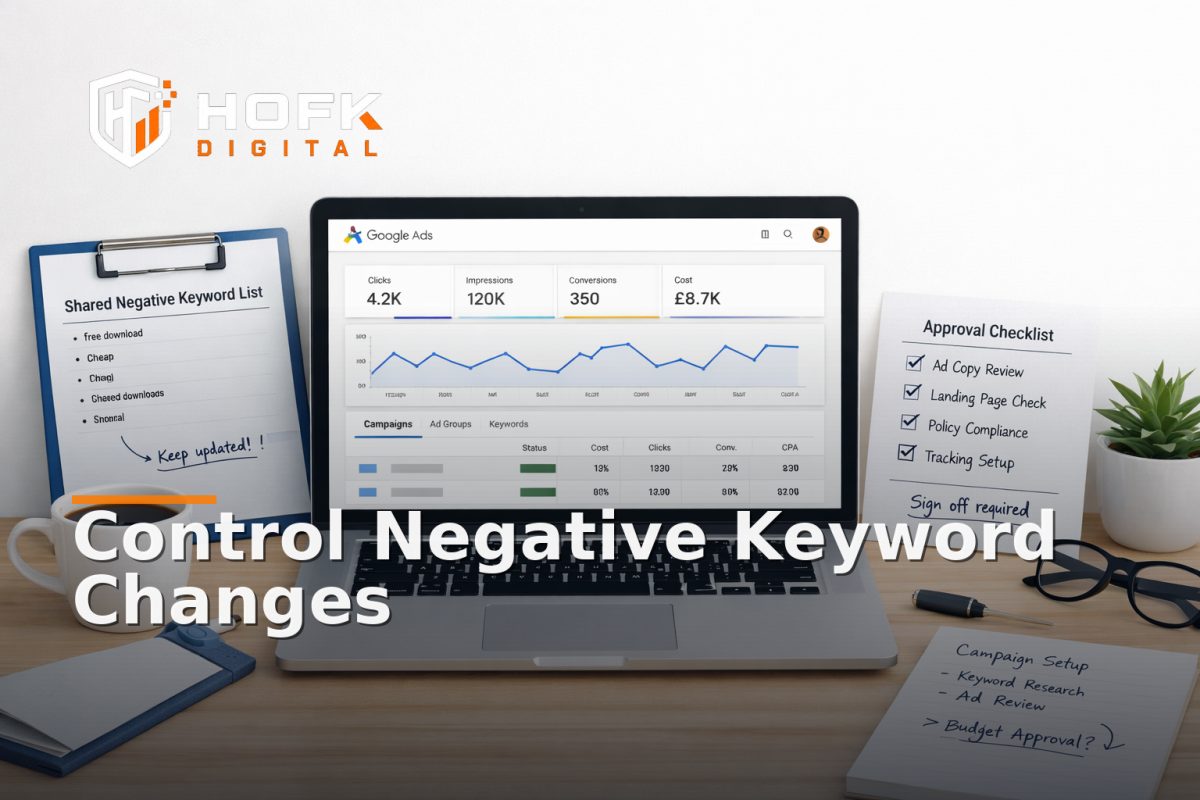
How to Build a Negative Keyword Change-Control Process for Google Ads Teams
If your Google Ads account is large, shared across multiple people, or used by different stakeholders, adding negative keywords cannot just be a quick tidy-up task. A strong Google Ads negative keyword strategy needs a change-control process: who can request a change, who approves it, how it is documented, and how it is rolled back if it causes problems.
That matters because negative keywords are powerful. They can reduce wasted spend, but they can also suppress useful traffic if they are added too broadly, duplicated across layers, or updated without a clear record. In multi-stakeholder accounts, the risk is usually not one bad negative keyword. It is uncontrolled change.
This article is for UK PPC managers, marketers, founders and performance teams who need tighter control before a launch, restructure or scale-up. The goal is not to revisit search-term auditing. It is to build an operational system that keeps Google Ads negative keywords governed, auditable and safe to maintain.
What negative keyword change control is trying to prevent
Change control is there to stop small, well-intended edits from creating bigger account problems later. In practice, it helps you avoid:
- different team members adding overlapping negatives to the same campaigns
- broad exclusions accidentally blocking relevant commercial intent
- shared lists being changed without the campaign owner knowing
- one-off fixes being forgotten and left in place long after the issue has changed
- no clear rollback path when performance shifts after a change
If negative keywords are handled informally, the account can become harder to explain and easier to break. That is why search term governance is not only a performance task. It is an account operations task.
Step 1: Define who owns negative keyword decisions
The first rule of a stable process is simple: one person or one role needs to own the final decision. That does not mean one person does all the work. It means there is a clear owner for the change.
In a larger PPC team, the owner is often one of these:
- the account lead
- the senior PPC manager
- the channel owner for a specific business unit
- an agency lead with client approval rights
The owner should be responsible for answering three questions:
- Is this negative keyword needed?
- Where should it live: ad group, campaign or shared list?
- What is the business risk if we add it now?
Without a named owner, negative keyword changes tend to drift between people. One person flags the issue, another adds the exclusion, and a third discovers the impact too late.
A practical ownership model
For many accounts, a simple structure works best:
- Requester raises the need and explains the reason
- Reviewer checks the commercial impact and placement
- Approver signs off the final change
- Implementer updates the account and records the change
In small teams, the same person may hold more than one of these roles. The important point is that the process is explicit.
Step 2: Decide which changes need approval
Not every negative keyword needs the same level of review. A good change-control process sets thresholds so routine changes are quick but risky changes are checked properly.
A simple approval rule set might look like this:
- Low-risk changes: single-query negatives or tight campaign-level exclusions can be approved by the account owner
- Medium-risk changes: shared list updates or recurring themes need a second review
- High-risk changes: broad terms, account-level exclusions or exclusions affecting launch campaigns require explicit sign-off
What counts as high risk depends on the account. In an ecommerce account, a term that looks irrelevant in one campaign may still be commercially useful elsewhere. In a lead generation account, a word linked to research intent may still support high-value assisted conversions. The approval rule should reflect the business model, not just PPC habit.
Set a sensible approval threshold
Before launch or restructure, decide which changes can be made immediately and which must wait for approval. For example:
- changes affecting only one ad group: implement after reviewer confirmation
- changes affecting multiple campaigns: require account owner approval
- changes to account-level shared lists: require documented sign-off
This keeps the search term governance process fast enough to be useful but controlled enough to be safe.
Step 3: Standardise where negatives live
One of the biggest causes of confusion is inconsistent placement. If some negatives live in ad groups, some in campaigns and some in shared lists without a clear rule, nobody knows where to make the next change.
A negative keyword change-control process should define where each type of exclusion belongs.
Use ad group negatives for very specific control
Ad group-level negatives are best when the exclusion only applies to a narrow theme. They are useful where one ad group needs to avoid a close but irrelevant variant.
Use campaign negatives for broader campaign hygiene
Campaign-level negatives are better for exclusions that should apply across a whole campaign theme, but not necessarily elsewhere in the account. This is often the right home for recurring but campaign-specific waste.
Use shared lists for reusable rules
Shared negative lists are ideal when a term or theme should be excluded from several campaigns. These lists work well for stable rules that are likely to recur, such as job-related, support-related or consumer-only terms where the account is B2B.
The rule should be documented. If the team has to guess whether a negative belongs in a shared list or a campaign, the governance model is too loose.
Step 4: Create a change request template
Do not let people make negative keyword changes from memory or Slack messages. Use a simple request template so every change is explained in the same way.
A practical template should capture:
- date requested
- requester name
- campaign, ad group or shared list affected
- negative keyword or phrase
- reason for the change
- expected benefit or risk reduction
- scope of impact
- approver name
- date implemented
- rollback notes
This is the minimum needed to make the change auditable. It also makes it easier for new team members, agencies or internal stakeholders to understand why a rule exists.
Write the reason, not just the term
Adding the keyword is not enough. You need the context. For example:
- Negate: job
- Reason: exclude recruitment intent from lead-gen campaigns
That kind of note helps future reviewers decide whether the exclusion still makes sense. Without it, people are left guessing whether the negative was added for commercial reasons, test cleanup or a one-off issue.
Step 5: Keep a versioned log of every change
Versioning is the part of change control that stops account history from disappearing. If a negative keyword causes a drop in quality traffic or removes useful intent, you need to know exactly what changed and when.
At minimum, keep a log that records:
- the change itself
- who approved it
- who implemented it
- which lists, campaigns or ad groups were affected
- the reason for the change
- the date and time of the update
- the result of any follow-up review
For larger accounts, this can live in a spreadsheet, a project tracker or an internal workflow tool. The format matters less than the discipline.
If your team is already using structured internal tools for operations, it may be worth aligning Google Ads change control with the same habits. HOFK often sees that the best PPC governance is simply the one that mirrors the business’s wider operational discipline.
Step 6: Build a rollback step before you need one
Rollback is often forgotten until after something goes wrong. That is too late. Every negative keyword process should include a way to restore the previous state quickly.
A good rollback plan should answer:
- Who can reverse the change?
- How quickly can we restore the prior version?
- Do we need to remove a term, re-add it, or move it to a different list?
- How will we confirm the account is back to the previous behaviour?
For especially sensitive changes, keep a pre-change snapshot of the affected negative lists or campaign settings. That makes rollback easier and less dependent on memory.
Use a rollback window
For important account changes, define a review window. For example, if a new shared list is introduced before a restructure, review it within a set period after launch. If performance worsens or relevant traffic disappears, you know when and where to revert.
This does not need to be complicated. It just needs to be possible.
Step 7: Set a review cadence that matches account risk
Negative keyword governance should not be a one-time checklist. It should have a rhythm.
For active accounts, a practical cadence is:
- Weekly: review open requests and any urgent exclusions
- Monthly: review shared lists, recurring themes and ownership
- Before launches or restructures: lock down who can edit and which rules apply
- Quarterly: review whether the governance process is still working
If the account is large or split across multiple stakeholders, the review rhythm should be written down. That way, changes do not depend on whoever happened to notice a problem first.
Review the process, not only the negatives
Your monthly check should ask more than “what new negatives were added?” It should also ask:
- Were any changes added without proper approval?
- Were any shared list edits made directly by more than one person?
- Did any negative keyword create a measurable issue?
- Did we have enough context to explain why each change was made?
That is the difference between search term governance and simple list maintenance.
Step 8: Document naming rules and list structure
Good governance depends on being able to find the right thing quickly. If shared lists are named inconsistently, the process becomes harder to control.
Use a naming pattern that tells people:
- what the list is for
- which account or business unit it belongs to
- whether it is global, campaign-specific or temporary
- who owns it
For example, a shared list might use a format such as:
- Account - Theme - Scope - Owner
The exact format is up to you. What matters is that everyone uses the same one. That makes it easier to support PPC campaign hygiene across a growing account, especially where more than one person or agency has touchpoints.
Step 9: Protect launch and restructure periods
Launches and restructures are when negative keyword mistakes are most likely to happen. People are moving quickly, account structures are changing, and decisions are being made under pressure.
Before a launch or restructure, put a temporary control layer in place:
- freeze changes outside the approved owners
- use a short approval chain
- keep a documented list of temporary exclusions
- record the date when temporary rules should be reviewed
This is especially helpful for accounts that have multiple campaigns going live at once or different teams working on the same structure.
Temporary negatives need an expiry date
If a negative keyword is only needed during a launch, it should not live forever by accident. Mark it clearly as temporary and set a review date. That one habit can prevent a surprising amount of account drift.
Step 10: Keep the process usable for humans
A governance system only works if people actually use it. If the process is too heavy, teams will bypass it. That is why the best system is usually simple, repeatable and quick to explain.
Ask whether the process makes it easier to:
- request a change
- understand why it was made
- approve it safely
- reverse it if needed
- review it later
If the answer is yes, your Google Ads negative keyword strategy is more likely to stay controlled as the account grows.
A practical negative keyword change-control checklist
Use this checklist as a starting point for your account governance:
- Is there one named owner for final approval?
- Are approval thresholds defined by risk?
- Do we have a standard request template?
- Do we know where negatives should live?
- Is every change versioned and dated?
- Can we roll back quickly if needed?
- Do we review the process on a set cadence?
- Are naming rules consistent for shared lists?
- Are temporary exclusions marked with expiry dates?
- Can new team members understand the system without guessing?
When the problem is operational, not tactical
Sometimes teams keep trying to fix negative keyword problems with more ad hoc rules, when the real issue is operational. If different people can change the same lists, if approvals are unclear, or if no one knows which version is live, the account needs better governance rather than more exclusions.
That is where practical support can help. HOFK works across SEO & Adwords, ecommerce, full stack development and operational software, so the useful work is often in making the workflow easier to manage rather than simply adding another spreadsheet. In some accounts, that can mean shared lists, naming conventions, approval routing or a cleaner change log. In others, it may mean building a lightweight internal process that reduces manual errors and makes change control easier to trust.
Conclusion
A strong Google Ads negative keyword strategy is not just about blocking poor queries. It is about controlling change. When you define ownership, approval rules, rollback steps, review cadence and documentation standards, negative keywords become safer to manage across large or multi-stakeholder accounts.
That is the practical goal of search term governance and PPC campaign hygiene: fewer surprises, fewer accidental blocks and a clearer record of why the account changed. If your team needs a tighter operational process before launch or restructure, HOFK can help with the technical and organisational detail behind cleaner Google Ads account management.
For teams that want less guesswork and more control, negative keyword governance is easiest to fix before the account becomes too large to track manually.
Next step: if your account is already growing fast, start by documenting one shared list, one approval path and one rollback method. Then apply the same rules everywhere else.
For more practical articles on ecommerce, paid search and operational performance, see the HOFK articles hub or return to the HOFK homepage.
Frequently asked questions
What is a negative keyword change-control process?
It is a documented workflow for requesting, approving, implementing, versioning and rolling back negative keyword changes in Google Ads.
Who should own negative keyword decisions?
Ideally one named person or role should own the final decision, even if others can request or review the change.
Should every negative keyword need approval?
Not necessarily. Low-risk changes can be handled quickly, but broader or higher-risk exclusions should go through a clearer approval step.
Where should shared negative keywords be stored?
Use shared lists for reusable exclusions that should apply across multiple campaigns, and document why they exist.
Why does rollback matter?
If a negative keyword blocks useful traffic, rollback lets you restore the previous state quickly and reduce disruption.