

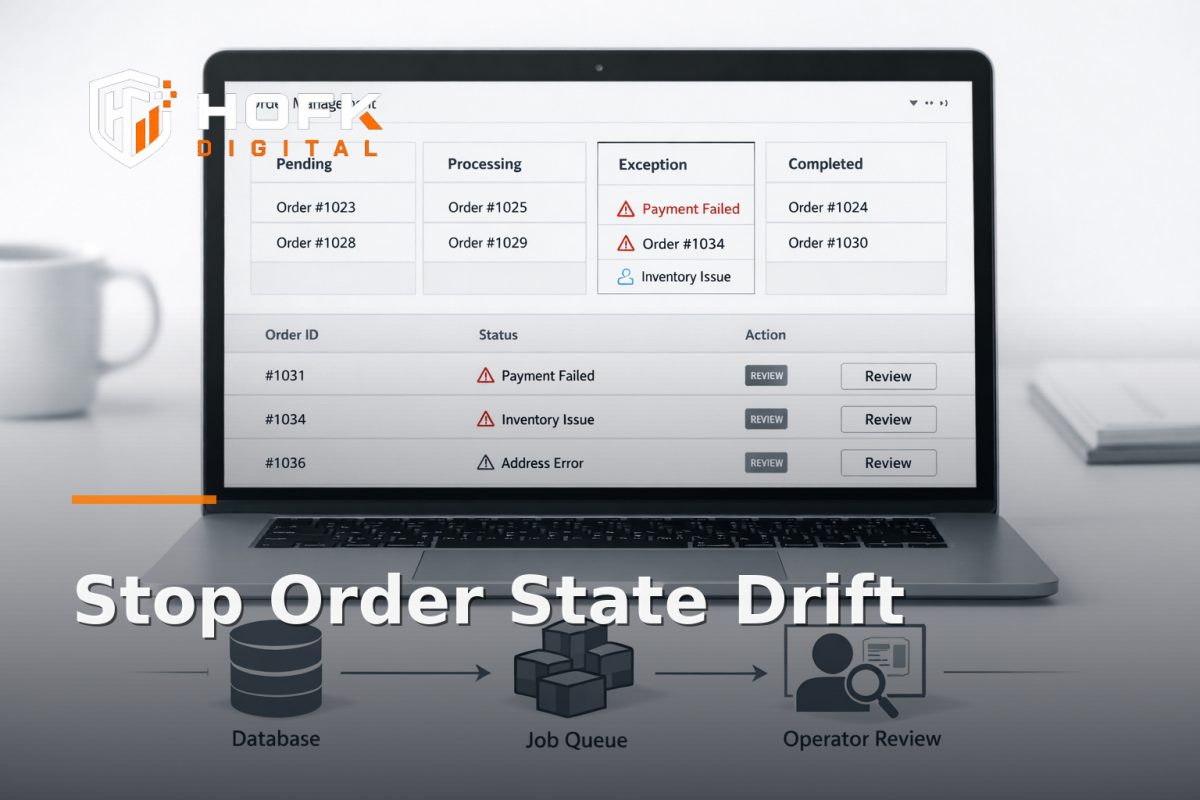
How to Audit Laravel Workflow State Drift in Order Exception Flows Before It Breaks Operations
If your order exception process runs through Laravel, the risk is often not a dramatic crash. It is quieter than that: a record says one thing in the database, the queue says another, and the operator sees a stale or incomplete state in the admin tool. That is Laravel workflow state drift, and in order exception flows it can turn into missed dispatches, repeated actions, stuck orders or the wrong escalation path.
This is not a generic reliability guide. It is a practical audit for one narrow failure mode: exception handling in operational workflows. Think failed payments, address issues, split shipments, manual review queues, stock problems, refunds waiting on approval, and anything else that moves between states before an order can be completed cleanly.
For UK founders, operations leads, ecommerce teams and product owners, the useful question is simple: can you trust the state you see, the action the system takes, and the history that explains how it got there? If the answer is not clearly yes, your workflow needs an audit before a busy trading day exposes the gap.
What Laravel workflow state drift looks like in practice
State drift happens when different parts of the workflow stop agreeing on the current truth. In an order exception flow, that truth might be whether the order is awaiting review, approved, rejected, re-queued, escalated or completed.
Common symptoms include:
- the admin panel shows an order as pending, but the queue job has already advanced it
- a user action updates the UI but does not persist the same state in the database
- a retry job reprocesses an exception that was already resolved manually
- an operator closes an issue, but a delayed webhook re-opens it
- the list view still shows an old status because it is using cached or stale data
- the exception queue and the order detail page disagree about who owns the next action
That is why a Laravel internal tool audit for order exceptions should not start with interface polish. It should start with state consistency.
Why order exception flows drift faster than other workflows
Order exception flows are high risk because they sit at the junction of several moving parts:
- the ecommerce platform or checkout
- background jobs and retry logic
- manual admin actions
- fulfilment or warehouse updates
- emails, webhooks and external integrations
- support or operations review queues
Each part can update the same record from a different direction. If the workflow is not designed with clear ownership of state transitions, drift becomes inevitable.
Exception flows also tend to be handled under pressure. Someone needs to move an order quickly, so teams create shortcuts: a manual override, a direct database edit, a one-off admin action, or a job re-run without confirming the current state. Those shortcuts are understandable, but they are also where custom admin tool errors often begin.
Start by mapping the real state model, not the screen labels
Before you audit anything, write down the actual states the order can move through. Do not use friendly labels from the UI unless they match the underlying workflow exactly.
A practical order exception model might include:
- new
- flagged
- awaiting review
- pending external response
- approved
- rejected
- re-queued
- manually overridden
- completed
If your admin panel uses terms like “needs attention” or “in progress”, check whether those labels map to one state or several. Ambiguous labels are fine for operators only if the underlying machine state is still precise.
For the audit, ask three questions for each state:
- Who can move the order into this state?
- What events can move it out of this state?
- What should never happen from this state?
If those answers are unclear, the workflow state management layer is probably too loose.
Trace one exception from trigger to resolution
The quickest way to see drift is to follow one real exception end to end. Pick a recent order that needed manual handling and reconstruct the path.
Start with the trigger. For example:
- payment failure
- address validation issue
- stock shortage
- manual fraud review
- split fulfilment request
- refund approval
Then trace every state change and every actor:
- The order is created.
- An automated rule flags an exception.
- The order appears in the operations queue.
- An operator opens the admin screen.
- The operator changes the state or adds a note.
- A job, webhook or scheduled task reacts.
- The downstream system updates.
- The order is marked resolved.
At each step, check what was recorded in the database, what the queue thought was true, and what the user interface displayed. If those three views do not line up, you have found drift.
Audit state transition logging before you trust the process
For order exception flows, state transition logging is one of the best ways to understand what really happened. A useful audit trail should show more than the final status.
Check whether your logs capture:
- who changed the state
- what the previous state was
- what the new state became
- when the transition happened
- which job, webhook or manual action caused it
- whether the transition was automatic, manual or overridden
If logs only show the current state, they are not enough. You need the history of transitions to diagnose drift. Otherwise, a queue/job mismatch can look like a mystery when it is actually a clear sequence of events that was never recorded well enough.
Good logging also helps during a Laravel internal tool audit because it lets you compare operator intent with system behaviour. If the operator clicked “approve” but the workflow later reopened the order, the logs should make that contradiction obvious.
Check for stale UI state in the admin panel
One common source of drift is the interface itself. The data may be correct underneath, but the admin tool is still showing the previous state because the page has not refreshed, the component has cached data, or a form submission did not re-query the live record.
Review the UI in the places where operators spend time most:
- queue lists
- order detail pages
- status badges
- action buttons
- side panels or modals
- summary counts and filters
Ask whether the UI updates after:
- a manual status change
- a background job completion
- a webhook callback
- a browser refresh
- navigating away and back
- another user changes the same record
If the interface can be left showing an old state, operators will act on inaccurate information. In operational software, that is not just a design issue. It is a process error.
Look for queue and job mismatch
Queue mismatch is one of the most important things to check when auditing Laravel workflow state drift. The database can say one thing while the queued jobs are still working against an older assumption.
Typical mismatch patterns include:
- a job runs after the order has already been resolved manually
- two jobs race each other and each writes a different status
- a retry job replays an old event into a newer state
- a delayed job acts on stale data from when it was dispatched
- a failed job is requeued without checking if the workflow has moved on
To audit this properly, inspect:
- job dispatch time
- payload contents
- the state stored at dispatch
- the state stored at execution
- retry counts and failure history
- any locking or deduplication logic
If the job is not checking the current record state before acting, it can easily overwrite a more recent operator decision. That is one of the most common ways order exception flows break quietly.
Test the workflow against concurrent actions
State drift often appears only when two things happen at once. That is why concurrency testing matters in custom admin tool errors.
Examples to test:
- two operators open the same order and act on it at the same time
- a job updates the order while a human is editing it
- a webhook arrives while the order is already in a different state
- an operator hits back, refresh or duplicate submit
- a retry job runs after the order has been manually closed
For each case, decide what should happen:
- Should the second action be blocked?
- Should the system re-check the live state before saving?
- Should the order lock while a transition is in progress?
- Should the workflow write an audit note instead of changing the state?
If you do not define this behaviour, the application will decide for you, and it may not choose the safest option.
Review manual overrides separately from normal workflow states
Manual overrides are useful, but they are also a common source of hidden drift. If the team can bypass the normal path to keep trading moving, the override needs to be visible, logged and constrained.
Ask:
- Which users can override state?
- What states can be bypassed?
- Does the override create a clear audit trail?
- Does it cancel queued jobs or just ignore them?
- Can the workflow be accidentally reopened by a later automation?
If manual and automated routes both exist, the workflow should know which one takes precedence. Otherwise, your queue may keep trying to “help” after a human has already made the decision.
This is where workflow state management becomes a governance issue as much as a technical one. The right model is not simply flexible. It is controlled.
Check how failures are handled after deploys
Some of the worst drift appears after a deployment. The code changes, the state logic changes, or the UI changes, but the team only notices when exception handling starts behaving oddly.
For post-deploy regression checks, review:
- new status values introduced by the release
- changed transition rules
- updated queue payloads
- form field names or API contracts
- cached views or stale browser state
- failed background jobs after release
It helps to compare behaviour before and after the deployment using a small regression set of real orders. Choose one order in each important state and confirm that the release did not change how they are handled.
If you operate a Laravel-based internal tool, this should be part of your deployment checklist. Otherwise, a change that seemed harmless in staging can quietly create operational noise in production.
Build a practical audit sequence for order exception flows
Use this sequence when reviewing a live order exception process:
- List every possible order exception state.
- Map which actions, jobs and webhooks can move the order between states.
- Trace one real order from trigger to resolution.
- Compare database state, UI state and queue state at each step.
- Check transition logs for every move.
- Test one concurrent action, one retry and one manual override.
- Run a post-deploy regression check against representative orders.
- Confirm the workflow blocks or resolves stale actions cleanly.
If the same order can be processed in two different ways depending on timing, the workflow is not stable enough yet.
Audit questions to ask your team
When reviewing the workflow with operations or development, these questions are usually useful:
- What is the source of truth for the current order state?
- What happens if a queued job is late?
- What happens if an operator and a job act at the same time?
- How do we know a manual override was intentional?
- What prevents a stale webhook from reopening a closed order?
- How quickly would we spot a broken transition after deployment?
If nobody can answer those cleanly, the workflow is probably relying too much on habit and too little on design.
When the problem is the tool, not the team
Sometimes workflow drift is not caused by people forgetting a process. It is caused by the tool making the process hard to follow.
That can mean:
- status labels that do not map to the real workflow
- screens that do not refresh when state changes
- queue jobs that do not re-check the current record
- missing transition logs
- duplicate actions that look valid in the UI
- custom admin tool errors that only appear under real trading conditions
When that happens, the best next step is usually not more training. It is a technical review of the workflow implementation.
HOFK often works in the overlap between operational software, ecommerce and full stack development, which is useful when order handling depends on the way Laravel, queues and admin screens behave together. In these projects, the practical work is often to make the workflow easier to trust, easier to monitor and harder to drift out of sync.
Laravel workflow state drift checklist
Use this as a quick pre-release or review checklist:
- Does each order exception state have one clear meaning?
- Are all transitions logged with user, timestamp and source?
- Do queued jobs re-check the live state before acting?
- Can the admin panel show stale data after a change?
- Are manual overrides visible and auditable?
- Can retries or webhooks reopen resolved orders?
- Do concurrent actions resolve safely?
- Are post-deploy regressions tested against real exception cases?
Conclusion
Order exception flows are where Laravel workflow state drift becomes commercially visible. If the database, queue and admin tool stop agreeing, orders can get stuck, replayed or resolved in the wrong order. The safest way to prevent that is to audit the state model, transition logging, queue behaviour, stale UI state and post-deploy regression checks before the workflow breaks operations.
In practice, the most useful Laravel internal tool audit is the one that traces one real exception all the way through the system and asks a hard question at every step: is the current truth still the same truth everywhere else? If not, the workflow needs a tighter state management model, not just a prettier interface.
If your order exceptions, admin tool actions or queue jobs need a practical technical review, HOFK can help with full stack development, operational software and the implementation detail behind workflows that need to stay reliable under live trading conditions.
Laravel workflow state drift is easiest to fix when you catch it before operators start working around it. Once the team has created manual habits to compensate, the drift has already become part of the operation.
Frequently asked questions
What is Laravel workflow state drift?
It is when different parts of a Laravel workflow no longer agree on the current state of a record, such as an order exception. The database, queue, UI or logs may each show something different.
Why is state drift especially risky in order exception flows?
Order exceptions often involve manual action, retries, webhooks and background jobs. That creates more chances for one part of the system to act on stale information.
What should I check first in a Laravel internal tool audit?
Start with the state model and transition logging. Then trace one real order exception from trigger to resolution and compare the database, queue and UI at each step.
How do I know if the problem is a custom admin tool error or workflow drift?
If the interface looks wrong but the underlying data is correct, it may be a UI issue. If the system is writing, queueing or reprocessing the wrong state, it is probably workflow drift.
When should a developer get involved?
If jobs, webhooks, manual overrides or the admin panel can all move the same order in different ways, the workflow needs technical review rather than just process changes.