

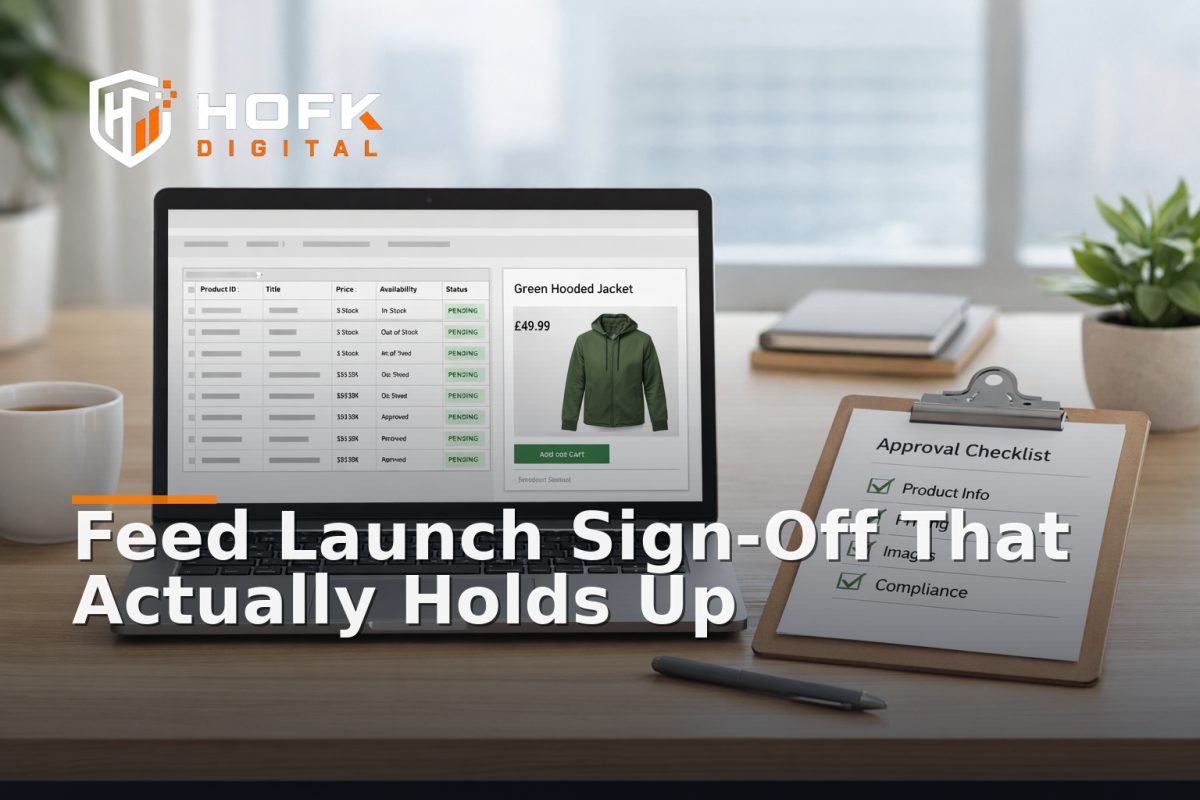
How to Build a Merchant Centre Feed Launch Sign-Off Process for Paid Shopping Campaigns
When a Shopping campaign launches with the wrong price, missing variants or inconsistent stock data, the issue is rarely just “the feed was wrong”. More often, the problem is that no one owned the final sign-off. A product feed launch checklist is useful, but by itself it does not create control. For paid Shopping launches, you need a sign-off process that says who checks what, what counts as a pass, and who can stop the launch if something is off.
That matters because Merchant Centre sits between the live site, the feed source and the ad account. If those layers do not agree, you can end up paying to send traffic to product data that no longer reflects the commercial reality on the site. The aim here is not to create a huge QA document. It is to build a practical operational control for feed launches that a UK ecommerce team can actually use.
This guide is for ecommerce marketers, performance teams, ecommerce managers and operations leads who prepare new campaign pages or landing pages that depend on accurate product feeds. It focuses on ownership, approval gates, rollback and source-of-truth governance rather than broad launch theory.
Why a launch sign-off process is different from a checklist
A checklist tells people what to inspect. A sign-off process tells them who owns the final decision and what happens if the answer is no. That difference matters when several teams touch the same catalogue.
In a typical Shopping launch, the commercial data may come from ERP, PIM, ecommerce platform or middleware. Merchant Centre may apply rules, supplemental feeds or attribute mapping. The landing page or product page may show a different price, image or stock message again. Without a formal sign-off, everyone assumes someone else has validated the join between those systems.
A proper process does three jobs:
- confirms the feed is ready to launch
- makes ownership visible across marketing, ecommerce and development
- gives the team a clean stop point if the data does not line up
Start by defining the source of truth for each field
Before anyone signs off a feed, agree which system owns each important field. Do not assume the ecommerce platform or ERP owns everything. In practice, different fields often come from different places.
Typical source-of-truth questions
- Does the ERP own price and stock, or only stock?
- Does the PIM own titles and descriptions?
- Does the ecommerce platform own variant presentation and category placement?
- Are images managed centrally, or on the storefront?
- Which system wins when a field is blank or conflicts with another source?
This is the first gate in a Merchant Centre product feed checklist. If the team cannot answer these questions clearly, the launch is not ready. You are not just checking data; you are checking governance.
VERIFY: source-of-truth ownership varies by business setup, so document it per project rather than assuming a standard model.
Build the sign-off around five approval gates
Instead of one long review, split the process into short gates. That makes the launch easier to control and easier to pause if something fails.
Gate 1: Commercial readiness
Check whether the products in scope are actually ready for paid traffic. This is the “should we launch this?” question, not just “is the feed valid?”.
- Are the products in stock or intentionally backorderable?
- Are prices approved for campaign use?
- Are sale prices, promotions and expiry dates correct?
- Are any products excluded for margin, compliance or operational reasons?
Gate 2: Data accuracy
This is the product data quality audit stage. Confirm the feed fields match the live site and source systems for a representative sample of products.
- Title
- Price
- Availability
- Image
- GTIN / MPN / SKU
- Variant mapping
- Product type or category
If a field is missing or inconsistent, decide whether it is an acceptable exception or a launch blocker.
Gate 3: Merchant Centre processing
Merchant Centre may rewrite, suppress or reject attributes after import. That means the raw feed can look fine while the final Shopping view is still wrong.
- Are there diagnostics or disapprovals?
- Are feed rules changing the imported data?
- Are supplemental feeds overriding the main source as intended?
- Do product labels, custom labels or item groups still behave correctly?
Gate 4: Landing page and feed consistency
This gate is often missed, but it is where commercial trust is won or lost. The landing page and feed need to tell the same story.
- Does the landing page show the same price as Merchant Centre?
- Does the image match the advertised variant?
- Does stock messaging agree?
- Does the product page support the same offer, size or bundle as the feed?
If Shopping traffic lands on a page that contradicts the feed, conversion and trust both suffer. A basic shopping feed QA process should always include this check.
Gate 5: Rollback readiness
Do not approve a launch if nobody can describe how to stop it safely.
- Can the feed be paused?
- Can the Merchant Centre rule be disabled?
- Can the previous feed export be restored?
- Who can make that decision quickly?
- What is the fallback if the feed launches with a bad price or broken variant?
This is the most important control after the data checks. A feed launch that cannot be rolled back is too risky to treat casually.
Assign named owners, not shared responsibility
“The ecommerce team is looking at it” is not a sign-off. A useful launch process gives each step a named owner and a named approver.
A practical ownership model might look like this:
- Feed owner – responsible for export logic, mappings and refresh timing
- Commercial owner – confirms the offer, pricing and product scope
- Merchant Centre owner – checks diagnostics, rules and approvals
- Technical owner – reviews templates, APIs or integration issues
- Campaign owner – gives final launch approval for paid traffic
The key is that each owner knows what they are signing for. That avoids the common situation where marketing assumes development checked it, development assumes trading checked it, and trading assumes the feed platform handled it.
Use a launch pack, not a long spreadsheet
A sign-off process works better when it is short enough to run every time. A single launch pack is usually more useful than a sprawling workbook.
What the launch pack should contain
- Product scope and campaign scope
- Feed source and export method
- Merchant Centre account and feed name
- Sample product set for QA
- Known exceptions and agreed exclusions
- Owner for each approval gate
- Rollback steps
- Launch timestamp and review window
If the pack becomes too large, people stop using it. Keep it readable enough that a marketing manager, ecommerce lead and developer can all understand it quickly.
What to check in a product data quality audit
A product data quality audit for Shopping launch sign-off should be narrow and repeatable. You are not trying to review every product in the catalogue. You are looking for representative risk.
Use a sample that reflects real complexity
- One simple single-SKU product
- One variant-heavy product
- One sale product
- One low-stock product
- One discontinued or excluded product
For each item, compare the source data, feed output, Merchant Centre version and landing page. If those four layers disagree, the issue needs fixing before launch.
Focus on the fields that affect trading
- Title and description
- Price and sale price
- Availability and stock state
- Image and variant image
- Identifiers
- Shipping or delivery-related attributes where relevant
- Custom labels, if they drive campaign structure
Keep the audit brief and practical. The goal is to catch trading errors, not to turn the sign-off into a catalogue rewrite.
Set a hard launch window and a soft monitoring window
Even a good pre-launch sign-off should not end at the moment the feed goes live. The first 24 to 72 hours after launch are where stale cache, delayed processing and unnoticed variant mismatches tend to appear.
A sensible process has two phases:
- Hard sign-off – the launch cannot proceed until all gates are approved
- Soft monitoring – the team watches for diagnostics, feed changes and landing page mismatches after go-live
During the monitoring window, review:
- Merchant Centre warnings or disapprovals
- Unexpected item exclusions
- Price or stock mismatches
- Landing page and feed consistency
- Any changes introduced by sync timing or cache refreshes
This is where practical monitoring becomes useful. You are not just checking that the feed exists. You are checking that it still agrees with the site after the launch has been accepted.
Document who can stop the launch
One of the most useful parts of the process is also one of the simplest: define who has the authority to stop or delay the launch.
That decision should not be left to whoever notices the problem first. If a feed contains a wrong price, missing variant or invalid identifier, there should be a clear stop owner who can act quickly.
Write down:
- who can raise a blocking issue
- who can pause the campaign
- who can disable the feed or Merchant Centre rule
- who can approve a limited launch if only a subset is ready
- who records the final decision
This is the difference between a controlled launch and a reactive one.
Keep the process narrow enough to repeat
The best feed launch sign-off process is the one the team can run again next week. If it is too broad, it becomes a project rather than a control. If it is too narrow, it misses the risk. Aim for the middle.
A good rule of thumb is:
- one owner per gate
- one sample set per launch
- one stop/go decision
- one rollback plan
- one short post-launch review
That is usually enough to stop avoidable feed issues without making every Shopping launch feel heavy.
Where HOFK fits
HOFK works across ecommerce, full stack development, SEO, Google Ads and practical monitoring, so this kind of process is often approached as both a workflow and a technical control. In a feed launch, the useful work is often not one specific fix. It is making the data path easier to understand, test and approve.
That may involve checking feed mappings, validating Merchant Centre rules, reviewing sync timing, comparing landing page and feed consistency or building a cleaner sign-off process for the next launch. For teams running paid Shopping campaigns, that operational detail matters because it protects spend before it reaches customers.
Conclusion
A strong product feed launch checklist is helpful, but a sign-off process is better. When you define source-of-truth ownership, add approval gates, document rollback and assign named owners, you turn Merchant Centre launch QA into a repeatable operational control rather than a last-minute scramble.
For paid Shopping campaigns, that is the real goal: keep the feed, Merchant Centre and landing page aligned enough that the launch can be approved with confidence. If your team needs help building a practical feed QA workflow, Merchant Centre sign-off process or the technical checks behind it, HOFK can help with ecommerce support, Google Ads, full stack development and the operational detail behind cleaner launches.
product feed launch checklist works best when it is treated as a controlled sign-off process, not just a list of things to look at.
Frequently asked questions
What is a Merchant Centre feed launch sign-off process?
It is a controlled approval workflow that confirms the feed, Merchant Centre setup and landing pages are ready before paid Shopping campaigns go live.
What should be included in a product feed launch checklist?
At minimum, include source-of-truth ownership, price and stock checks, identifiers, variant mapping, Merchant Centre diagnostics, landing page consistency and rollback steps.
Who should approve a Shopping feed launch?
Usually a mix of feed, commercial, technical and campaign owners. The exact roles depend on how your data is sourced and managed.
Why does landing page and feed consistency matter?
If the landing page shows a different price, variant or stock state from the feed, shoppers can lose trust and the campaign can underperform.
When should a launch be blocked?
Block the launch if there are unresolved price mismatches, missing identifiers, broken variant mappings, unresolved disapprovals or no clear rollback path.