

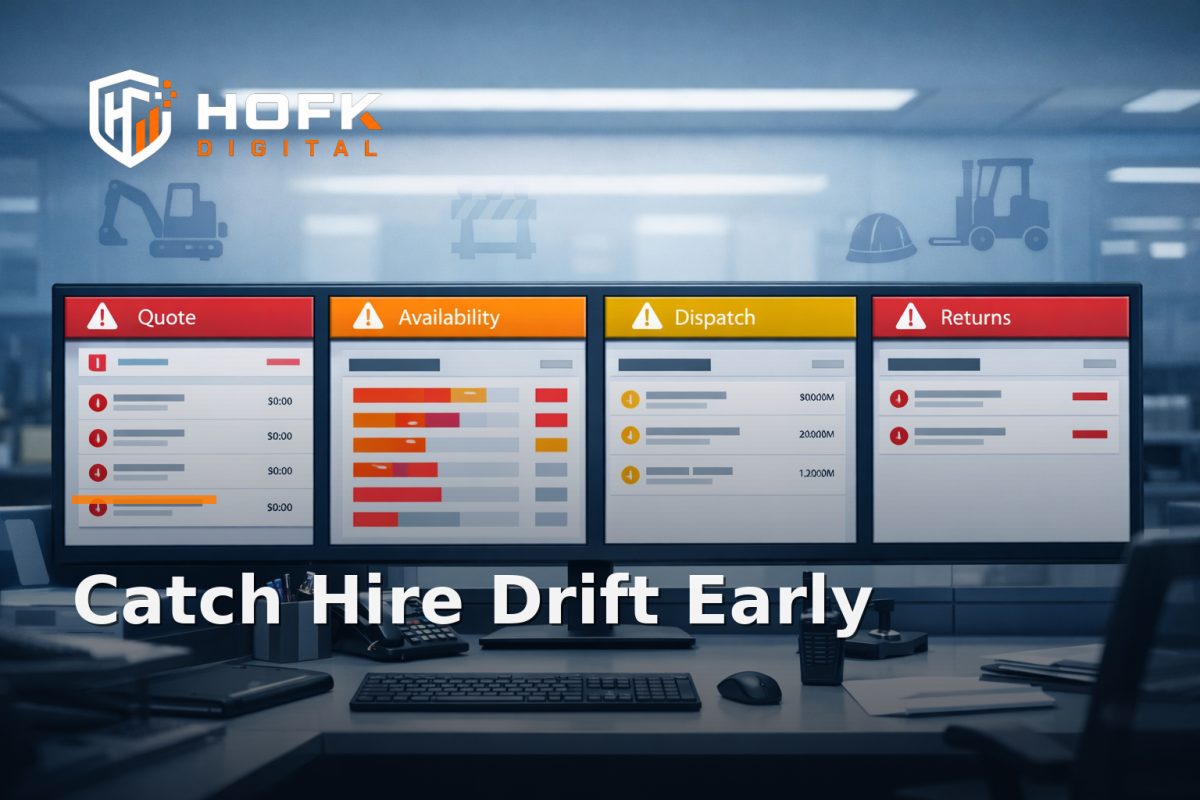
How to Set Up Exception Alerts When Hire Desk Quotes, Availability and Returns Drift
If you run a hire desk, the first sign of trouble is not always a failed order. It is often a quiet mismatch: the quote says one thing, the availability screen says another, and the return record never quite lines up with what left site. That is where hire software monitoring becomes useful.
The point is not to monitor everything. It is to catch a narrow but costly problem early: when the quote-to-return workflow starts drifting. A good alerting setup tells you when the data behind a job no longer agrees, so the team can correct it before it turns into missed stock, disputed charges or confused dispatch decisions.
This article is for UK hire business founders, operations managers and commercial leads who want a practical exception-detection framework. It focuses on one operational gap: spotting divergence between the quote, the asset availability view, dispatch status and return status.
Why hire desks need exception alerts, not just reports
Most hire businesses already have some reporting. The problem is that reports are usually retrospective. They tell you what happened after the job has already moved on. Exception alerts are different. They tell you when a live record looks wrong right now.
That matters because hire operations depend on small joins between systems and people:
- the quoted item must still be available for the dates promised
- the dispatched asset must match the reservation or booking record
- the returned item must be logged as back in, with the right condition and off-hire time
- the chargeable period must still match the actual workflow
If any one of those pieces drifts, the business can still trade, but it starts trading on weak data. Equipment hire software is only as helpful as the exceptions it can surface.
Start with the one mismatch that matters most
Do not try to alert on every possible workflow issue on day one. Choose one divergence pattern to detect first. In most hire businesses, the highest-value starting points are:
- Quote versus availability - the quote promises an item that is no longer available for the requested dates
- Quote versus dispatch - the job is confirmed, but the dispatched asset does not match the quoted record
- Dispatch versus return - the item comes back with a different status, condition or time than expected
If you are using a Hyraventa-style workflow model, this is exactly the kind of quote-to-return control that deserves a targeted alert rather than a broad dashboard. The aim is to surface the point where the record first stops agreeing with reality.
Define the signals you want to compare
An alert only works if the source signals are clear. For hire software monitoring, the usual comparison set is simple.
1. Quote record
This should hold the commercial promise: customer, dates, asset type, quantity, delivery or collection requirement, accessories, rate, and any terms that affect the hire.
2. Availability record
This is the live asset view. It may come from the hire system, an ERP, or a stock pool. The important question is whether the item is still free for the promised window.
3. Dispatch record
This is the handoff point. The alert should know whether the job was released, which exact asset left site, and whether the handover matches the booking.
4. Return record
This should confirm that the item is back, when it came in, and whether the condition or off-hire status matches the original expectation.
When these records all describe the same job, there is no issue. When they do not, the alert should say exactly which part drifted.
Set thresholds around divergence, not around volume
Many monitoring setups fail because they alert on counts rather than contradictions. A high number of hires in one day is not a problem. A job whose status no longer matches its record is the problem.
A useful threshold model for rental operations monitoring is based on exception severity:
- Info - a job has a minor mismatch that resolves before dispatch, such as an outdated note or a soft warning
- Warning - availability, dispatch or return data differs from the quote record, but the job is still live
- Critical - the quoted asset is no longer available, a different item was dispatched, or a return has not been reconciled after the job should have closed
Do not tie the alert to the number of hires alone. Tie it to whether the live job record and the operational truth still match.
Which drift signals are worth alerting on first?
Start with signals that are both easy to detect and commercially meaningful.
Availability drift
Alert when a quoted item becomes unavailable before dispatch, or when the quoted date range no longer fits the live asset calendar. This is one of the clearest cases for asset availability alerts.
Dispatch drift
Alert when the dispatched asset ID, serial number or fleet number does not match the quoted or reserved item. This is especially useful for businesses where a substitute can be released in a hurry and the paperwork then lags behind.
Return drift
Alert when an item is marked returned physically, but not closed in the system; when off-hire time differs materially from the record; or when the return condition is entered inconsistently.
Charge drift
Alert when late return, cleaning, damage or missing-item charges are expected but the return record does not carry the right status or notes.
These are the signals that usually point to process drift, not just admin delay.
Use the quote to return workflow as the alert route
The simplest way to design the alert is to follow the quote to return workflow in order and ask one question at each step: what would make this record untrustworthy?
- Quote created - does the quote include the right asset, dates and commercial terms?
- Availability checked - does the live stock view still support the promised job?
- Booking confirmed - has the quote moved to a reserved or allocated state cleanly?
- Dispatch completed - did the correct item leave site, with the right paperwork attached?
- Return logged - did the item come back on time and in the expected condition?
- Job closed - do the system record, yard record and invoice record agree?
If the answer is no at any of these points, the alert should tell the right person immediately. That is the practical value of hire desk process improvement: fewer assumptions, more explicit exception handling.
Assign ownership before you switch alerts on
Alerts do not fix drift by themselves. Someone has to act on them. That means each exception type needs a named owner and a clear escalation route.
A simple ownership model might look like this:
- Hire desk - quote and availability mismatches
- Yard or dispatch - asset identity, release and handover mismatches
- Operations - unresolved return status, off-hire delays and condition disputes
- Finance - charge drift, missing fees or invoice-record mismatch
If the same alert lands in three inboxes, nobody owns it. A useful exception alert should go to one primary owner and, if needed, one secondary owner after a short delay.
Build alerts that help the team decide quickly
A good alert message should not be vague. It should explain what drifted, where it drifted and what needs checking next.
For example:
- Availability drift: Quote H-2048 shows excavator XE-12 for 18–20 June, but the live calendar now marks the asset unavailable from 19 June onward.
- Dispatch drift: Quote H-2048 is linked to asset XE-12, but dispatch recorded XE-14 leaving site.
- Return drift: Job H-2048 is marked returned in the yard notes, but the hire record still shows on hire after close time.
That kind of alert is much more useful than a generic “job exception detected” message.
Watch for false positives
Hire workflows often include genuine exceptions that are still acceptable. A substitute asset may be deliberate. A delayed return may already be agreed. A paperwork note may be added later the same day.
To avoid noisy alerts, build in a short filter:
- ignore items already marked as approved substitutions
- ignore short-lived mismatches that self-correct within a defined window
- ignore records with a logged manual override and a reason code
- escalate only if the mismatch persists beyond the agreed threshold
This is where alerting becomes operational rather than just technical. The best hire software monitoring systems know when to stay quiet.
A practical threshold set for hire businesses
If you need a starting point, use a simple set of rules and adjust once the team sees how often they fire.
- Availability warning - quote and live calendar disagree for a booked asset with less than 48 hours to dispatch
- Dispatch warning - reserved asset does not match the dispatched asset ID
- Return warning - return logged without condition, off-hire time or closure within the expected window
- Critical - quote, dispatch and return records point to different assets on the same job
These thresholds are deliberately conservative. The point is not to catch every minor edit. It is to catch operational drift before it affects customer trust or billing.
Where the alert should live
Keep the alert close to the workflow. If the hire desk lives in one system and the yard in another, the alert needs to reach the person who can act first, not just the person who can see the dashboard.
Typical delivery channels include:
- in-app notification inside the hire system
- email to the job owner or team inbox
- Slack or Teams message for operational urgency
- daily exception digest for less urgent drift
For critical issues, use live alerts. For lower-level mismatches, a daily digest may be enough to keep the team aware without overwhelming them.
Make the alert part of the workflow, not a side report
The best exception alerts create action. Each one should lead to a short decision:
- confirm the record is correct
- update the job with the right asset or status
- assign a follow-up to the correct team
- close the alert with a reason code
That closing note matters. It tells you whether the system is drifting because of process, system logic or human habits. Over time, those notes become the basis for better hire desk process improvement.
How HOFK fits
HOFK works across full stack development, operational software, monitoring and practical workflow improvement. In hire projects, the useful work is often not a huge system rebuild. It is making the quote-to-return journey easier to trust, easier to monitor and easier to correct when exceptions appear.
That may include building the alert logic, linking quote and dispatch records more cleanly, defining better exception states, or improving the data handoff between hire desk, yard and finance. For businesses considering a Hyraventa-style approach to hire operations, that kind of detail matters because the software has to support live trading, not just store records.
Conclusion
If you want better hire software monitoring, start narrowly. Alert when the quote, availability, dispatch or return record stops matching the job it belongs to. Use clear thresholds, assign one owner per exception type, and keep the alert focused on operational drift rather than general activity.
That is the safest way to set up exception alerts in hire software: not to watch everything, but to spot the moments when the quote to return workflow starts telling two different stories at once. For UK hire businesses, that is often enough to prevent missed stock, disputed invoices and avoidable admin churn.
If you need help shaping the workflow, alerts or technical handoff behind that process, HOFK can support with full stack development, operational software and the practical implementation detail behind more reliable hire operations.
hire software monitoring is most useful when it focuses on drift, not noise.
Frequently asked questions
VERIFY: specific threshold values, permission models and alert routes should be tailored to each hire business, system and operating process.
Suggested next reading
- How to Audit Hire Desk Quote, Dispatch and Return Controls Before Moving Off Spreadsheets
- How to Build an Ecommerce Monitoring Stack: Uptime, Checkout Errors and Monthly Review Checks
- How to Protect ERP-to-Ecommerce Product Data During Replatforms Before Feed Drift Hits Sales
Frequently asked questions
What is hire software monitoring?
It is the process of watching the live quote-to-return workflow for mismatches, delays or exceptions so the team can act before a small drift becomes an operational problem.
What should I alert on first?
Start with the highest-risk mismatches: quote versus availability, quote versus dispatch, and dispatch versus return.
How do I avoid too many alerts?
Only alert when a mismatch persists beyond a sensible threshold or when it affects the live job record, asset allocation or chargeable period.
Who should own exception alerts?
Use one primary owner per alert type, usually hire desk, yard, operations or finance, depending on where the drift can be fixed fastest.
Can this be built into hire software like Hyraventa?
Yes, in principle. The useful part is defining the signals, thresholds and escalation route clearly so the software supports the real workflow.