

How to QA Google Ads Landing Page Form State and Conversion Integrity Before Launch
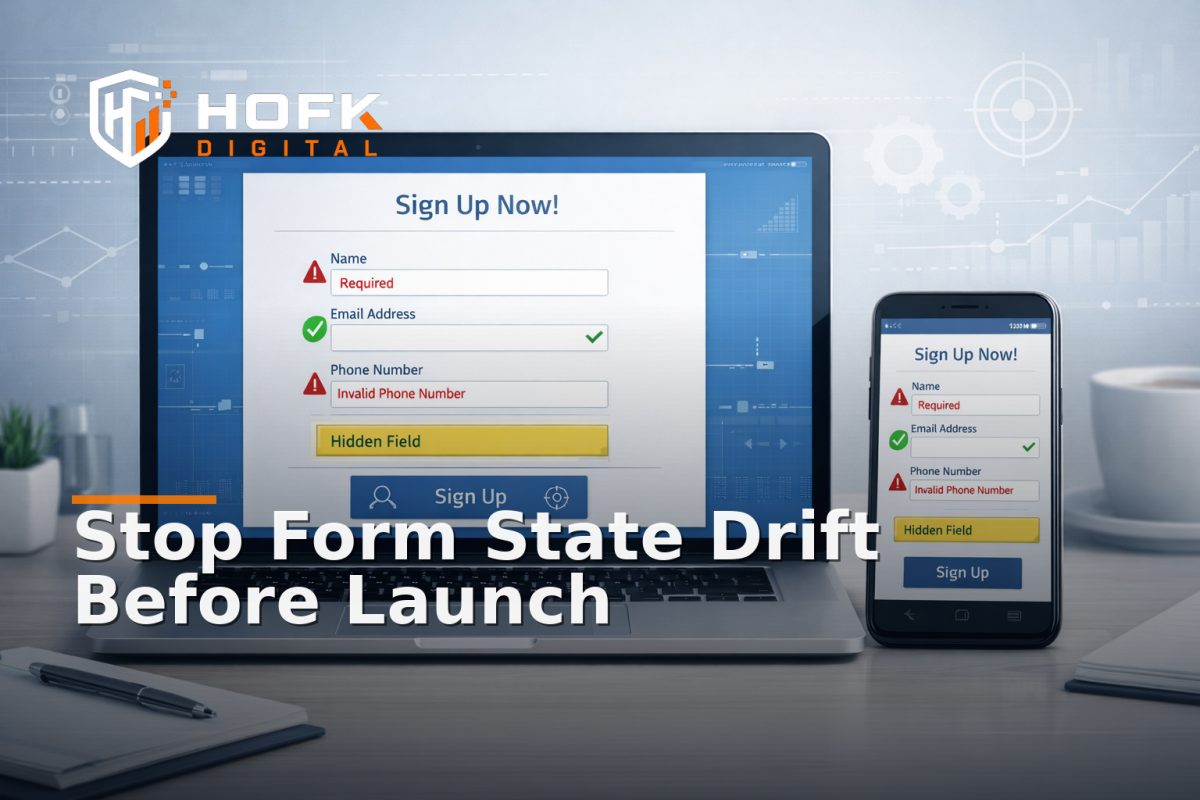
If a paid landing page looks fine in preview but still loses leads after launch, the problem is often not the headline or the offer. It is form state. A Google Ads landing page QA process should check whether hidden fields, validation rules and conversion tracking still agree after consent choices, browser autofill and SPA re-renders.
That matters because a form can appear to work while quietly breaking the handoff between the user, the page and your reporting. A field may be populated visually but not in the submission payload. A validation rule may reset after a re-render. A conversion tag may fire before the final payload is complete. The result is a lead you cannot trust or a conversion you cannot reconcile.
This article is for UK marketers, PPC managers, performance teams and technical delivery leads who need a practical way to check landing page forms before spend goes live. The focus is deliberately narrow: landing page form QA for state integrity, not general design review, not copywriting and not broad launch readiness.
What form-state integrity actually means
Form-state integrity means the values the user sees, the values the browser holds and the values your backend receives all describe the same submission. That sounds basic, but it is where many paid search landing pages drift.
On a healthy page, these should match:
- the visible field values on screen
- the hidden fields carrying campaign or source data
- the validation rules deciding whether the form can submit
- the tracking event or conversion tag tied to the submit action
- the CRM or backend payload created after submission
If those layers disagree, paid search landing page testing becomes unreliable. You may think the campaign is generating poor leads when the form is actually dropping the source data, failing validation, or firing tracking too early.
Start by mapping the form states you expect to survive
Before you test individual fields, decide which parts of the form should remain stable through the journey. This keeps the QA process practical and helps you spot drift quickly.
1. Visible inputs
These are the fields the user can see and edit, such as name, email, phone, company, postcode or enquiry type.
2. Hidden inputs
These are often used for campaign source, landing page ID, form context, service line, consent state or lead routing values.
3. Validation state
This covers required-field rules, format checks, conditional logic and whether the page still allows a valid submit after the user changes something.
4. Submission state
This is the point where the form is sent, a thank-you state appears, and tracking or CRM handoff should reflect the same payload.
If any of those states are recreated, cleared or overwritten unexpectedly, the form may still appear usable but the data quality will be wrong.
Where form-state drift usually begins
Most landing page form QA issues come from a small number of repeat causes. The visible form may look stable, but the state underneath changes.
Consent changes
Consent banners, analytics consent mode and tag manager timing can alter when scripts load and what data is available. A hidden field might not populate until after consent is accepted. A conversion tag might fire before the final state is ready. If consent is refused, some pages clear or suppress the values needed for attribution.
Browser autofill
Autofill can help users complete forms faster, but it can also create hidden mismatches. A browser may visually populate a field while the page state does not register the change until blur, focus loss or a later event. That can break validation or leave hidden fields out of sync with the visible form.
SPA or component re-renders
Single-page apps and reactive front ends can redraw the form after an interaction, layout change or state update. When that happens, the visible input may reset, hidden values may disappear, or the form may lose one of its validation rules. This is one of the most common reasons a Google Ads conversion tracking audit turns into a front-end investigation.
Conditional logic
Forms that show or hide fields based on user choice often have state mismatches when the user changes their mind. A hidden field may keep the old route. A required field may remain required even after it is hidden. A field may be removed from view but still included in the payload.
Test the form as a state machine, not a static page
A good landing page form QA process does not just ask whether the submit button works. It checks what happens when state changes. Think of the form as a small workflow rather than a single action.
Use a repeatable sequence:
- Load the landing page in a fresh browser session.
- Inspect the visible form and note any prefilled values.
- Check whether hidden fields are populated correctly.
- Accept or reject consent and see what changes.
- Use browser autofill where possible.
- Change one value and watch whether validation updates properly.
- Trigger a re-render if the page uses SPA or component updates.
- Submit the form and inspect the payload, thank-you state and tracking event.
If you only test the clean path, you will miss the exact conditions that usually cause trouble after launch.
What to check in the browser before submission
Before the user clicks submit, the browser should already be holding a coherent state. That is the easiest moment to catch problems.
Visible field checks
- Does each visible field retain the value the user entered?
- Does the page show the correct field after an autofill action?
- Does changing one field unexpectedly clear another?
- Does the form label still match the current input state?
Hidden field checks
- Does the source or campaign field still contain the correct value?
- Does a hidden lead-routing field still reflect the selected service or offer?
- Does the landing page ID survive a re-render or validation cycle?
- Do hidden fields update when the visible choice changes?
Validation checks
- Do required fields stay required only when they should?
- Do format rules behave the same after autofill and manual input?
- Does a field become valid once the user corrects it?
- Do error messages disappear when the data becomes valid?
If the browser state is already inconsistent before submit, the payload and tracking usually follow the same pattern.
Inspect the submit payload, not just the thank-you page
One of the most useful habits in paid search landing page testing is to inspect the actual submission payload. A thank-you page can look correct while the underlying lead data is wrong.
Check whether the submitted payload contains:
- the expected visible field values
- the correct hidden campaign or source fields
- the selected form variant or service route
- any consent state that affects measurement
- the correct landing page reference or form ID
If your form posts into a CRM, automation tool or backend API, compare the submitted values there too. This is where hidden field drift often becomes obvious. The page looked right, but the source data was dropped, overwritten or normalised differently downstream.
How conversion tracking can drift from form state
Form submissions and conversion tags are often treated as if they are the same thing. They are not. A conversion event can fire successfully while the lead payload is incomplete, duplicated or misrouted.
Common mismatch patterns include:
- the conversion event fires before the final field values are confirmed
- the form submits successfully, but the tag uses stale source values
- the thank-you page fires a conversion without a matching CRM record
- the form state changes after submit, but the tag still reflects the earlier state
- the same submit action triggers two events because of duplicate handlers
If you are running a Google Ads conversion tracking audit, compare the browser event, the network payload and the CRM or backend record for the same test submission. You are looking for one consistent story, not three different versions of the lead.
Check the edge cases that usually cause the problem
The most useful landing page form QA usually happens away from the happy path. Focus on the awkward cases.
Consent accepted after page load
Does accepting consent update the available tracking state without clearing the form? Do hidden fields remain intact?
Consent refused
Does the form still submit correctly? Are required measurement fields suppressed cleanly or left half-populated?
Autofill on mobile
Does the browser autofill the visible fields and does the form state recognise those changes immediately?
Back button use
If a user returns from another page, do the form values, hidden fields and validation rules still match?
SPA re-render or filter change
If the page updates without a full reload, does the form keep the same state, or does it reset part of the payload?
These scenarios matter because they reveal whether the form is stable in the conditions real users create, not just in clean testing.
A simple diagnostic sequence for live issues
If a live campaign starts generating strange lead data, use this order to isolate the problem.
- Pick one form and one device/browser combination.
- Record the visible state before any interaction.
- Trigger consent, autofill or re-render conditions one at a time.
- Submit the form and capture the browser payload.
- Compare the payload with the CRM or backend record.
- Check the conversion event timestamp and content.
- Identify the first point where the values diverge.
That order usually tells you whether the first fault is in the front end, validation layer, tracking script or backend handoff.
What good looks like
A healthy paid landing page form is boring in the best possible way. The visible values, hidden fields, validation rules and conversion event all tell the same story.
In a stable setup:
- autofill updates the form state as expected
- consent changes do not reset the payload
- re-renders do not wipe hidden fields
- validation rules behave the same before and after interaction
- the submit event matches the CRM record
- the conversion tag fires once and with the correct context
If those conditions are true, your Google Ads landing page QA is probably in a much better place.
Why this matters commercially
Form-state drift is not just a technical nuisance. It affects lead quality, reporting accuracy and budget decisions. If a campaign looks weak because the form is losing source data or misfiring tags, you may pause or rework something that was actually performing.
For marketers and PPC managers, this is especially important because paid search traffic is expensive and intent-led. If the landing page cannot preserve the form state cleanly, you lose the ability to trust your numbers. That makes optimisation harder and reporting less useful.
Where HOFK can help
HOFK works across SEO & Google Ads support, responsive websites, full stack development and practical monitoring. In issues like this, the useful work is often not a visual redesign. It is tracing where the form state begins to diverge, tightening the front-end behaviour and making the conversion path easier to trust.
That might mean checking hidden field logic, SPA re-render behaviour, validation rules or the event flow between the page and your tracking tools. It can also mean improving the landing page build so the form behaves more predictably under real traffic conditions.
Conclusion
If you want reliable Google Ads landing page QA, do not stop at checking whether the submit button works. Test the form state itself. Compare visible inputs, hidden fields, validation rules and conversion events after consent, autofill and SPA re-renders. That is the fastest way to catch state mismatches before they affect spend.
When the form, the payload and the tracking all agree, your Google Ads conversion tracking audit becomes much easier to trust. If they do not, the fix is usually in the implementation detail, not the campaign strategy. HOFK can help with the technical and practical side of making that handoff more reliable.
Google Ads landing page QA works best when the form state is checked as carefully as the page itself.
VERIFY: specific behaviour of consent mode, browser autofill and SPA re-render handling will vary by platform and implementation.
Frequently Asked Questions
What is Google Ads landing page QA for forms?
It is the process of checking that a landing page form still behaves correctly after consent choices, autofill, validation changes and re-renders, and that the submitted data matches the tracking events.
Why do hidden fields cause problems on paid landing pages?
Hidden fields often carry campaign source, service selection or routing data. If they drift out of sync with the visible form, the submission can be misrouted or reported incorrectly.
How does browser autofill affect form QA?
Autofill can populate visible fields without always updating every part of the form state immediately. That can cause validation errors, stale hidden values or mismatched payloads.
What should I compare during a Google Ads conversion tracking audit?
Compare the visible form values, the submitted payload, the CRM or backend record and the conversion event. They should all describe the same submission.
When should a developer review the form instead of marketing?
If the form keeps resetting after consent, re-renders or autofill, or if the tracking event and payload do not agree, the issue is likely technical and needs implementation review.