

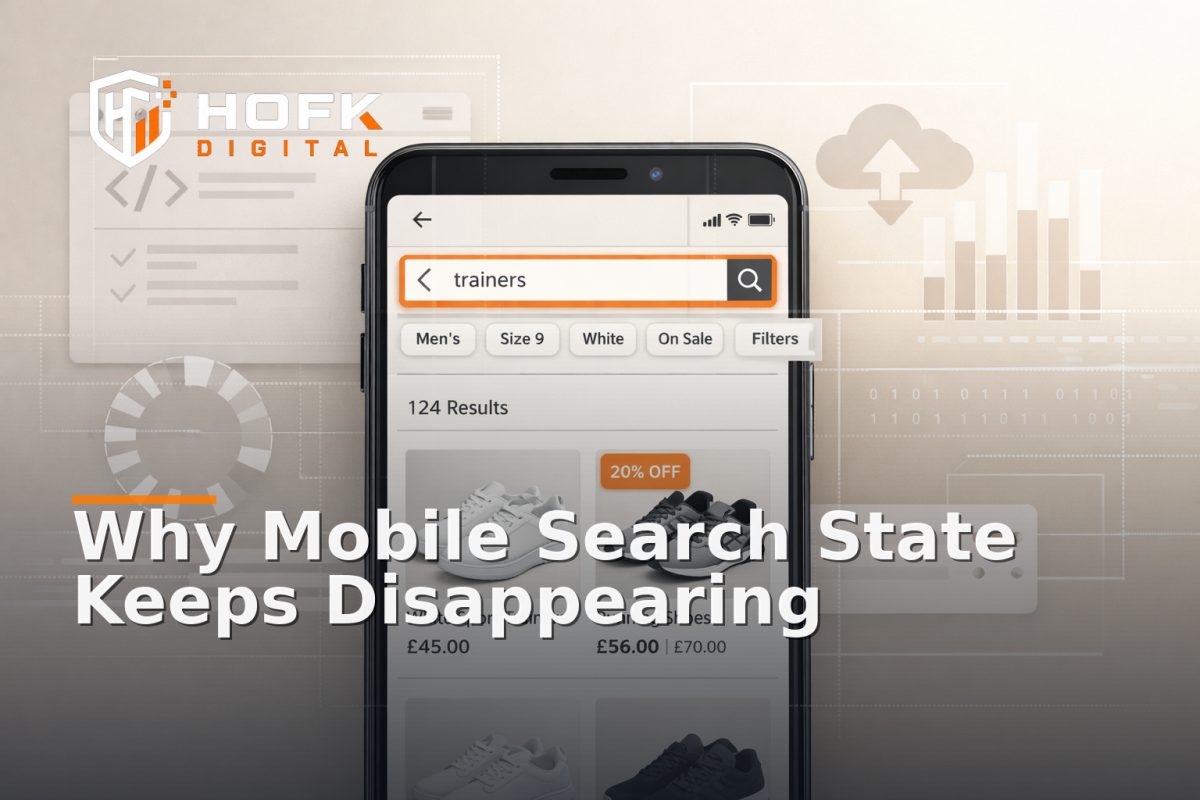
How to Diagnose Mobile Search State Loss on Ecommerce Stores After Search, Filter and Back-Button Use
If your mobile site search optimisation work looks fine on the surface but shoppers still keep losing their place, the issue may not be search relevance at all. It may be state loss.
On mobile ecommerce sites, search state can disappear after a filter change, a product click, a keyboard event, a redirect, or a back-button return. The page still loads, but the shopper is no longer looking at the same search, the same refinements, or sometimes even the same results set. That is a product finding journey problem, not just a UX polish issue.
This article is a narrow diagnostic guide for UK ecommerce managers, merchandisers, digital product owners and operations leads. It focuses on one failure mode: mobile search state loss after search, filter and back-button use. It is not a broad review of site search tracking, category browsing or general CRO.
What mobile search state loss looks like in practice
State loss happens when the user believes they are still inside the same search session, but the site has reset one or more parts of that session. On mobile, this often shows up as:
- the search term disappearing after a filter is applied
- selected filters being lost after a product page visit
- the back button returning to a generic category page instead of the original results
- the keyboard closing and the search overlay resetting suggestions
- the results count changing, but the chips or URL not matching it
- search tracking showing a new session even though the shopper is still browsing the same intent
These issues are especially easy to miss because the page does not look broken. It just becomes less trustworthy. That can hurt conversion, engagement and confidence in the product finding journey.
Why mobile search state loss is different from desktop
Desktop users often have more visible context. Mobile users rely on overlays, drawers, chips, small viewports and browser controls. That means more opportunities for the state to drift.
Common mobile-specific triggers include:
- search drawers closing when the keyboard is dismissed
- results pages re-rendering when a filter chip is tapped
- back-button behaviour interacting badly with SPA or hybrid page logic
- URL parameters not being preserved through a responsive component update
- result state stored in session memory but not in the URL
- mobile overlays resetting query context after a tap outside the drawer
That is why mobile ecommerce search UX needs to be diagnosed as a state problem as well as a visual one. If the state is unstable, the journey will feel inconsistent even if the layout looks tidy.
Start by defining what “state” should survive
Before you inspect code or analytics, define the states you expect the site to preserve. This keeps the diagnosis practical. For most ecommerce search journeys, the important parts are:
- Search term – what the shopper typed or selected
- Active filters – the facets or refinements currently applied
- Sort order – price, popularity, newest, or custom ordering
- Results set – the list or subset the user is viewing
- Scroll position – where the user returns to after back navigation
- Search source – whether the user came from search, category or a previous results page
If your business does not expect all of those to persist, that is fine. But it should be a deliberate decision, not an accident.
Trace the journey in the order the shopper experiences it
Do not start by testing the homepage search box in isolation. Start with the actual journey the user takes on a phone.
- Open the search experience on a mobile device.
- Type a query.
- Apply one filter.
- Apply a second filter or change the sort order.
- Open a product page.
- Use the back button.
- Return to search and check what state survived.
- Repeat the same path after dismissing the keyboard.
- Repeat again after closing and reopening the search overlay.
If you are diagnosing a live issue, capture each step with screenshots or screen recording. Search state loss often becomes obvious only when you compare the states side by side.
Check the most common technical breakpoints
Mobile search state loss usually comes from a small number of implementation problems. The page can look fine in development and still fail once it is live because the state is being handled in more than one place.
1. URL and state mismatch
One of the clearest signs of a problem is when the URL says one thing, but the visible page says another. For example, the search query may remain in the URL while the filter chips reset, or the chips persist while the URL no longer carries the refinements.
This is important for site search tracking because analytics and debugging are much easier when the state is visible in the URL. If the URL is not being updated reliably, the recovery path becomes harder to trust.
2. Session-only storage
If search state is stored only in session memory, it may vanish on refresh, back navigation, or when the overlay reopens. That can be acceptable in some designs, but it should be intentional. If the user expects the same search to survive, session-only storage is usually too fragile.
3. Overlay reset logic
Search drawers and filters on mobile often close and reopen through their own component logic. If the reset logic is too aggressive, it can wipe the query, selected refinements or product position whenever the drawer loses focus.
This is one of the most common reasons mobile search feels inconsistent. The user is not starting a new search; the component is.
4. Back-button rehydration failures
When a shopper returns from a product page, the browser may attempt to restore the previous state from history. If the app or template is not handling that rehydration correctly, the browser may show the right page title but the wrong filter state, or vice versa.
That is where a search results page optimisation issue can become an implementation issue. The page may be optimised visually, but the browser history integration is weak.
5. Filter chip rendering drift
Sometimes the data is correct underneath, but the visible chips are not updated properly after each refinement. That creates a false impression that the state is intact. In reality, the shopper is navigating through a page that no longer reflects the current query.
Test the mobile keyboard effect
On mobile, the keyboard is not just an input method. It changes the page state. It can cover chips, hide buttons, trigger scroll jumps and blur the search field when the user least expects it.
When testing mobile site search optimisation, check what happens when the keyboard opens and closes:
- Does the typed query remain visible?
- Does the suggestions panel keep the correct context?
- Does tapping outside the field close the overlay and clear the state?
- Does switching from typing to filtering preserve the search term?
- Does the keyboard pushing the viewport down reset scroll position?
If the answer to any of those is no, the mobile keyboard may be exposing a state management weakness rather than a design problem.
Look closely at mobile search suggestion behaviour
Search suggestions are often the first place mobile state becomes fragile. On small screens, the suggestion list may be tied to the query input too tightly, so any blur or tap outside the box causes the list to reset.
Useful questions to ask:
- Are suggestions driven by the current query or by stale cached input?
- Do suggestion taps preserve the original search context?
- Can the user move from suggestion to results without losing the query?
- Does a new suggestion search overwrite the current refinements?
If suggestion behaviour is unstable, the user may feel that search is changing underneath them. That is especially damaging for users on a product finding journey who are trying to narrow down a range quickly.
Use back-button tests to separate UI problems from history problems
The back button is one of the most revealing tests for mobile search state loss. It tells you whether the page can reconstruct the prior state, or whether it is just loading a fresh view with the same route.
Test these patterns:
- results page to product page and back
- search overlay to results page and back
- filter change, product visit, back, then refresh
- sorted results, product visit, back, and then filter removal
If the back button returns the user to the search route but not the search state, the problem is usually in history handling, rendering lifecycle, or state restoration. In some stacks, this needs full stack development review because the issue sits between front-end components and the search service.
What to log during diagnosis
If you need to explain the problem to a developer, do not just report that “search is broken”. Capture enough detail to isolate the state loss.
Record:
- device type and browser
- exact search term used
- filters and sort order applied
- the step where the state disappeared
- whether the issue happens after keyboard close, overlay close or back button
- whether the URL, chips and visible results disagree
- whether the issue is repeatable on mobile only
This is the kind of detail that makes a site search tracking investigation much faster. It tells the team whether the problem is in analytics, the front end, the search provider or the browser history flow.
A practical decision tree for what the fix might be
Once you have reproduced the issue, use a simple decision tree to decide where the fix probably sits.
- If the URL is wrong – review query parameter handling and state serialisation.
- If the URL is right but the view resets – review component rehydration and history handling.
- If the overlay clears state on close – review drawer lifecycle and form reset rules.
- If the back button breaks state – review browser history restoration and page render logic.
- If analytics still sees the search but the user doesn’t – review front-end rendering and event capture separately.
In many ecommerce stacks, the issue is not one single bug. It is a set of decisions that were reasonable in isolation but do not work well together on mobile.
What good mobile search state recovery looks like
Good mobile search recovery does not mean every page has to remember everything forever. It means the behaviour is consistent and understandable.
In a stable setup, the shopper should be able to:
- search, filter and sort without losing the context of the current query
- visit a product page and return to the same refined results
- close and reopen the mobile search interface without a full reset
- use the back button and land on the expected state
- see chips, URL and results that match each other
That consistency is the foundation of reliable mobile ecommerce search UX. Without it, shoppers do more rework than browsing.
A quick audit checklist for ecommerce teams
- Does the search term survive filter changes?
- Do the visible chips match the URL?
- Does the search overlay preserve query context after keyboard close?
- Does the back button restore the refined results page?
- Do product-page returns maintain the same search state?
- Can mobile users refresh without losing the current search path?
- Are search events and visible state aligned in analytics?
If several of those fail, the issue is likely not search content. It is search state handling.
Why this matters commercially
Search state loss is not just a technical annoyance. It slows down product discovery, makes the store feel less reliable and can increase the number of steps needed to find the right item. On mobile, that often means fewer products seen, fewer filters used well and a weaker path to basket.
For ecommerce operations teams, merchandisers and digital product owners, this is worth treating as a trading issue. If the search journey cannot survive a back-button return or a filter change, the store is making users work harder than it needs to.
That is why mobile site search optimisation should include state recovery as a first-class concern, not an afterthought.
Where HOFK can help
HOFK works across ecommerce, responsive websites, full stack development, website monitoring, SEO and Google Ads support. In issues like this, the useful work is usually not a broad redesign. It is tracing where the state is lost, checking the front-end behaviour on mobile, and deciding whether the fix belongs in the component logic, routing, monitoring or search implementation.
If the problem keeps recurring after simple edits, that is often a sign the underlying state model needs attention. A clearer technical setup can make the product finding journey easier to trust, easier to monitor and easier to maintain.
Conclusion
If your mobile search experience feels unreliable, do not start by rewriting result copy or changing merchandising rules. First diagnose whether the state is surviving search, filter use and back-button navigation. That is the core of practical mobile site search optimisation on ecommerce stores.
When search term, filters, sort order and history all stay in sync, shoppers can move through the product finding journey without repeating themselves. When they don’t, the issue is usually technical, not cosmetic. The right fix is to restore the state, not just redraw the page.
Frequently Asked Questions
What is mobile search state loss on an ecommerce site?
It is when the search term, filters, sort order or results set disappear or no longer match after a mobile user changes filters, opens a product page or uses the back button.
Why is mobile search state loss so damaging?
Because it forces shoppers to repeat steps, makes the product finding journey feel unreliable and can reduce the number of products seen before basket or checkout.
Is this a search relevance problem or a technical problem?
It can be both, but if the query or refinements disappear after filter use or back-button navigation, the problem is often in state handling rather than search content.
What should I test first?
Start with the search term, one or two filters, a product-page visit and the back button. Then test the same flow after closing the keyboard and reopening the search overlay.
When should a developer review the issue?
If the URL, chips, visible results and analytics events do not agree, the problem likely needs technical investigation across the front end, routing or search implementation.