

How to Audit GA4 Ecommerce Event Mapping for Variant and Revenue Mismatches
If your GA4 revenue does not quite match your orders, do not start by blaming attribution, paid media or the checkout. In many SPA and headless stores, the real issue is narrower: one ecommerce event map is sending the wrong item, the wrong variant, the wrong shipping value, or the wrong refund data. That is the kind of problem an ecommerce analytics audit should catch early, because the page can look fine while the event payload quietly drifts away from the truth.
This article focuses on one failure mode only: mismatches between what the shopper selected or bought, and what GA4 recorded. The goal is not to review every report in the account. It is to audit one event chain, one data layer, and one reconciliation method so you can isolate where the mapping breaks.
What this audit is trying to prove
The question is simple: does GA4 describe the same commercial event that your platform, order system and fulfilment flow describe?
For variant-heavy ecommerce sites, that means checking whether GA4 records the same:
- item ID or SKU
- variant ID, size or colour
- quantity
- price and currency
- coupon or discount code
- shipping amount
- refund amount
If any one of those fields is wrong, the reporting can still look plausible while being commercially misleading. That is why a focused ecommerce tracking audit is often more useful than a broad trust-the-data review.
Why variant mismatches happen in SPA and headless stores
Traditional ecommerce pages usually send one clean page load, one data layer push and one straightforward purchase event. SPA and headless builds are different. Variant state, basket state and checkout state can all change without a full refresh, which means the event layer has to keep up.
The most common causes are:
- the selected variant lives in component state but not in the final event payload
- the page updates the visible product but not the GA4 item object
- the basket confirms one SKU while the data layer reuses the parent product ID
- coupon or shipping values are stored in a separate state object and never merged into the purchase event
- refunds are written back from the order system, but GA4 receives a generic refund event with incomplete item detail
In other words, the problem is often not the reporting tool. It is the handoff between UI state, backend state and analytics state.
Start with one event chain
Do not audit the whole store first. Pick one product journey that represents your real complexity. A good test case is usually a product with:
- at least one variant choice
- a coupon or promotion applied in basket
- a delivery charge or shipping rule
- a clear order completion path
- a possible refund or partial refund scenario
That gives you one chain to follow from product view to refund. If you can make that one chain match, the rest of the ecommerce analytics audit becomes much easier to scale.
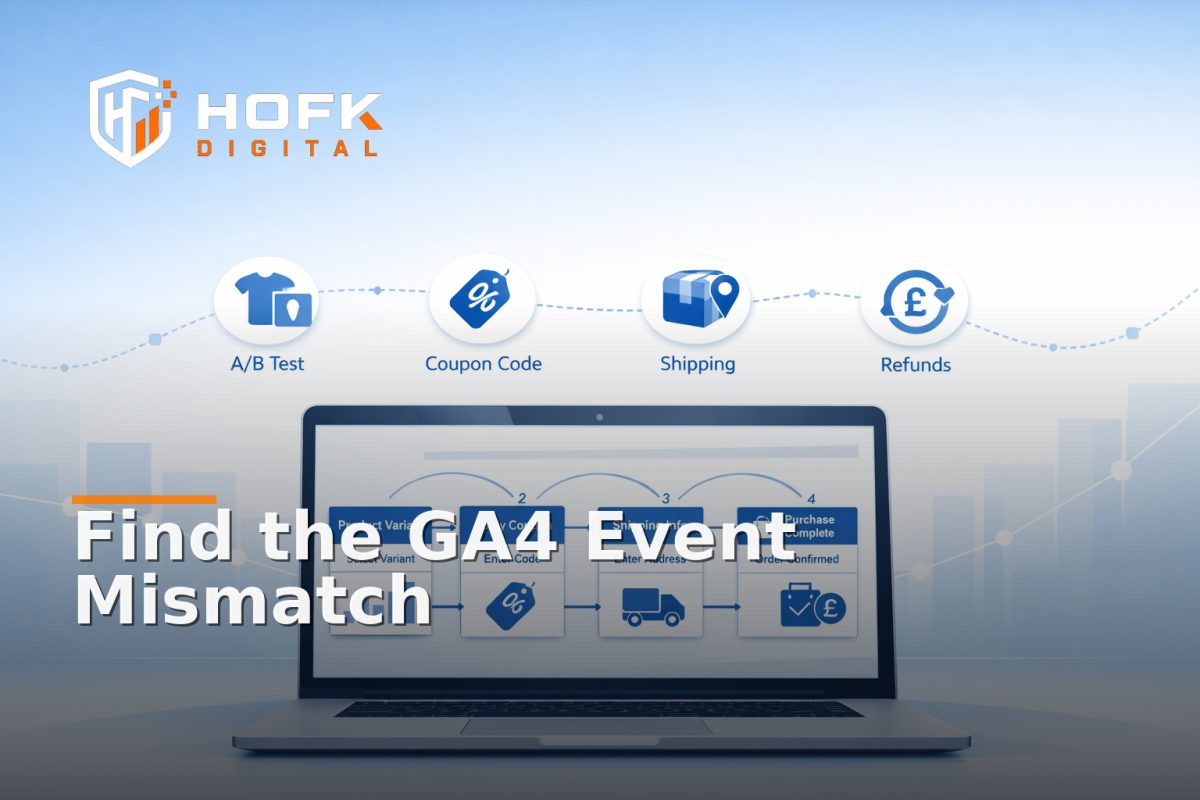
Useful event chain to test
- View item
- Select variant
- Add to basket
- Apply coupon
- Choose shipping method
- Complete purchase
- Issue refund or partial refund
Each step should carry forward the same identifiers where appropriate. If the item changes, the new state should be deliberate and visible.
Audit the GA4 ecommerce tagging at the payload level
This is the point where the work becomes technical. A GA4 ecommerce tagging audit is not just about whether the event fired. It is about what it sent.
For each step in the chain, inspect the payload and confirm that GA4 is receiving the exact commercial state you expect. The useful fields will vary by platform, but for most stores you should check:
- item_id - does it match the sellable SKU or variant SKU?
- item_name - does it still describe the selected item?
- item_variant - if used, does it match the shopper’s choice?
- quantity - does it update correctly after basket changes?
- price - does it reflect the price the shopper actually saw?
- currency - is it stable across the event chain?
- coupon - is the applied code present on the purchase event?
- shipping - is the chosen shipping method reflected?
- value - does the total match the order logic?
If you see a parent product ID in GA4 but the basket and order system hold a child variant ID, that is a mapping issue, not a reporting quirk. If the shipping amount is missing from the purchase event, revenue can still be recorded while margin context disappears.
Use one reconciliation method: compare four records for the same order
The most reliable method for this kind of audit is simple and repeatable. For one real order, compare four records side by side:
- Front-end state - what the shopper selected on the page
- Data layer or event payload - what the site pushed to analytics
- Order or backend record - what the commerce platform stored
- GA4 event record - what Analytics finally received
That is the reconciliation method. It lets you see where the truth first drifted.
A practical way to run it:
- choose one test order with a known variant
- apply one coupon code
- choose one shipping method
- complete the purchase
- check the refund flow, if relevant, with a small partial refund
Then compare the fields. If the front end and backend agree, but GA4 does not, the issue is in event mapping or payload assembly. If the frontend is already wrong, the event layer is only carrying forward a bad state.
What good looks like for variant, coupon, shipping and refund data
For a healthy setup, each of these should behave predictably.
Variant data
The selected variant should be the one passed into add_to_cart, begin_checkout and purchase. If the user changes size or colour, the event should reflect the final selected item, not the default product.
Coupon data
If a coupon is applied, it should appear in the relevant event where your implementation expects it. More importantly, the discount logic should not be represented twice or overwritten by stale state.
Shipping data
The chosen shipping method and amount should be carried into purchase when relevant. If shipping is recalculated after basket changes, the final value should match the completed order.
Refund data
Refunds are often under-audited. GA4 should receive refund data that maps to the order actually refunded, with the right amount and item detail where your implementation supports it. Partial refunds deserve the same care as full refunds, because they are where mismatches often show up first.
Watch for SPA-specific failure points
In SPA and headless ecommerce, the user can change state without a full page reload. That is useful for UX, but it creates a few repeat problems for analytics:
- the event fires before the UI state settles
- the item object is reused from a previous product
- the coupon is cleared visually but remains in the data layer
- the shipping choice updates in checkout, but the purchase event retains the default shipping method
- the refund is triggered from the order admin, but the analytics payload lacks the refunded item ID
If your analytics team keeps asking why one report says one thing and operations says another, the first place to look is usually the state transition between components.
How to debug a mismatch quickly
If you need to triage a live issue, use this order:
- Pick one order that clearly shows the problem.
- Check the frontend state at the moment of the action.
- Inspect the raw data layer or event payload.
- Compare it with the backend order record.
- Then compare both with GA4.
- Find the first point where the fields diverge.
That sequence usually tells you whether the issue belongs to the product page, basket logic, checkout logic or analytics implementation. It also stops teams from guessing in circles.
Common signs your mapping needs attention
- GA4 records the parent product instead of the selected variant
- Revenue is correct, but item detail is not
- Coupon revenue appears in the order system but not in GA4
- Shipping is visible to the shopper but missing from analytics
- Refund values do not reconcile with the original purchase
- The same order appears twice because the event fired more than once
These issues can be subtle. The store may still trade, the checkout may still work, and the reports may still look tidy at a glance. That is exactly why the audit needs to be methodical.
What to log during an ecommerce tracking audit
Good logging turns a vague analytics problem into a fixable implementation issue. For each test order, log:
- test product and selected variant
- coupon code used
- shipping method selected
- order ID
- refund ID, if applicable
- frontend payload
- backend order record
- GA4 event timestamp and parameters
That gives you a clean trail from selection to reporting. It also makes it much easier to hand the issue to a developer or analyst without losing context.
Where HOFK can help
HOFK works across ecommerce, full stack development, website monitoring, SEO and Google Ads support, so this kind of issue is often approached from the implementation side rather than the dashboard side. In practice, that may mean tracing the state path through a SPA, checking the data layer assembly, or aligning the purchase and refund events so the analytics story matches the order story.
For more complex stores, the useful work is usually not a generic analytics review. It is making sure the frontend, backend and GA4 event map all speak the same language.
Conclusion
If you want a reliable ecommerce analytics audit, keep it narrow. Audit one GA4 ecommerce event chain, one data layer, and one reconciliation method. Compare the selected variant, coupon, shipping and refund data across the frontend, the payload, the backend and GA4. That is the fastest way to find where event mapping drifts.
When GA4 ecommerce tagging is correct, reporting becomes easier to trust. When it is not, the problem is usually not the chart, but the event map. If your store needs a technical review of variant, coupon, shipping or refund mismatches, HOFK can help with full stack development, ecommerce support and the practical detail behind cleaner analytics.
Frequently asked questions
What is an ecommerce analytics audit in GA4?
It is a structured check that your GA4 events match the real ecommerce journey, including the selected item, order value, coupon, shipping and refund data.
Why do variant mismatches happen in SPA and headless stores?
Because the selected variant can live in component state while the analytics payload reuses a different object, such as the parent product or a stale basket value.
What should I compare first when GA4 revenue does not match orders?
Compare one order across the frontend, the raw event payload, the backend order record and the GA4 event. The first place they differ is usually where the problem starts.
Should refunds be included in a GA4 ecommerce tagging audit?
Yes. Refunds and partial refunds often reveal mapping problems that are not obvious in purchase reporting.
What is the most useful reconciliation method?
Use one real test order and compare four records: frontend state, data layer or payload, backend order record and GA4 event output.