

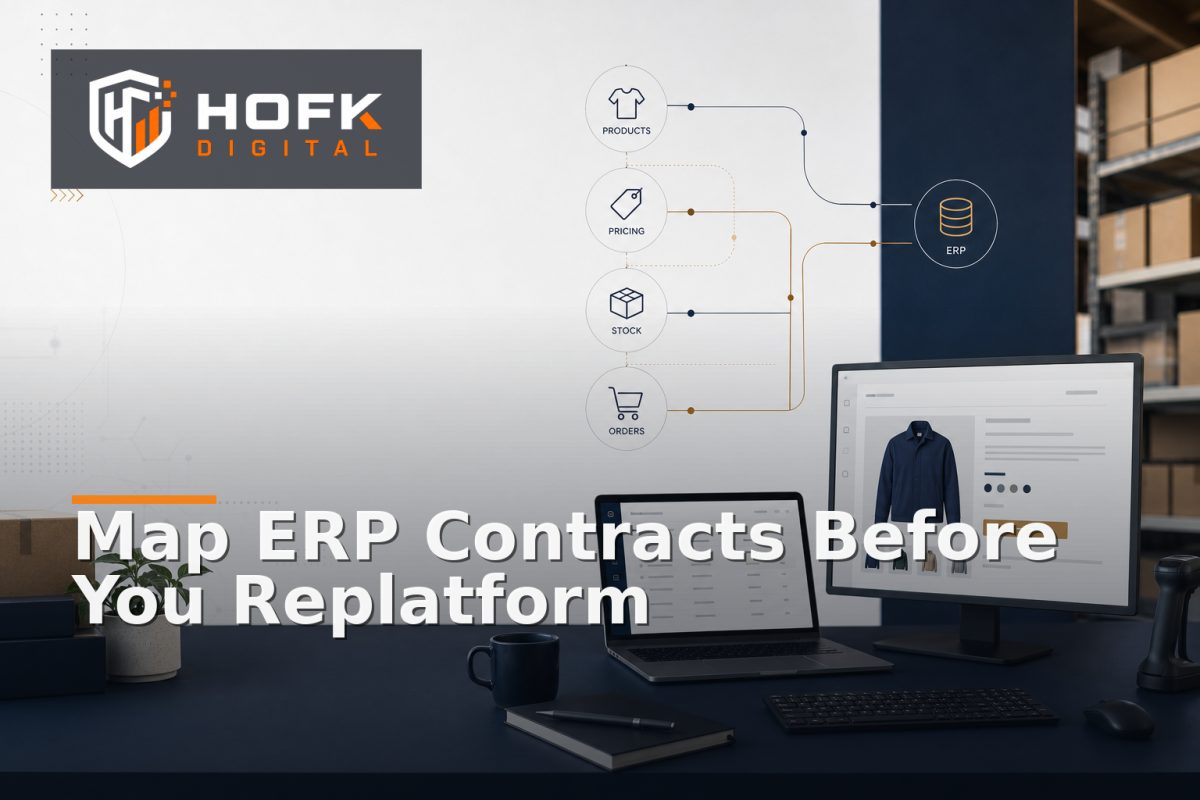
How to Map ERP Integration Contracts Before Replacing an Ecommerce Platform
An ecommerce replatform can appear straightforward until the new platform needs to exchange live data with an ERP. Products, prices, stock, customer accounts, orders, refunds and fulfilment updates may all move through different integrations, on different schedules and with different definitions.
This is why ERP ecommerce integration mapping should happen before you choose a replacement platform or finalise the migration plan. The aim is not to document every technical detail in an oversized specification. It is to make the important contracts visible: what data moves, which system owns it, when it changes, what the receiving system expects and what happens when the handoff fails.
This guide is for UK ecommerce managers, operations leads, founders, delivery teams and technical stakeholders preparing an ERP-connected replatform.
What ERP ecommerce integration mapping should prove
A useful integration map should help the project team answer five practical questions:
- Which business data is exchanged between the ERP, ecommerce platform and other systems?
- Which system is authoritative for each field or state?
- What format and identifiers does each integration require?
- What triggers an update, and how quickly should it arrive?
- How will the team detect, investigate and recover from a failed handoff?
This is different from listing integrations in a project plan. “ERP sync” is not a sufficiently clear dependency. The team needs to know whether that means product imports, stock updates, account pricing, order write-back, refunds or several separate contracts.
Start with business domains, not endpoints
A common mistake during platform migration integration planning is to begin with API endpoints, middleware jobs or vendor documentation. Those details matter later, but first identify the business domains that must remain consistent.
Typical domains include:
- Products, variants and identifiers
- Prices, promotions and customer-specific terms
- Stock, availability and reservations
- Customer accounts, branches and permissions
- Baskets, orders and payment states
- Dispatch, fulfilment, returns and refunds
- Product feeds, reporting and marketing data
For each domain, write down the business outcome the integration supports. For example, the purpose of a stock integration may be to prevent customers ordering unavailable items, while the purpose of an order integration may be to give fulfilment a reliable record to act on.
This keeps the mapping commercially grounded. It also helps identify which integrations are launch-critical and which can be improved later.
Build an ERP integration contract register
An ERP data contract is an agreed description of what one system sends to another and what the receiving system is expected to do with it. It can be implemented through an API, feed, queue, scheduled import, webhook or manual export. The transport method is less important than the agreement about meaning and behaviour.
Create one register row for each material data flow. Useful fields include:
- Contract name and business domain
- Source and destination systems
- Direction of data flow
- Trigger, schedule or event type
- Required identifiers
- Required and optional fields
- Allowed values and status mappings
- Expected delay or processing window
- Failure, retry and exception behaviour
- Business owner and technical owner
- Current version and planned migration treatment
Keep the register readable by non-technical stakeholders. A trading lead should be able to understand what happens to a product price or order status without reading application code.
Define the source of truth at field level
Do not assume that one system owns an entire record. In many ecommerce environments, authority is split across systems.
For example, an ERP may own stock, cost price, payment terms and customer account codes. A PIM may own enriched descriptions and product relationships. The ecommerce platform may own presentation, navigation and some customer-facing content. A fulfilment system may own dispatch status.
Create a field-level ownership table containing:
- Field or business state
- Authoritative source
- Systems allowed to read it
- Systems allowed to update it
- Transformation or normalisation rule
- Owner of conflicts and exceptions
This prevents a dangerous assumption during an ecommerce replatform integration audit: that the newest value is automatically the correct value. Recency is not authority. A newer supplier or platform update may still be incomplete, incorrectly mapped or intended for another market.
Map identifiers before mapping fields
Identifiers are the joins between systems. If they are unreliable, even a well-designed field mapping can create duplicate products, mismatched orders or broken customer relationships.
Document how the systems identify:
- Parent products and sellable variants
- SKUs, GTINs, manufacturer references and legacy IDs
- Customer accounts, branches and portal users
- Orders, payments, refunds and fulfilment records
- Integration events and retry attempts
For every identifier, record whether it is stable, unique, mutable or only valid within one system. Preserve legacy references where they will help customer service, reconciliation or historic reporting after the migration.
Be particularly careful with email addresses as customer keys. They may change, be shared across users or appear against duplicate accounts. A trusted customer or ERP account reference is usually a stronger matching key where one exists.
Document timing and state transitions
Data can be correct eventually and still be wrong for the customer at the moment it matters. Your mapping should therefore include timing, not just field definitions.
For each contract, document:
- What event starts the update
- Whether the flow is real-time, scheduled or manually triggered
- Expected processing time
- What happens if updates arrive out of order
- Which state transitions are allowed
- When stale data becomes an operational exception
For example, an order might move from pending payment to paid, then to allocated and dispatched. The new ecommerce platform should not overwrite a newer state with an older event simply because the older event arrived later.
Where ordering cannot be guaranteed, the receiving system may need version numbers, timestamps, sequence values or a request for the current source record before applying the update.
Map failure paths as carefully as success paths
Many migration plans describe the successful data flow and leave failures to “monitoring”. That is not enough for ERP-connected trading. A failed order handoff, stale price or missing stock update needs a defined operational response.
For each integration contract, record:
- How a failure is detected
- Whether the message is retried automatically
- When a retry should stop
- Where the exception appears
- Who owns investigation
- Whether manual replay is safe
- How duplicate updates are prevented
- What customer or operational workaround exists
Do not rely on a generic “retry” button for important commercial actions. A replay should be safe, permission-controlled and recorded. If an order, payment, refund or stock movement could be duplicated, the contract needs idempotency and reconciliation controls.
HOFK’s guide to webhook reconciliation for custom integrations covers related principles for durable event records, duplicate prevention and repair workflows.
Use the map to assess the replacement platform
Once the current contracts are documented, use them to evaluate the proposed ecommerce platform. Do not ask only whether the platform has an ERP connector. Ask whether the connector supports the business behaviour you need.
For each critical contract, check:
- Can the platform represent the required identifiers and states?
- Can it receive and publish the necessary fields?
- Does it support the required timing and volume?
- Can errors be monitored and replayed safely?
- Can account pricing, branches and permissions be preserved?
- Can the business access the data if the platform or connector changes?
A connector that synchronises product names and stock may still be unsuitable if it cannot handle customer-specific prices, order amendments, refunds or fulfilment exceptions.
Turn the map into a migration test plan
The contract register should become a source for testing, not a document that is filed away. Choose representative records and test both normal and difficult cases.
A practical sample might include:
- A simple product and a variant-heavy product
- A standard price and a customer-specific price
- An in-stock, low-stock and discontinued item
- A new customer and an existing account with order history
- A normal order, amended order, refund and cancellation
- A delayed, duplicated or out-of-order integration event
For each test, record the expected result, actual result, evidence, owner and decision. Classify differences as blocking, accepted, monitored or requiring follow-up.
HOFK’s existing article on building an ERP sync risk matrix for replatform launches covers how to narrow technical testing around one launch-critical flow. Contract mapping gives that testing a stronger foundation by defining what the flow is supposed to mean.
Create a cutover ownership plan
Before go-live, define who owns each integration domain during the cutover and the first live trading period. Avoid assigning ownership only to departments. Give each critical check one person responsible for the decision.
The cutover plan should identify:
- Technical owner for integration behaviour
- Ecommerce owner for customer-facing impact
- Operations owner for stock and fulfilment
- Finance owner for pricing, payments and refunds
- Incident owner for block, watch or follow-up decisions
HOFK’s article on running a parallel run during ecommerce migration provides related guidance on system ownership, controlled traffic and reconciliation. The contract map helps clarify which system should be authoritative as responsibility moves.
ERP ecommerce integration mapping checklist
- Business domains and critical data flows are listed.
- Each integration has a named business and technical owner.
- Field-level sources of truth are documented.
- Identifiers and legacy references are mapped.
- Required fields, formats and status values are defined.
- Timing, ordering and state-transition rules are recorded.
- Failure, retry, replay and duplicate-handling rules are clear.
- Replacement-platform capabilities have been assessed against real contracts.
- Representative normal and exception cases have been tested.
- Cutover ownership and post-launch monitoring are agreed.
Where HOFK can help
ERP-connected replatforming often crosses ecommerce development, full stack integrations, automation, monitoring, product data and operational workflows. HOFK can help map the current contracts, clarify system ownership, review the migration risk or support the implementation behind a more controlled platform transition.
Relevant work may include ecommerce integration planning, data-flow mapping, reconciliation checks, exception handling and practical monitoring. HOFK’s full stack development and ecommerce services may be relevant where the platform change affects both customer journeys and internal operations.
Conclusion
ERP ecommerce integration mapping gives a replatform project a shared view of how the business actually exchanges data. Document the domains, contracts, ownership rules, identifiers, timing, state transitions and failure paths before choosing or replacing the ecommerce platform.
This approach is more useful than treating ERP integration as one connector or one migration task. It shows what the new platform must preserve, where the risks sit and how the team will prove that products, prices, stock and orders still agree after cutover.
If you are preparing an ERP-connected ecommerce replatform, start with one critical domain, map its contract end to end and test the difficult cases before expanding the exercise across the wider platform.
Frequently asked questions
What is ERP ecommerce integration mapping?
It is the process of documenting the data flows, ownership rules, identifiers, timing, states and failure handling between an ERP and an ecommerce platform.
What is an ERP data contract?
An ERP data contract describes what one system sends to another, including required fields, formats, triggers, expected responses and exception behaviour.
When should integration mapping happen during a replatform?
Start before the replacement platform is selected or the final migration scope is agreed. Early mapping exposes capabilities, dependencies and risks that platform demonstrations may hide.
What should an ecommerce replatform integration audit include?
It should include system ownership, field mappings, identifiers, synchronisation timing, state transitions, error handling, retry rules, representative test cases and cutover responsibilities.
How can ERP integration mapping reduce migration risk?
It makes hidden dependencies visible, clarifies which system is authoritative and gives the team specific contracts and failure cases to test before live trading begins.