

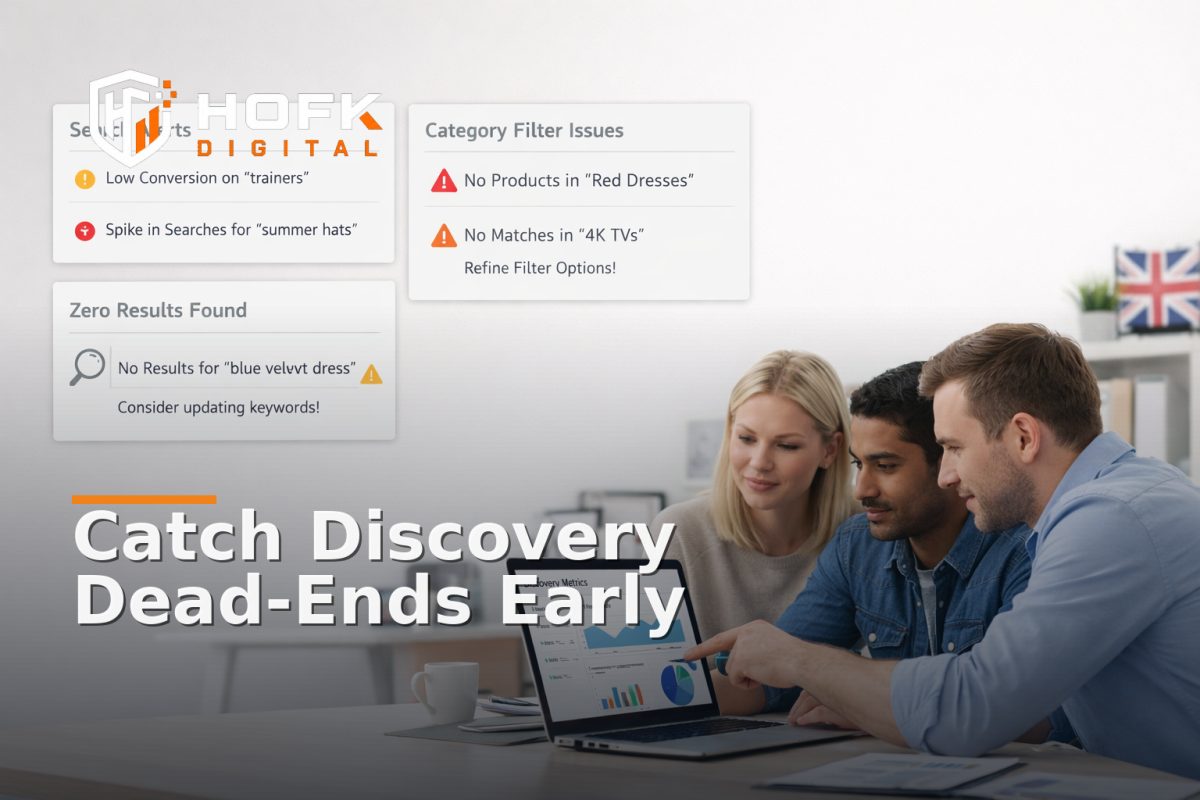
How to Set Up Alerts for Zero-Result Searches and Category Dead-Ends in Ecommerce
If customers are searching on your site and still not finding what they need, the warning signs are usually there long before revenue drops. The problem is that many teams only notice it when support tickets rise or product sales weaken. With ecommerce site search monitoring, you can spot those issues earlier by alerting on zero-result searches, repeated refinements and category dead-ends before they become routine friction.
This is not a general search optimisation guide. It is about building useful site search alerts and category page monitoring around discovery failure: moments when a shopper is trying to narrow down a range, but the site cannot guide them to a product. That usually shows up in one of three ways: no results, too many refinements, or a category page that leads nowhere useful.
For ecommerce managers, merchandisers, trading leads and technical teams, the goal is practical. You do not need to alert on every awkward query. You need alerts that tell the right people when product discovery tracking suggests a real issue with range, taxonomy, filters or merchandising.
What discovery failure looks like in ecommerce
Discovery failure is when the customer is trying to find a product, but the site search or category journey cannot help them progress. It is not always a broken page. More often, it is a business issue hidden inside a working interface.
Common examples include:
- a search query that returns zero results even though the product exists under a different term
- a category page that leads to filters so narrow that the shopper reaches a dead end
- search refinements that keep stacking because the first set of results is too broad
- product discovery paths that end in no viable item, no filter state and no sensible fallback
- category pages where the shopper can browse, but cannot reach a product that matches their intent
Those are the moments that matter for ecommerce site search monitoring. They usually indicate a taxonomy issue, a merchandising gap, a feed problem or a template logic problem rather than a one-off user mistake.
Start by defining the signals you actually want to watch
Before setting up alerts, decide which discovery failures deserve attention. If you monitor too much, the alerts become noise. If you monitor too little, the team will still find out too late.
1. Zero-result searches
This is the clearest signal. The user searched, but the site returned nothing. A few zero-result searches are normal. Repeated zero-results for the same query pattern are not.
2. High-refinement searches
These are searches where the user keeps filtering or re-searching because the first result set is too broad, too vague or not commercially useful. A high number of refinements can mean the site has too many close alternatives or not enough useful facets.
3. Category dead-ends
A category dead-end happens when a shopper arrives on a category page, applies filters or drills into a subcategory, and ends up with no actionable product path. That may be because the category structure is too narrow, the filters are too strict, or stock and merchandising rules have created a gap.
4. Product discovery drop-off
This is the point where the shopper keeps moving through search or category pages but never reaches a viable product page. It is useful to track because it shows where discovery fails, even if there is no single obvious zero-result event.
How to set thresholds for ecommerce site search monitoring
The best thresholds are simple enough to explain and strict enough to act on. Avoid treating every event as a problem. A useful alert should indicate a pattern, not just a moment.
Set a baseline first
Before alerting, look at a normal period of search and category behaviour. You are looking for what “normal” means for your store, not a universal benchmark. A fashion store, a parts catalogue and a B2B distributor will all have different search behaviour.
Useful baselines include:
- search volume per day or week
- zero-result rate as a share of search activity
- top repeat zero-result queries
- category-to-product click-through rate
- filter exhaustion rate, where users keep narrowing without reaching a product
If you do not yet have a full baseline, start with a small review window and refine it after a few weeks. The point is to avoid alerts that fire simply because traffic rose or a campaign launched.
Use pattern-based thresholds, not single-event alerts
A single zero-result search is usually not enough to wake someone up. A repeated cluster of zero-result searches for the same term probably is.
A practical rule set might be:
- Informational: one or two zero-result searches from a new term
- Review: repeated zero-results for the same term over a short period
- Escalate: repeated zero-results across several sessions, or for a high-value category, brand or campaign keyword
For category page monitoring, you can use a similar approach. If a category consistently produces no useful product path after filters are applied, the issue deserves a human review rather than another silent metric.
What makes a useful site search alert
A useful alert does more than say “something happened”. It should explain what failed, where it failed, and who needs to act.
Each alert should ideally include:
- the search term or category path
- the number of times the issue occurred
- the timeframe
- the affected category, brand or product family
- the source channel if known
- a short note on why it matters commercially
For example, an alert that says “zero-result search detected” is less useful than one that says: “12 zero-result searches for ‘school uniform blazer’ in the last 24 hours, all from mobile sessions, with no fallback category route.” That gives the team something they can actually work on.
Route alerts to the right owner
Site search alerts are often delayed by unclear ownership. Marketing sees the query. Merchandising sees the category gap. Technical teams see the template issue. Nobody knows who should act first.
A better model is to assign discovery alerts by failure type.
- Merchandising or trading: category dead-ends, missing product coverage, poor subcategory structure
- Technical team: filter bugs, search indexing issues, broken result logic, template failures
- Content or SEO team: query language mismatches, naming inconsistency, taxonomy wording
- Ecommerce lead: repeated zero-result themes that affect a commercial priority
The important thing is not to create more handoffs. It is to reduce ambiguity. If the alert is about product availability or category coverage, it should not sit only with development. If it is about the search engine failing to index a live SKU, it should not sit only with merchandising.
Separate alert types by business impact
Not every discovery issue is equal. A zero-result search for a product line that rarely sells may be a low-priority fix. A dead-end for a top-selling category before a campaign launch is a different matter.
One simple way to structure site search alerts is:
- Low priority: isolated query, low traffic, no repeat pattern
- Medium priority: repeated query theme, category gap, or rising refinement behaviour
- High priority: dead-end in a high-value category, campaign-linked search failure, or broad product discovery breakdown
This keeps the team focused on product discovery tracking that could affect revenue, not just odd search terms that are interesting but not urgent.
Monitor the right discovery moments
To make alerts useful, you need to place them at the points where discovery actually breaks. That usually means monitoring more than the search box itself.
Search entry
Track what users typed, how often it returned nothing, and whether the same term appears repeatedly.
Search refinement
Track what happens when users add filters, sort options or new search terms after seeing the first results set. If refinement is high, the first result set may be too weak.
Category entry
Track category pages where users enter from navigation, ads or internal links. If the page is a gateway into a range, it should not trap users in dead-end filter states.
Filter exhaustion
Track cases where filter use steadily reduces results to zero. That can reveal gaps in product coverage, poor facet design or stale stock data.
Category-to-product click-through
If users arrive on category pages but do not click product pages, the issue may not be search at all. It may be that the category is too broad, too sparse or too badly merchandised to support product discovery.
How to avoid noisy alerts
Noise is the main reason monitoring tools get ignored. To keep alerts useful, build in a few checks before sending a notification.
- Ignore one-off queries unless they repeat
- Group similar terms together where possible
- Suppress alerts during known catalogue changes or major launches
- Use time windows that make sense for your traffic level
- Require a minimum number of events before escalation
This matters because a temporary campaign or a seasonal product launch can create discovery spikes that look abnormal but are actually expected. Good alerts should highlight genuine issues, not every change in behaviour.
Examples of useful alert rules
You do not need to copy these exactly, but they show the type of logic that works well in ecommerce site search monitoring.
- Alert when the same search term returns zero results more than a set number of times within a short period
- Alert when a high-value category shows a sharp rise in filter exhaustion
- Alert when category-to-product clicks fall below a normal range for a specific collection
- Alert when a search query produces repeated refinements but no product page visits
- Alert when a campaign-linked term returns no results on mobile and desktop
The exact thresholds should be tuned to your traffic, but the principle is the same: alert on repeated commercial failure, not on every imperfect query.
What to do when the alert fires
An alert is only useful if there is a response path. Without one, it becomes another piece of data sitting in a dashboard.
A simple response workflow might be:
- Check whether the issue is a one-off or a repeated pattern.
- Identify whether the term or dead-end affects a high-value category or product line.
- Assign the issue to the right owner based on the failure type.
- Decide whether the fix is content, merchandising, feed, taxonomy or code.
- Record the action taken so the same issue can be reviewed later.
That last step matters. If you do not log why the alert fired and what was done, you will not know whether the fix actually improved discovery.
How this fits with broader ecommerce monitoring
Site search alerts should sit alongside, not inside, your general uptime or checkout monitoring. A store can be technically online and still be poor at helping customers find products.
That is why product discovery tracking should be treated as a separate monitoring lane. It gives you visibility into how customers move through search, filters and category pages before they reach basket or checkout.
In practical terms, this can connect with broader website monitoring for ecommerce, but it should answer a different question: not “is the site up?” but “can shoppers find what they came for?”
Where technical support is useful
Some discovery issues are content problems. Others are structural. If zero-result searches keep happening because the search index is stale, the filter logic is brittle, or category routes are built on old assumptions, then the fix is technical as well as operational.
That is where HOFK often fits in. With experience across ecommerce, full stack development, website monitoring, SEO and operational software, the useful work is often in making the alerting and response path easier to trust. In some stores, that means building cleaner event capture for search and category journeys. In others, it means wiring alerts into a workflow the trading team can actually use.
If discovery issues are affecting paid traffic as well, it may also make sense to review landing page intent and search-term alignment with SEO & Adwords support. A customer who cannot find the right product on-site is often giving you a useful signal about taxonomy, content and query language.
Practical checklist for ecommerce site search monitoring
- Track zero-result searches and group repeat terms
- Monitor high-refinement search behaviour
- Watch for category dead-ends and filter exhaustion
- Set thresholds based on repeated patterns, not single events
- Route alerts to merchandising, technical or content owners as appropriate
- Suppress known launch or seasonal noise where necessary
- Log the response so the same issue can be reviewed later
- Review alerts monthly to remove noise and tune thresholds
Conclusion
Zero-result searches and category dead-ends are easy to miss because the site is still technically working. But if customers cannot find products, they are not progressing. That is why ecommerce site search monitoring should include alerts for repeated zero-results, high-refinement behaviour, filter exhaustion and category-to-product drop-off.
The most useful site search alerts are specific, owned and actionable. They tell the right person what failed, how often it failed and why it matters commercially. If you build them around real discovery failure rather than vanity metrics, you give your ecommerce team an earlier warning system for product-finding problems that would otherwise show up too late.
If your search, category or filter journeys need a more reliable technical setup, HOFK can help with ecommerce, website monitoring, full stack development and the operational detail behind systems that need to surface problems before revenue is affected.
Frequently asked questions
What is ecommerce site search monitoring?
It is the practice of tracking how customers search, filter and browse on an ecommerce site so you can spot product-finding problems such as zero-result searches, dead-end categories and repeated refinements.
What should trigger a site search alert?
Repeated zero-result searches, high-refinement behaviour, filter exhaustion or a category path that leaves the shopper with no useful next step are all good candidates for alerts.
Who should own category page monitoring alerts?
It depends on the problem. Merchandising may own category coverage issues, technical teams may own filter or search bugs, and ecommerce leads may own repeated commercial discovery failures.
How do I reduce alert noise?
Use thresholds based on repeated patterns, group similar queries together and suppress known launch or seasonal spikes where appropriate.
Is this the same as general ecommerce monitoring?
No. General ecommerce monitoring usually focuses on uptime, checkout and errors. Ecommerce site search monitoring focuses on whether shoppers can find the right products in the first place.