

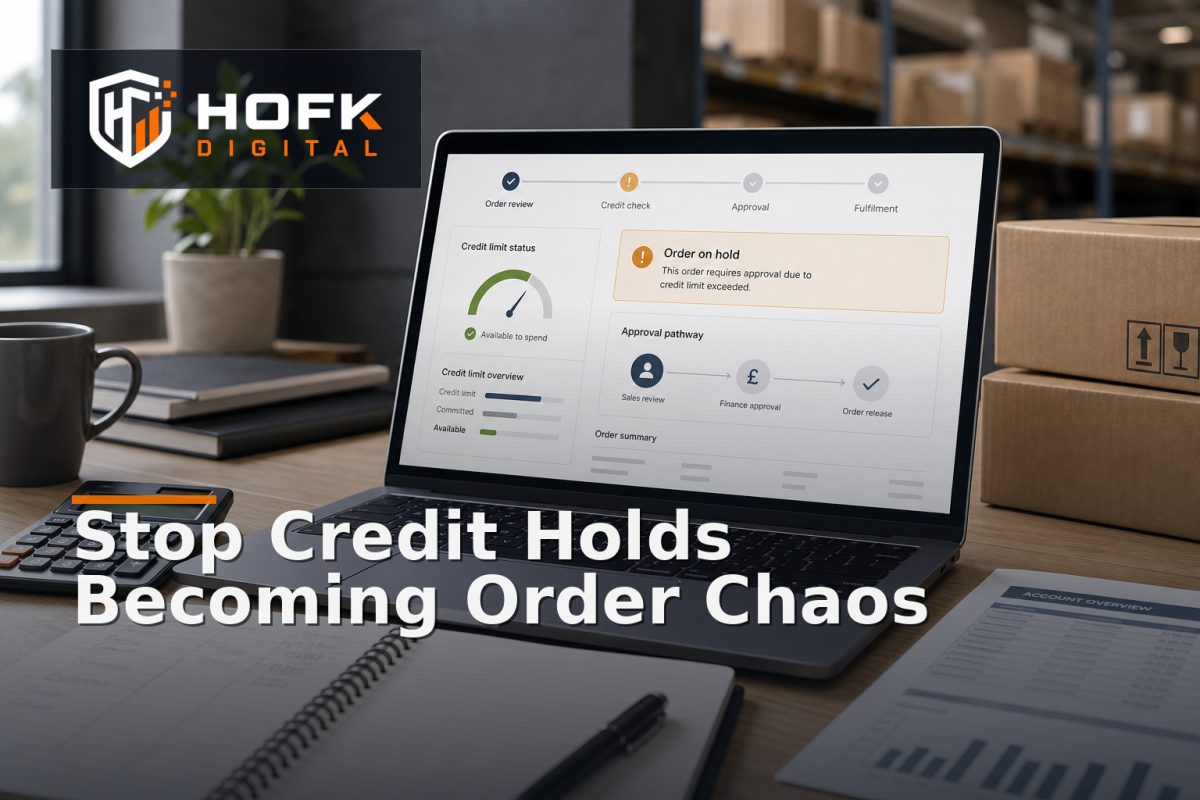
How to Build a B2B Ecommerce Credit Limit Workflow for Order Holds
A trade customer reaches checkout, submits a perfectly valid order and then receives a vague message that the order is “under review”. The sales team cannot immediately explain why, finance is checking a spreadsheet, and the warehouse is unsure whether to allocate stock.
This is what happens when credit control is treated as a separate finance task rather than part of the online ordering journey. A practical B2B ecommerce credit limit workflow should show when an account can order, when an order needs review, who owns the decision and what happens next. It should protect the business without turning every unusual order into a manual investigation.
This guide is for UK trade portal owners, finance leads, ecommerce managers and sales operations teams. It focuses on workflow design rather than giving legal or financial advice. Credit policies, payment terms and customer agreements should be reviewed with the relevant finance and commercial owners before implementation.
What a B2B credit limit workflow needs to control
A credit limit is not simply a number stored against a customer account. It is part of a decision about whether the business is prepared to accept more exposure from that account under its agreed payment terms.
Depending on the business model, the workflow may need to consider:
- Approved account credit limit.
- Current outstanding invoices.
- Overdue balances and disputed amounts.
- Open orders that have not yet been invoiced.
- Pending quotes or reservations that may create future exposure.
- Payment terms and account status.
- Value, product type or delivery risk associated with the new order.
- Any approved temporary increase or commercial exception.
The exact exposure calculation will vary between businesses. VERIFY which balances, orders and commitments should be included before turning the calculation into an automated rule.
Define the account exposure calculation first
The portal cannot make a reliable decision if finance, sales and development use different definitions of exposure. Before designing screens or status labels, agree what the workflow is measuring.
A simplified internal model might be:
Projected exposure = current balance + eligible open orders + new order value - approved credits or payments
This is only an example, not a universal accounting formula. Some businesses may exclude disputed invoices, include unbilled dispatches or apply different treatment to confirmed orders and provisional quotes.
Document each component in plain English. For example, decide whether a basket should affect exposure before order submission, whether an accepted quote reserves credit, and when an order stops contributing to exposure after payment or invoicing.
Do not hide these decisions inside code. The finance owner should be able to explain the rule, while the technical owner should be able to implement and test it.
Separate credit status from order status
One of the most important design choices is keeping the customer account status separate from the status of an individual order. An account may be active but one high-value order may need review. Equally, an account may be on hold even though a small order could be allowed under an approved exception.
Useful account-level states might include:
- Active within agreed terms.
- Approaching limit.
- Over limit.
- Payment overdue.
- Credit review required.
- Account hold applied.
- Temporarily approved with a recorded exception.
Useful order-level states might include:
- Credit check pending.
- Held for finance review.
- Held for sales or commercial review.
- Approved for fulfilment.
- Customer action required.
- Declined or cancelled.
This separation gives operations a clearer answer to an important question: is the whole account restricted, or is this order being reviewed because of its value, timing or terms?
Design proportionate trade portal order holds
A hold should not be the default response to every credit warning. If the workflow blocks too aggressively, customers may abandon the portal and sales staff will spend time requesting manual releases for routine orders.
Create a small set of decision bands. For example:
- Within limit: the order continues automatically if all other checks pass.
- Near limit: the order is accepted but flagged for monitoring or a lightweight review.
- Over limit by a defined amount: the order enters a finance approval queue.
- Overdue or account-restricted: the order is held until the account status is reviewed.
- Exceptional value or unusual terms: the order follows a commercial approval route even if credit remains available.
The thresholds should come from your own credit policy and risk appetite. VERIFY the appropriate thresholds with finance and commercial stakeholders rather than copying values from another business.
Make the reason for the hold explicit. “Credit issue” is not useful enough. A better internal message might state that projected exposure exceeds the approved limit, an overdue balance is present or a temporary increase has expired.
Give every held order one owner and one next action
“Awaiting finance” is a queue label, not a process. Every held order should show who is responsible for the next decision and what evidence they need.
A hold record should normally include:
- Order reference and customer account.
- Current account status.
- Credit limit and calculated exposure.
- Values included in the exposure calculation.
- Reason for the hold.
- Date and time the hold was created.
- Named finance, sales or commercial owner.
- Required action and review deadline.
- Decision, approver and decision date.
Keep technical ownership separate from business ownership. A developer may investigate why an exposure value failed to refresh, while the finance lead decides whether the order can proceed.
Build a clear B2B order approval route
Credit review is only one form of B2B order approval. The workflow may also need to route orders based on value, discount, product restrictions, delivery requirements or account permissions.
Define whether an order can be:
- Released automatically.
- Released by a finance user.
- Released by a sales or account manager.
- Released only after a payment or deposit is recorded.
- Converted into a quote or payment request.
- Declined with a customer communication route.
Do not allow an approval to mean different things in different systems. If finance approves an order for fulfilment, the portal, ERP and warehouse-facing workflow should receive a consistent decision and reference.
For higher-risk changes, consider requiring a reason for approval, such as a confirmed payment arrangement, a temporary limit increase or director-approved commercial exception. The workflow should record the decision without forcing sensitive internal notes into customer-facing screens.
Make customer communication useful without exposing internal detail
A customer should not be left guessing why an order has stopped. However, the portal does not need to display internal credit calculations or sensitive account commentary.
A customer-facing message could explain that:
- The order has been received but requires an account review.
- Fulfilment will begin once the review is complete.
- The customer may contact their account manager if they need clarification.
- A payment or alternative arrangement may be required, where appropriate.
Avoid promising an approval time unless the business can meet it consistently. Internally, track ageing so the team can identify holds that have not been reviewed within the expected service window.
Use different messages for a temporary review, an account-wide hold and a missing-information problem. These situations require different actions, even if they initially appear as one blocked order.
Protect stock and fulfilment while an order is on hold
Credit review can create a conflict between commercial demand and physical stock. If the portal holds an order but the warehouse reserves stock automatically, the business may tie up inventory for a customer who has not yet been approved. If it does not reserve stock, the customer may later find that the promised item is unavailable.
Decide explicitly what happens when a credit hold is created:
- Is stock reserved immediately, temporarily or only after approval?
- How long does a provisional reservation last?
- What happens if another customer needs the same stock?
- Does the order show an estimated availability risk?
- Who can extend or release a reservation?
These rules should be agreed with operations and fulfilment. A credit workflow that ignores inventory consequences can simply move the problem from finance to the warehouse.
Test the workflow with realistic account scenarios
Do not test only one standard trade account. Use scenarios that reflect the different ways customers order and pay.
- An account placing an order comfortably within its approved limit.
- An account close to its limit with no overdue balance.
- An account that exceeds its limit because of open orders.
- An account with an overdue invoice and a small new order.
- An account with an approved temporary limit increase.
- An order that is amended after finance approval.
- Two users submitting orders for the same account at nearly the same time.
- A payment or credit-data synchronisation delay.
For each test, compare what the customer sees with what the portal, finance system, ERP and fulfilment process store. Pay particular attention to duplicate orders and concurrent submissions. Two orders can each pass an isolated credit check while exceeding the account limit when considered together.
Monitor holds as an operational process
Once live, review more than the number of blocked orders. Useful measures include:
- Number of orders held by reason.
- Age of open holds.
- Average time from hold to decision.
- Orders released, amended, cancelled or declined.
- Orders held because of stale or missing credit data.
- Manual overrides and their recorded reasons.
- Customer-service contacts related to credit holds.
- Orders released but later requiring correction.
These measures can reveal whether the policy is too strict, whether finance queues are under-owned or whether the technical data handoff is unreliable. Review exceptions with finance, sales and operations together. Each team sees a different part of the cost.
B2B ecommerce credit limit workflow checklist
Before launching or changing the process, confirm that:
- Credit exposure has one documented business definition.
- Account and order statuses are kept separate.
- Hold thresholds are agreed with finance and commercial owners.
- Every hold has a reason, owner, deadline and next action.
- Approval decisions are recorded with the relevant order reference.
- Customer messages explain the next step without exposing sensitive internal detail.
- Stock reservation and fulfilment behaviour during a hold is documented.
- Concurrent orders cannot bypass the intended credit control.
- Portal, finance, ERP and fulfilment records can be reconciled.
- Manual overrides are limited, logged and reviewed.
Where HOFK can help
A credit-controlled trade portal can span ecommerce, ERP or finance data, account permissions, order approval, fulfilment and customer communication. HOFK can help review the workflow, improve the technical handoffs or build the full stack logic needed to make order holds easier to manage.
Relevant work may include mapping the exposure calculation, designing hold and approval states, connecting account data to the portal, adding exception monitoring or improving the responsive ordering experience. HOFK’s ecommerce and full stack development services may be relevant where finance and customer-facing ordering need to share dependable information.
Conclusion
A reliable B2B ecommerce credit limit workflow does more than block orders that appear risky. It defines exposure clearly, separates account status from order status, applies proportionate holds and gives every exception an owner and a next action.
Start by agreeing the credit calculation with finance, then design the portal states, approval routes, customer messages and fulfilment rules around that definition. Test concurrent orders, stale data and temporary exceptions before relying on automation. Finally, monitor hold ageing and manual overrides so the workflow improves rather than becoming another hidden queue.
When trade portal order holds are specific, owned and traceable, finance can protect account credit control without unnecessarily slowing down customers, sales teams or fulfilment.
Frequently asked questions
What is a B2B ecommerce credit limit workflow?
It is the process that checks an account’s available credit or projected exposure when an order is placed, then routes the order for automatic release, review, payment or hold.
What should trigger a trade portal order hold?
Possible triggers include projected exposure above the approved limit, overdue balances, missing credit data, expired temporary terms or an order requiring additional commercial approval. The exact rules should be agreed with finance.
Should every order over the credit limit be rejected?
Not necessarily. A business may allow a finance or commercial review, request payment, approve a temporary exception or decline the order. The decision should be recorded and owned.
How can account credit control avoid delaying routine orders?
Use clear decision bands, release orders within agreed limits automatically where appropriate, reserve manual review for defined exceptions and give every held order a named owner and deadline.
What should happen to stock while an order is on hold?
The business should define whether stock is reserved, provisionally held or left available until approval. The rule should consider reservation duration, customer expectations and fulfilment capacity.