

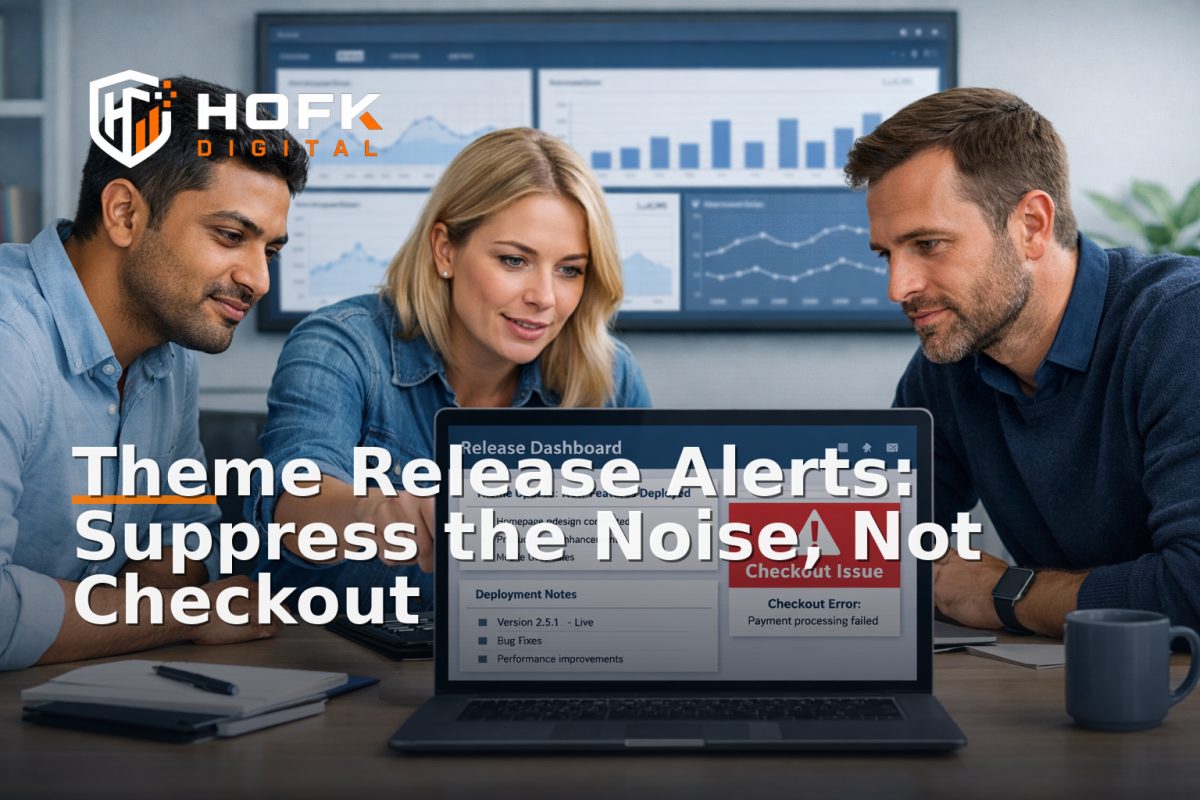
How to Set Alert Suppression Rules for Ecommerce Theme Releases Without Hiding Checkout Failures
Theme releases are one of the easiest places for ecommerce monitoring to become noisy. A new header, a refreshed template, a product badge update or a content block swap can trigger alerts that look serious but are really part of the planned change. The risk is obvious: if you mute too much, you may miss a genuine checkout failure. If you mute too little, the team gets buried in noise and starts ignoring the monitoring altogether.
This is where alert suppression during release needs to be handled as a narrow operational decision, not a blanket policy. For ecommerce teams, the goal is not to silence monitoring. It is to mute the checks that are expected to wobble during a theme release while keeping the alerts that protect basket, checkout and payment paths fully active.
This guide focuses on one scenario: ecommerce theme releases. Not platform migrations, not feed changes, not broad deployment governance. Just the practical decision-making around what can be suppressed safely when a theme swap or major content release is going live.
Start by defining the release boundary
Before anyone touches monitoring rules, define exactly what the release includes. A theme release can mean very different things depending on the stack.
For example, it may involve:
- new templates or sections
- changed navigation or header behaviour
- reworked product cards
- homepage content updates
- mobile layout changes
- small checkout style adjustments
The important point is to separate the expected visual and structural change from the parts of the journey that should remain stable. If the release touches anything near the basket or checkout, the suppression rules need to be stricter.
A useful question is: what is supposed to change, and what should not? If the team cannot answer that in one sentence, the suppression setup is probably too loose.
Use a website monitoring QA gate before suppressing anything
A website monitoring QA gate should sit in front of every release suppression decision. That gate proves the site is behaving as expected in staging or pre-production before the team mutates alerting in live monitoring.
The QA gate should confirm:
- the theme release is deployed to the correct environment
- the homepage and key category pages load normally
- basket and checkout routes still function
- payment handoff still completes
- critical conversion events still fire as expected
If the QA gate fails, do not move straight to alert suppression. Fix the build first. Suppression should be used to reduce noise from a known-good release, not to mask an unknown problem.
For ecommerce teams, this matters because a theme change can create false positives on page-level monitors while also introducing a real checkout issue. The QA gate is the line between “expected noise” and “we should not be shipping this yet.”
Classify alerts by trading risk, not by how annoying they are
The easiest mistake is to suppress whichever alerts are loudest. That is not the right test. The right test is whether the alert indicates a risk to trading, customer trust or order completion.
Group your alerts into three practical buckets:
1. Safe to suppress temporarily
- homepage layout checks during a planned template swap
- non-critical content page monitors that are expected to shift
- visual regression checks on sections that are actively changing
- duplicate alerts from the same template dependency
2. Watch closely but do not mute
- product page performance checks
- filter and sort behaviour on key category pages
- cart drawer checks if the theme touches basket UI
- analytics event checks for key product-view and add-to-basket actions
3. Never suppress during a theme release
- checkout availability checks
- payment handoff checks
- order confirmation or thank-you page checks
- basket-to-checkout transition monitors
- critical error alerts tied to login, basket or payment flows
This is the heart of alert suppression during release: you suppress what is expected to churn, but you keep live the checks that protect revenue.
Build the suppression rules around page groups, not the whole site
Theme releases usually do not affect every page equally. That is why suppression should be targeted to page groups or specific templates rather than the whole monitoring stack.
A practical ecommerce release might involve these groups:
- safe to suppress — homepage, editorial content, non-trading landing pages
- watch — product pages, category pages, search and filters
- never suppress — basket, checkout, payment, confirmation
If the theme release changes mobile navigation or product card layouts, the monitor for those templates may produce temporary noise. That is fine. But if the same release also affects the cart drawer, the suppression scope should stop before the basket logic.
A good rule is to define the suppression boundary by template ownership and customer journey stage. If a page is part of the trading path, it should be much harder to mute.
Use a deploy QA checklist to decide what gets muted
A deploy QA checklist keeps suppression decisions consistent. It also makes the release less dependent on memory or pressure.
A useful checklist for ecommerce theme releases might include:
- Which templates are changing?
- Which monitors are expected to fire because of those changes?
- Does any monitor touch basket, checkout or payment?
- Are there duplicate checks watching the same dependency?
- Has the QA gate passed in staging or pre-production?
- Who owns suppression, and who owns restoration?
- What is the rollback trigger if a critical alert fires?
If a monitor is clearly tied to an area that is being rebuilt, it may be safe to suppress for the release window. If the alert covers a shared dependency such as checkout scripts, payment callbacks or order confirmation logic, it should stay active.
Keep checkout failure alerts active even if the theme touches the basket UI
This is the most important distinction in the whole article. A theme release can change the look of the basket without changing the underlying order flow. Or it can change both. Your monitoring rules need to know the difference.
If the release touches basket UI, you may see false positives on:
- cart drawer appearance checks
- mini-basket rendering
- badge or upsell module visibility
- page-level visual regression alerts
Those can often be suppressed briefly if the underlying basket and checkout logic is unchanged. But the following should remain live:
- add-to-basket succeeds
- basket total updates correctly
- checkout opens from the basket
- payment provider handoff succeeds
- order confirmation is recorded
In other words, appearance can be noisy during a theme release; checkout failures cannot be hidden. If the monitoring stack cannot separate those two, the suppression setup needs revisiting.
Mute by dependency, not by monitor name alone
One monitor may cover several dependencies. For example, a synthetic test could check page rendering, clickability and a JavaScript event at the same time. If you suppress the whole monitor, you may accidentally mute a useful signal as well as the noisy one.
Where possible, split your monitoring so the team can mute only the parts likely to wobble during release. That might mean separating:
- layout checks from functional checks
- homepage checks from checkout checks
- visual regression alerts from transactional alerts
- content page checks from API and payment checks
This is where practical full stack development support can help. If the monitoring setup is too bundled together, it may be hard to suppress noise without also muting a real failure path.
Decide the suppression window before the release starts
A suppression window should be time-boxed. If it is not, the team can forget to restore normal monitoring and end up with blind spots.
Define three times in advance:
- start — when suppression begins
- end — when suppression automatically or manually stops
- review — when the team checks what fired, what was muted and what should change next time
For a theme release, the suppression window is usually short. It should cover the deploy and the immediate stabilisation period, not the entire trading day.
VERIFY: the exact duration should be based on your own release cadence, traffic level and the complexity of the templates being changed.
Assign one owner for suppression and one for restoration
Monitoring gets messy when no one owns the switch. The release lead may request suppression, but another person should be responsible for restoring normal monitoring and confirming the live state is healthy.
At minimum, assign:
- suppression owner — approves what is muted and why
- restoration owner — turns monitoring back on at the agreed time
- incident owner — decides whether a critical alert should stop or roll back the release
This separation is useful because a release team under pressure can miss the restoration step. If that happens, the business may think monitoring is live when it is still partially muted.
Document the exceptions in plain English
Do not bury the suppression logic in a spreadsheet no one reads. Keep a simple written record of:
- which templates were muted
- which alerts stayed live
- why each suppression decision was made
- who approved the suppression
- who restored monitoring
That record matters later when the team asks whether a noisy alert should have been muted or a real alert should have stayed active. It also helps refine the release-window monitoring policy for the next release without making the policy too broad.
Use a post-release review to tighten the rules
Suppression rules should improve after each release. A short review is usually enough.
Ask three questions:
- Which alerts were useful and should stay active next time?
- Which alerts were noisy and could have been safely suppressed?
- Did any critical signal get muted by mistake?
If the same alert keeps being muted because it only reflects an expected theme change, you may need to separate it from the transactional monitors. If a supposedly safe alert turns out to be the earliest sign of a checkout issue, it should be moved into the never-suppress group.
This review is where release confidence gets better. You are not just muting more alerts; you are learning which signals really matter.
A simple suppression matrix for ecommerce theme releases
Use this as a starting point and adapt it to your own stack:
- Homepage layout check — suppress during theme swap
- Content page visual check — suppress during known template changes
- Product page function check — watch, do not mute
- Cart drawer function check — watch, do not mute if basket logic is untouched
- Checkout availability — never suppress
- Payment handoff — never suppress
- Order confirmation — never suppress
That matrix keeps the team focused on release noise without giving up the signals that protect trading.
Where HOFK fits
HOFK works across ecommerce, website monitoring, full stack development, automation and operational software, so this kind of problem is usually approached as both a technical and operational control issue. In practice, that may mean making sure the monitoring is split sensibly, the release gate is clear and the alert routing matches the real customer journey.
For stores with theme-driven trading, the useful work is often not more monitoring. It is better monitoring design: separating visual checks from transactional checks, keeping checkout failures visible, and making the release process easier to trust.
Conclusion
Alert suppression during release only works when it is narrow, deliberate and tied to the actual ecommerce journey. Theme releases can create harmless noise on content and layout checks, but they should never hide checkout failures, payment issues or order confirmation problems.
If you define the release boundary, use a website monitoring QA gate, apply a deploy QA checklist and keep critical trading alerts live, you can mute the noise without blinding the team. That is the practical way to handle a theme swap or content release without turning monitoring into a blind spot.
If your ecommerce monitoring needs a cleaner structure, HOFK can help with practical website monitoring, release confidence, full stack development and the operational detail behind safer deployments.
Frequently asked questions
What is alert suppression during release?
It is the temporary muting of known-noisy monitoring alerts while a planned release is in progress. The aim is to avoid false positives without hiding real trading failures.
Should checkout alerts ever be suppressed during a theme release?
Generally, no. Checkout availability, payment handoff and order confirmation alerts should stay live because they protect revenue and customer trust.
What should be covered by a website monitoring QA gate?
The QA gate should confirm that the release behaves as expected in a safe environment before any monitoring is suppressed. It should check the pages, journeys and events most likely to be affected.
How do I know if a monitor is safe to mute?
It is safer to mute alerts that are tied to known visual or template changes on non-critical pages. If the alert is connected to basket, checkout, payment or confirmation, it should usually remain active.
What is the point of a deploy QA checklist?
It keeps suppression decisions consistent. It helps the team decide what is expected noise, what should be watched, and what must never be muted.