

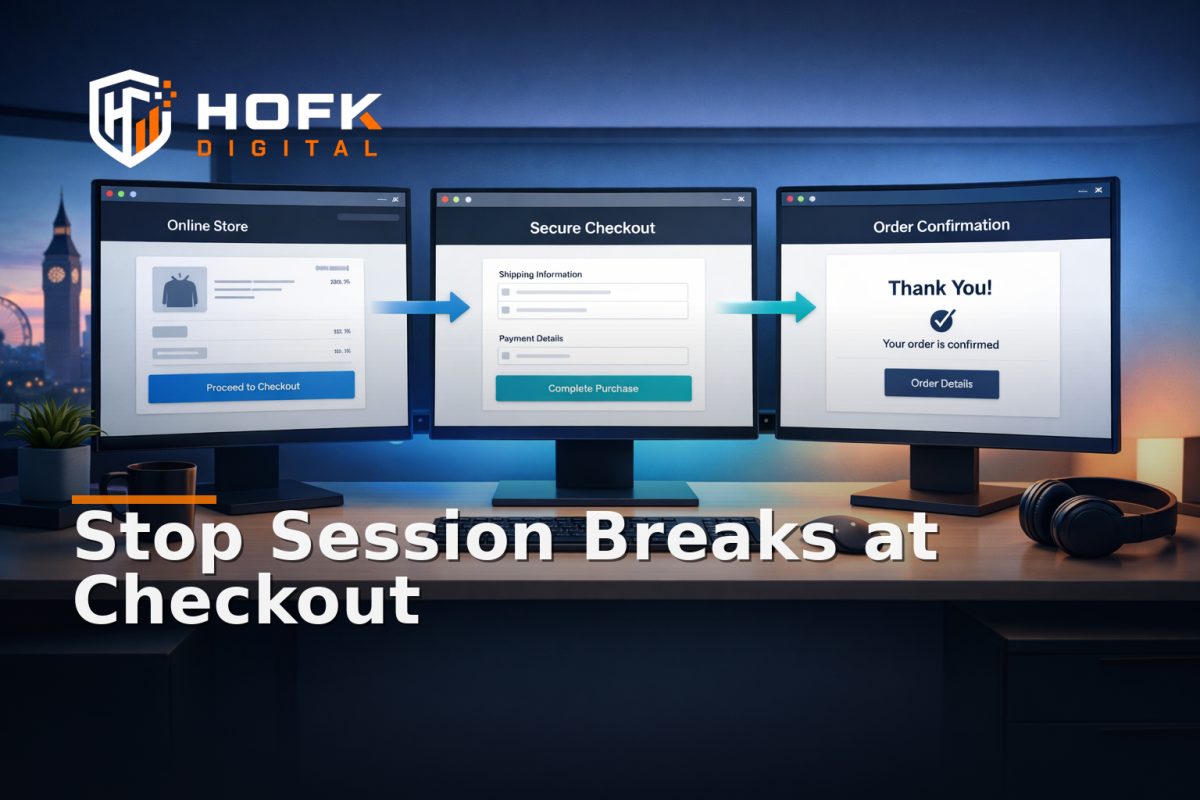
How to Diagnose Laravel Session Handoff Failures Across Checkout Domains Before Attribution Breaks
If a customer starts on your main site, moves to a checkout provider or subdomain, then returns to a thank-you page with no reliable source data attached, the problem is often not the campaign. It is the handoff.
That handoff is where cross-domain session persistence can fail quietly. The page still loads, the payment still completes, and yet Laravel no longer has the same session identity, attribution context or user state at every step. For ecommerce teams, founders and technical leads, that means the order may be real while the data path is not.
This article is not a generic tracking checklist. It is a Laravel implementation review for one failure mode: session state that survives the first visit but falls apart when the journey moves between domains, subdomains, checkout tools or integrated services. The aim is to help you isolate whether the break is happening in cookie settings, middleware, redirect logic, payload transport or the way the thank-you page reconstructs state.
What cross-domain session persistence is trying to preserve
In a clean checkout flow, the same customer journey should remain recognisable even when the browser crosses domain boundaries. You may not keep the exact same browser cookie everywhere, but you should keep enough state to answer a few commercial questions later:
- Where did the user come from?
- Which basket or checkout instance did they start?
- What session or reference should the thank-you page use?
- Can the order be linked back to the original source without guesswork?
That is why session persistence on ecommerce websites is not only a browser concern. In Laravel, it becomes a data-model question, a middleware question and sometimes an integration question. If the session id, user token, checkout reference or signed payload is not passed consistently, attribution and operational reporting can drift apart.
Start by mapping the actual handoff points
Before changing configuration, map the real path a customer takes. Do not assume the checkout is one continuous Laravel session simply because the business thinks of it that way.
A typical flow might look like this:
- Customer lands on the first-party site and enters a session.
- A basket is created or updated.
- The customer clicks through to an external checkout provider, payment gateway or booking tool.
- The provider completes payment or approval.
- The browser returns to a thank-you page on your domain, or a separate confirmation page is shown elsewhere.
The main diagnostic question is simple: at which point does the state stop being recognisable?
That could happen because:
- a cookie is not being shared across the relevant domain or subdomain
- a redirect drops the query string or signed parameter
- the checkout provider does not return a usable reference
- the thank-you page is reading stale or incomplete session data
- the Laravel app is regenerating session identifiers too early
Check the Laravel session layer first
If cross-domain session persistence is failing, start with the Laravel session configuration. Many issues sit in the gap between what the application assumes and what the browser is allowed to store.
1. Confirm the session driver and storage behaviour
Check which driver is in use and whether it behaves as expected in production. If sessions are stored in cache, Redis or the database, verify that the relevant store is stable and not expiring data too aggressively. If the session is effectively local to one app instance but the checkout journey spans multiple nodes or services, you may see state loss that looks like a tracking issue but is really a storage issue.
2. Review session cookie settings
Look closely at the cookie domain, lifetime, secure flag and same-site behaviour. These are common failure points when customers move between domains or subdomains. If the cookie is scoped too narrowly, the browser may not send it where you expect. If the same-site policy is too strict for the journey, the session may be suppressed during the cross-site step.
Useful checks include:
- is the cookie set for the parent domain or only one host?
- does the secure flag match the environment?
- is the cookie lifetime long enough for a checkout journey?
- does the same-site setting match the real checkout flow?
If you are working in a mixed environment with a first-party site, an external checkout provider and a separate confirmation page, cookie policy alone may not be enough. You may need a token or payload handoff as well.
3. Check whether the session is being regenerated unexpectedly
Laravel often regenerates session identifiers at important moments, which is good for security. But if that regeneration happens at the wrong point in a checkout flow, the browser can lose the earlier state before the order is confirmed. If the session id changes after a redirect or before the provider callback returns, the thank-you page may no longer be looking at the same identity.
If attribution only disappears after the payment step, this is worth checking early.
Audit the redirect path, not just the page content
One of the most common reasons cross-domain checkout tracking fails is that the redirect between steps looks harmless but strips the state you needed.
When a customer leaves your site, look at the full redirect chain:
- Does the URL preserve relevant query parameters?
- Are UTM values, click ids or internal references still present after the first redirect?
- Does the checkout provider return the same reference on the way back?
- Is there any server-side rewrite that drops the payload?
In Laravel, redirects can be introduced in controllers, middleware, route helpers or external integrations. It is worth tracing the actual HTTP flow rather than relying on the front-end impression that “the customer came back to the right page”.
A practical test is to log the incoming and outgoing parameters at each boundary. If the first-party site passes a reference into the checkout URL, but the return route arrives without it, the issue may be in the redirect layer rather than the session driver.
Use payload handoff where cookies are not enough
In some checkout journeys, cookie-based persistence is fragile by design. That is especially true when the browser moves between different registrable domains, third-party checkout tools or embedded services. In those cases, you need a second layer of state transfer.
That state can be carried through:
- query parameters
- signed tokens
- server-stored checkout references
- webhook callbacks into Laravel
- hidden fields in a form or hosted checkout payload
The important thing is that the payload is treated as a controlled reference, not as a loose bit of frontend data.
Ask what the thank-you page is actually trusting
If the confirmation page is reconstructing attribution from a parameter that can be altered, dropped or duplicated, the implementation is too weak. A better pattern is to store a server-side record of the checkout start, then confirm the completion against a returned reference or webhook before rendering the final state.
This is often where a Laravel ecommerce tracking audit becomes useful. The goal is not simply to see whether the page loads correctly, but whether the application has a stable source of truth when the browser returns from elsewhere.
Inspect middleware-level behaviour
If the cookie settings look correct and the redirect path still loses state, the next place to review is middleware. In Laravel, middleware can influence how sessions are started, persisted, regenerated or made available across requests.
Things to check include:
- session start order relative to other middleware
- whether custom middleware mutates the session before it is written
- whether locale, auth or consent middleware changes the request path in a way that affects the session
- whether any middleware is redirecting across hosts without preserving identifiers
Custom middleware is a common source of hidden session handoff failure because it may be added for another purpose and only later start affecting checkout traffic.
If you are using separate middleware groups for web, checkout or confirmation routes, compare their behaviour. A route that works in development may fail in production because one group writes the session differently or applies a stricter policy.
Test the data model behind the handoff
Session persistence is usually discussed as a browser issue, but in a Laravel ecommerce setup it often becomes a data-model issue as soon as checkout is externalised. The app may need to retain:
- a basket id
- a customer reference
- an order intent id
- a checkout session id from the provider
- the original source data for reporting
If any one of those is missing, the thank-you page can still appear to work while the attribution record becomes incomplete.
Ask whether the database has a clear table or record for the lifecycle of the checkout. If the original basket, the payment completion and the thank-you state are stored in different places with no stable join key, the handoff is too brittle.
For example, if the confirmation page depends only on the browser session but the actual order completion happens in a provider callback, the browser may no longer be a reliable source of truth. In that case, the model should be driven from the completed order record rather than the live browser state.
How to isolate whether the break is cookie, redirect or payload
The fastest way to diagnose this is to test one boundary at a time.
Test 1: Same-domain flow only
Start with a journey that stays on one domain. If attribution still fails there, the issue is unlikely to be cross-domain. It may be basic session configuration, route handling or persistence logic.
Test 2: Cross-domain move without the checkout provider
Try moving from the first-party site to a test external domain or staging checkout route while keeping the rest of the flow simple. If the state disappears here, focus on cookies, same-site policy and redirect handling.
Test 3: Provider return only
Test the journey where the customer completes the provider step and returns. If the outbound step is fine but the return is not, check the callback, query parameter and server-side lookup path.
Test 4: Confirmation page reconstruction
Check how the thank-you page decides what to show. Is it reading the session, the query string, the database or the webhook result? If it is reading the wrong source first, you may get a false positive in testing and a false negative in live traffic.
This kind of isolation is especially important in a Laravel ecommerce tracking audit, because the issue can move between browser, controller and integration layers. You need to know which layer is failing before you can fix it.
Look for patterns in browser and device behaviour
Cross-domain session persistence can fail in ways that are browser-specific rather than completely broken. Safari, Chrome and embedded browser contexts may behave differently around cookies, redirects and consent decisions.
Useful questions to ask:
- does the issue happen on all browsers or only some?
- does it fail on mobile more often than desktop?
- does an incognito or private session behave differently?
- does the issue only appear after consent is accepted or refused?
If the answer changes by browser, the root cause may be in cookie policy, consent state or redirect logic rather than the checkout provider itself.
A practical diagnostic workflow for Laravel teams
If you need a repeatable way to investigate, use this sequence:
- Reproduce the checkout journey with a known test basket.
- Record the full sequence of URLs and redirects.
- Log the session id, basket reference and checkout reference at each step.
- Check whether any middleware changes the request or session unexpectedly.
- Verify what the thank-you page reads as its source of truth.
- Compare the database record, provider callback and browser session.
- Repeat the test in a second browser and on mobile.
If the same journey works in one context but not another, resist the urge to patch the thank-you page first. Find the boundary where the handoff stops being reliable.
Common implementation causes to rule out early
- cookie domain set too narrowly for the actual checkout journey
- same-site policy blocking the cross-domain request
- session lifetime too short for the payment flow
- redirects dropping parameters or signed references
- middleware regenerating or mutating state too early
- thank-you page trusting the browser session instead of a completed order record
- checkout provider callback not writing back to Laravel cleanly
Any one of these can break attribution. More than one often exists at the same time.
What good looks like in a stable Laravel handoff
A robust handoff does not depend on one fragile mechanism. It usually combines:
- a session that survives the first-party part of the journey
- a durable checkout reference stored server-side
- a return path that preserves the important parameters
- a webhook or callback that confirms the completed state
- a thank-you page that reads the completed order from a reliable source
That approach is more resilient than hoping the browser session alone will survive every boundary. It also makes troubleshooting easier because each step has a known role.
When to bring in technical support
If you have checked cookie settings, redirects and payloads but the issue keeps returning, the problem is likely structural. That is often when a full stack review is more useful than another round of guesswork.
HOFK often works across ecommerce, full stack development, responsive websites, SEO & Adwords support and practical operational software. In this kind of issue, the useful work is usually in tracing the real state path, tightening the middleware, improving the checkout handoff and making the source of truth easier to trust. In some cases, that may mean rebuilding how the checkout reference is passed between systems rather than trying to preserve a browser session that was never stable enough to carry attribution on its own.
If you have seen similar state-handling issues in operational software or connected systems, the same diagnostic habit applies: define the handoff, find the source of truth, and check where state is lost.
Checklist: cross-domain session persistence in Laravel
- Confirm the session driver and storage are stable in production.
- Review cookie domain, secure and same-site settings.
- Check whether the session is regenerated too early.
- Trace redirects for lost parameters or references.
- Verify the payload handoff from first-party site to checkout provider.
- Inspect middleware for unexpected session mutations.
- Confirm the thank-you page reads from the right source of truth.
- Test browser, device and consent-state differences.
Conclusion
Cross-domain session persistence is only useful if the journey keeps enough state to survive the checkout handoff. In Laravel, that means checking cookies, redirects, middleware and payload transport as a connected system, not as separate tasks. If the session breaks between the first-party domain, checkout provider and thank-you page, attribution can fail even when the sale succeeds.
The practical fix is to trace the handoff boundary by boundary, then decide whether the browser session, the server record or the provider callback should be treated as the source of truth. For many teams, that is the point where a Laravel ecommerce tracking audit stops being a marketing exercise and becomes an implementation review.
If your checkout needs a cleaner technical handoff, HOFK can help with full stack development, ecommerce support and the practical detail behind systems that need to keep state intact across domains, redirects and integrations.
For more practical articles on ecommerce, tracking and implementation detail, see the HOFK articles hub or return to the HOFK homepage.
Frequently asked questions
What is cross-domain session persistence?
It is the ability to preserve enough session or reference data when a user moves between domains, subdomains or external checkout services so the journey can still be identified later.
Why does Laravel cross-domain tracking fail?
Common causes include cookie scope, same-site policy, redirect handling, early session regeneration, middleware behaviour and weak checkout return logic.
Should the thank-you page rely on the browser session alone?
Usually not. A safer pattern is to confirm the completed order from a server-side record, webhook or provider callback, then use the session as supporting context.
What should I test first in a Laravel ecommerce tracking audit?
Start with the handoff points: outbound redirect, provider return and the source of truth used by the confirmation page.
When should a developer get involved?
If the issue only appears at the middleware, redirect or payload level, or if the same state breaks repeatedly across domains, it usually needs technical review rather than a simple tracking tweak.